home-assistant-config
🏠 My configuration for home-assistant (https://www.home-assistant.io). 🌟 for updates!
 benct
benctgit clone https://github.com/benct/home-assistant-config.gitbenct/home-assistant-configHome Assistant Configuration
Configuration for my home-assistant setup running on Home Assistant OS on a Raspberry Pi 3 Model B.
Hardware
- Raspberry Pi 3 Model B
- Raspberry Pi Camera V2
- Samsung SmartThings Hub
- Samsung Washer/Dryer
- Samsung Smart TV
- Phillips Hue Hub
- Google Nest Mini / Hub / Audio
- Google Chromecast
- Netatmo Weather Station
- Xiaomi Roborock Vacuum
- Mill Heaters
Z-Wave/Zigbee Devices
- Telldus Wall Plug
- Fibaro Wall Plug
- Fibaro Motion Sensor
- Fibaro Smoke Sensor
- Fibaro Flood Sensor
- Fibaro Door/Window Sensor
- Phillips Hue Bulbs / Strips / Play
- Phillips Hue Plugs
- SmartThings Button
- HeatIt Z-TRM3 Thermostat
Integrations
List of installed integrations via the Home Assistant UI.
Hubs/Devices
Media
Weather
System
Frontend
The frontend is using the new Lovelace UI, with a customized configuration and several custom cards.
Home Assistant Community Store (HACS) is used to install and update most of the custom cards/plugins.
Theme
Midnight theme from the HA Community (by marcelhoffs).
My Lovelace Cards
I've created and currently maintain a few plugins (cards) for Home Assistant's Lovelace UI:
HassOS Maintenance
ssh root@192.168.0.XX
SSH to host
- https://gist.github.com/enegaard/a57af286205914bd912270c89650fb1b
- https://developers.home-assistant.io/docs/operating-system/debugging/#ssh-access-to-the-host
ssh root@homeassistant -p 22222
Hassbian Maintenance (deprecated)
cd /home/homeassistant/.homeassistant/

sudo systemctl start home-assistant@homeassistant.service
sudo systemctl stop home-assistant@homeassistant.service
sudo systemctl restart home-assistant@homeassistant.service
Virtual Environment
sudo -u homeassistant -H -s
source /srv/homeassistant/bin/activate
Upgrading
sudo apt-get update
sudo apt-get upgrade
Stop the home-assistant service before running the following:
sudo -u homeassistant -H -s
source /srv/homeassistant/bin/activate
pip3 install --upgrade homeassistant
Certificate
For initial setup see home-assistants Let's Encrypt guide.
sudo apt-get install certbot
sudo certbot certonly --standalone --preferred-challenges http-01 --email <email> -d <hostname>
chmod 755 /etc/letsencrypt/live/your.site/
chmod 755 /etc/letsencrypt/archive/your.site/

sudo certbot renew
Nmap Tracker
sudo apt-get install net-tools nmap
sudo setcap cap_net_raw,cap_net_admin,cap_net_bind_service+eip /usr/bin/nmap
Screenshots
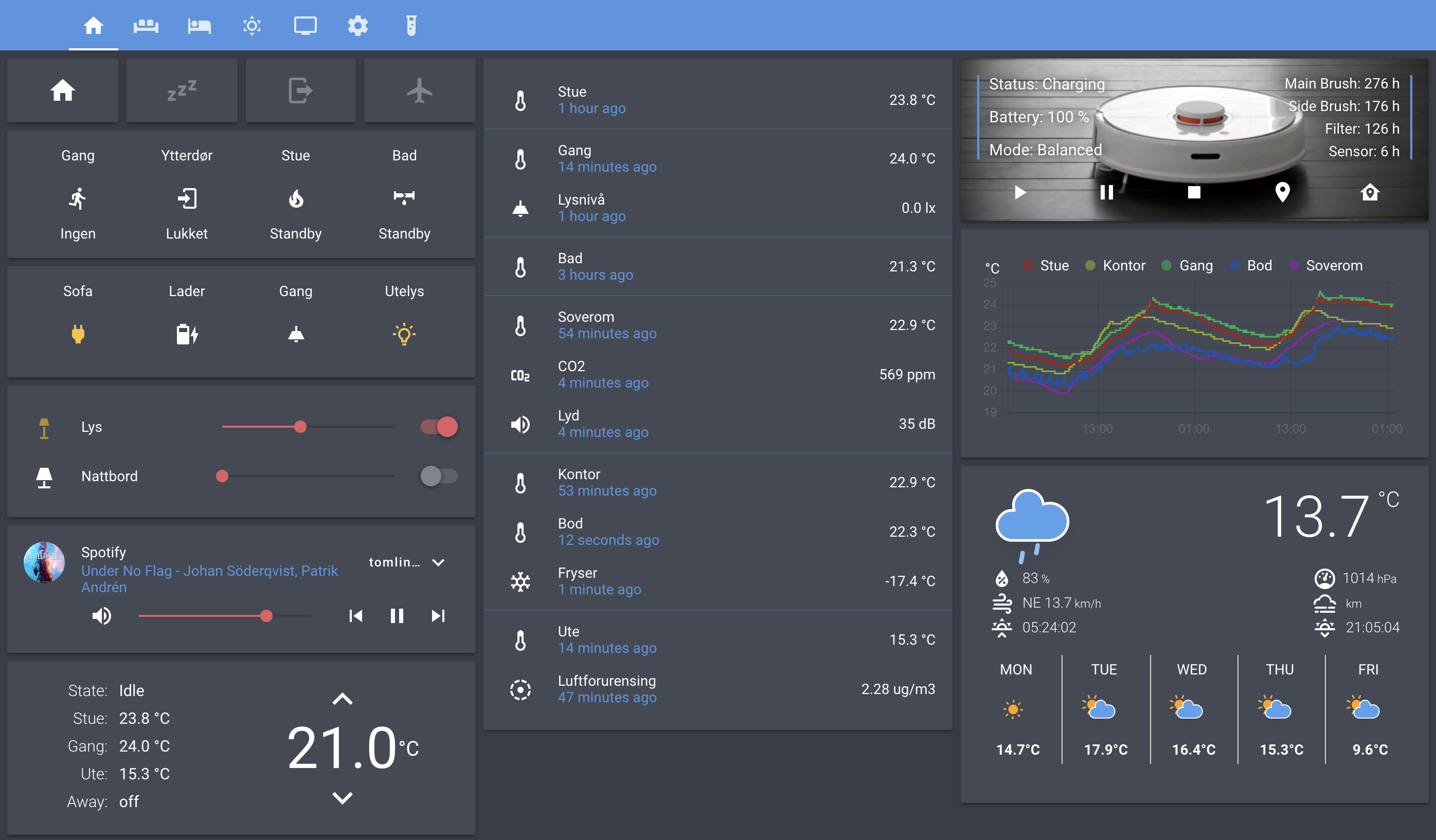
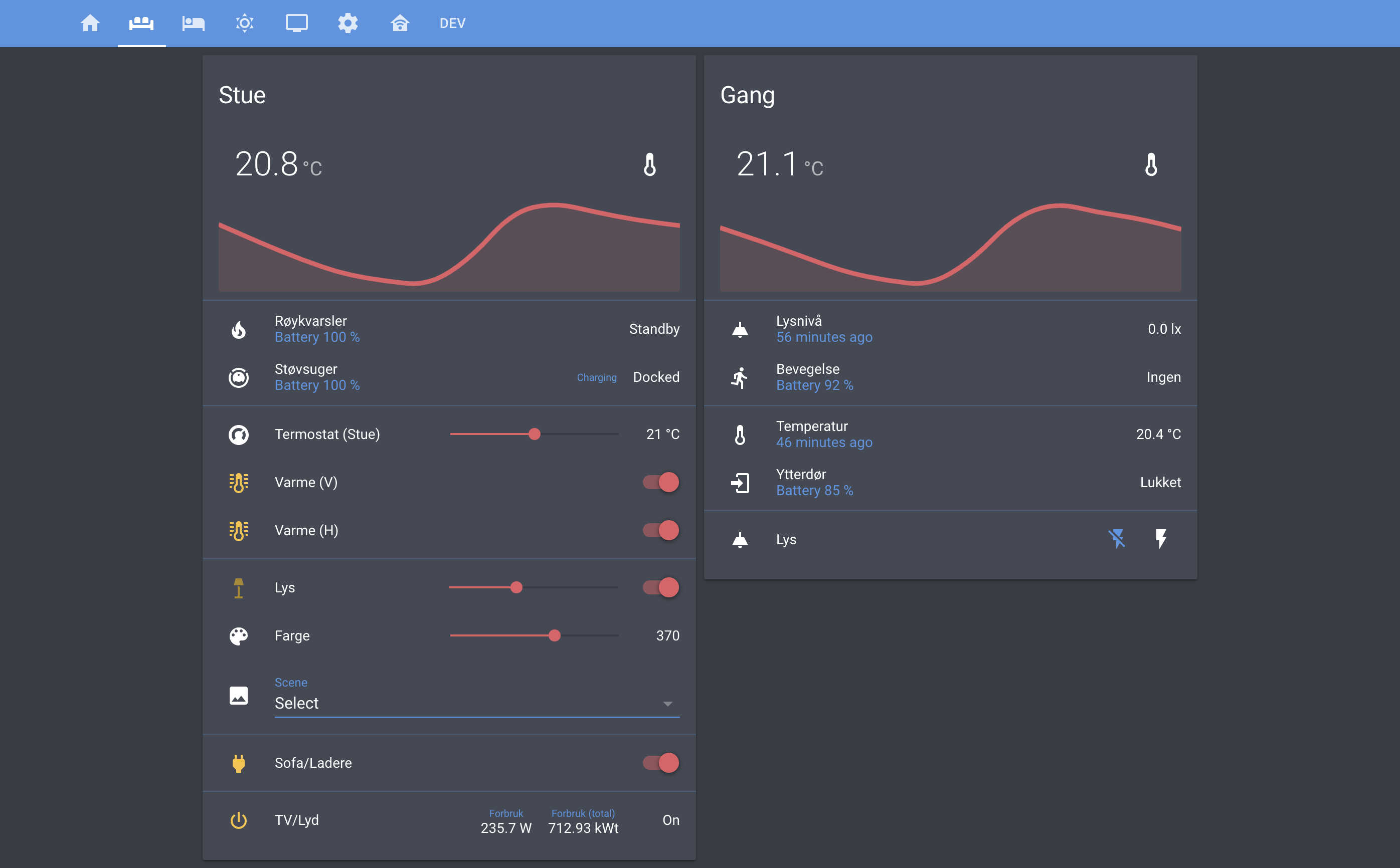
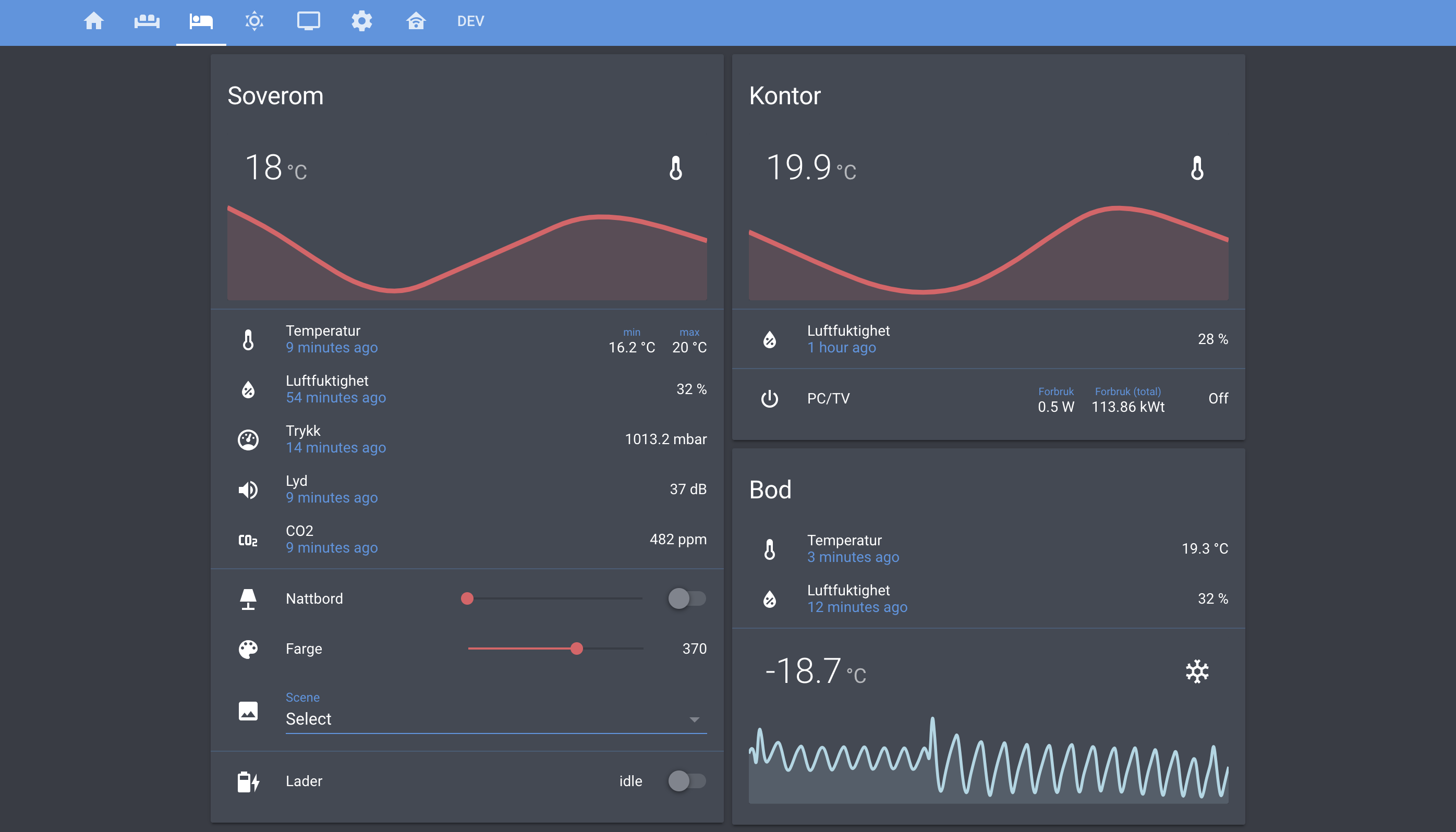
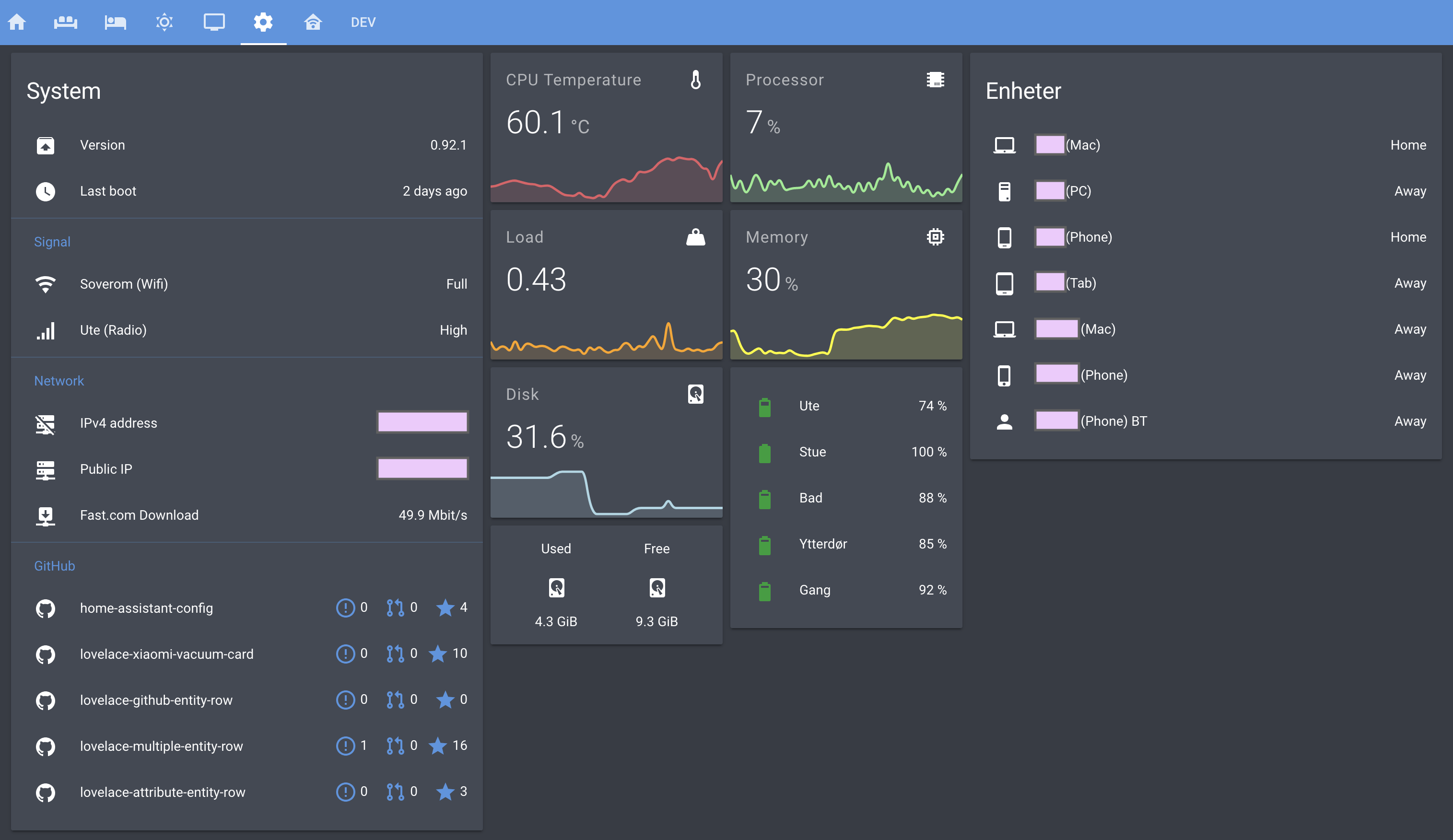
more like this
todo-swipe-card
A specialized swipe card for todo lists in Home Assistant with custom styling
esphome_modbus_bridge
ESPHome Modbus TCP↔RTU Bridge – Transparent bridge for ESP8266/ESP32 that lets multiple Modbus TCP clients communicate…
ESPGeiger
☢️ ESP8266 / ESP32 Firmware for collecting and reporting statistics from Geiger counters