dotfiles
dotfiles repo - Archlinux + Hyprland
 binoymanoj
Shell★ 64⑂ 3 forksMITupdated 3 weeks ago
git clone https://github.com/binoymanoj/dotfiles.gitbinoymanoj/dotfilesREADME.mdfork it — it’s yours
🚀 My Dotfiles
A carefully crafted collection of configuration files for a modern Linux desktop environment
📸 Screenshots • ⚡ Quick Start • 🔧 Components • 📦 Setup
🎨 Preview
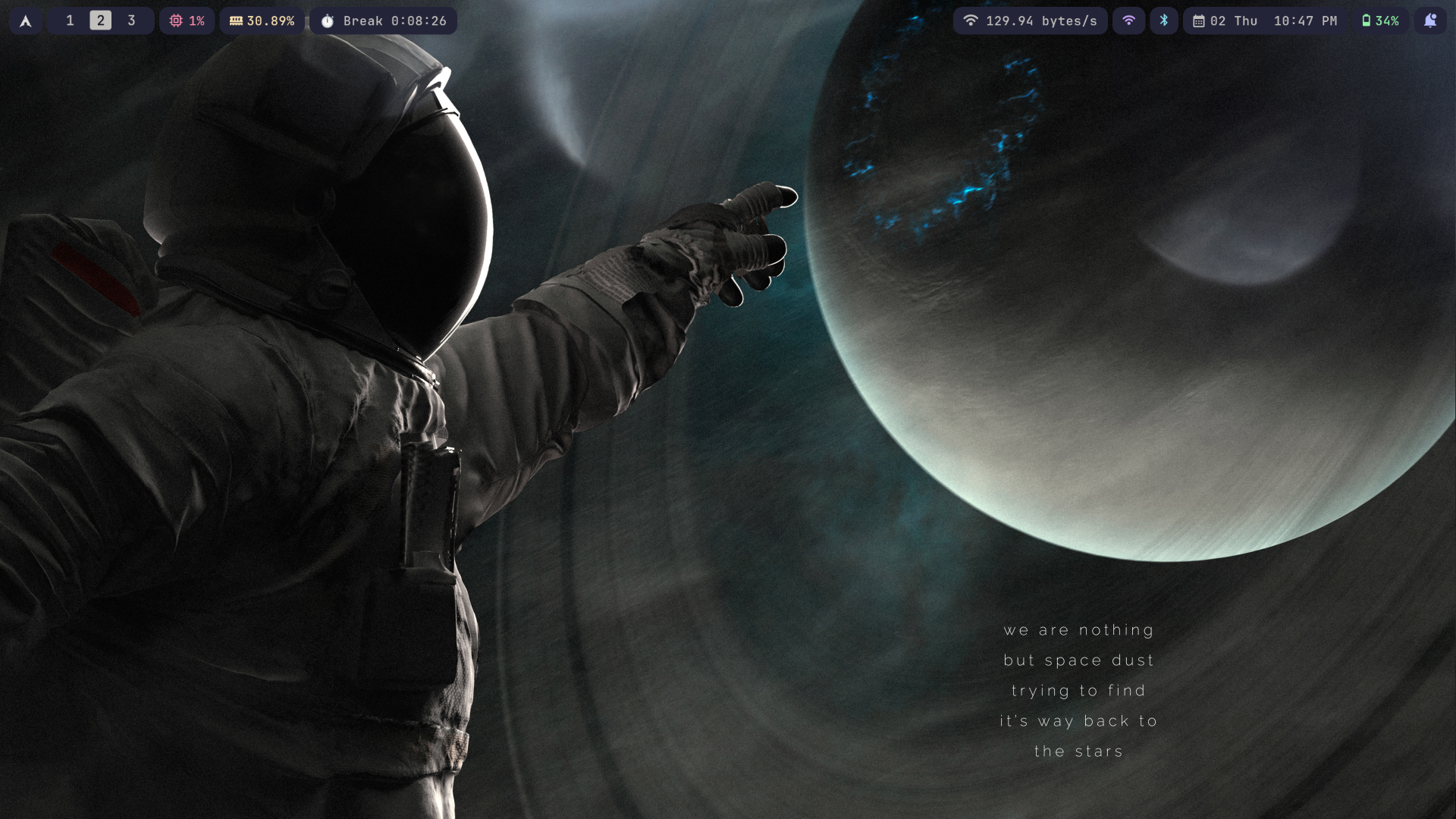
Complete desktop setup with Archlinux + Hyprland
🖼️ More Screenshots
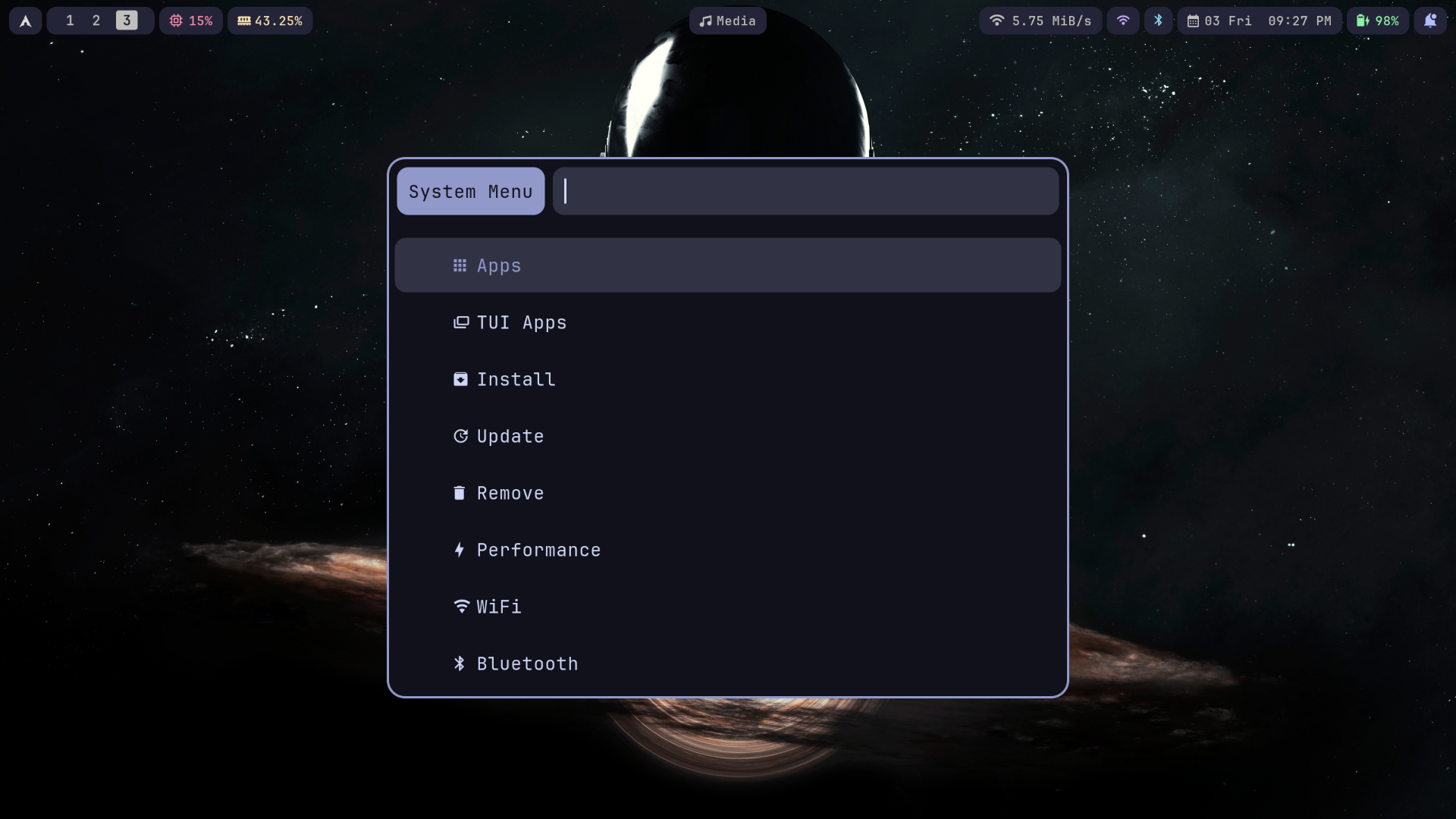
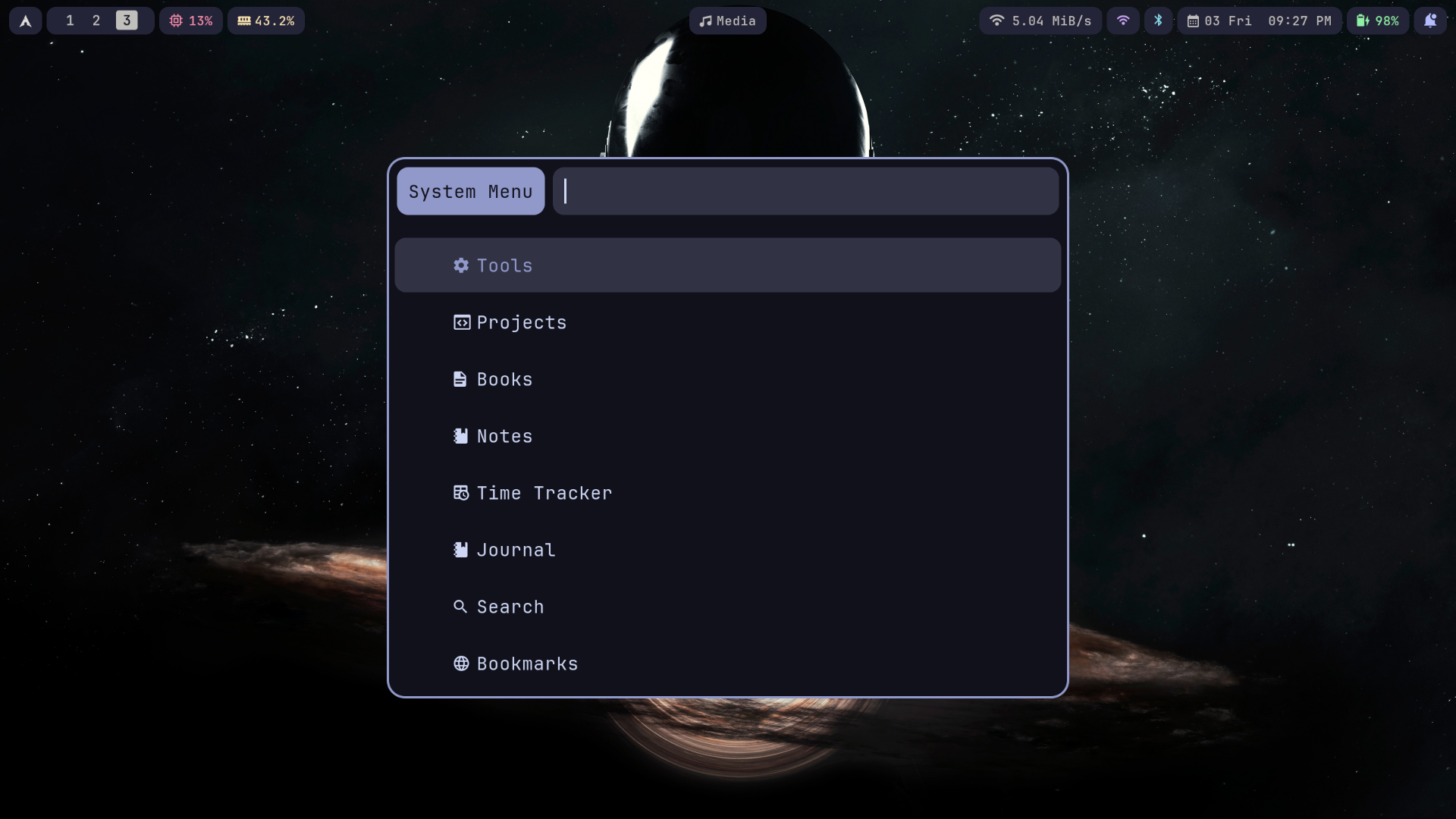
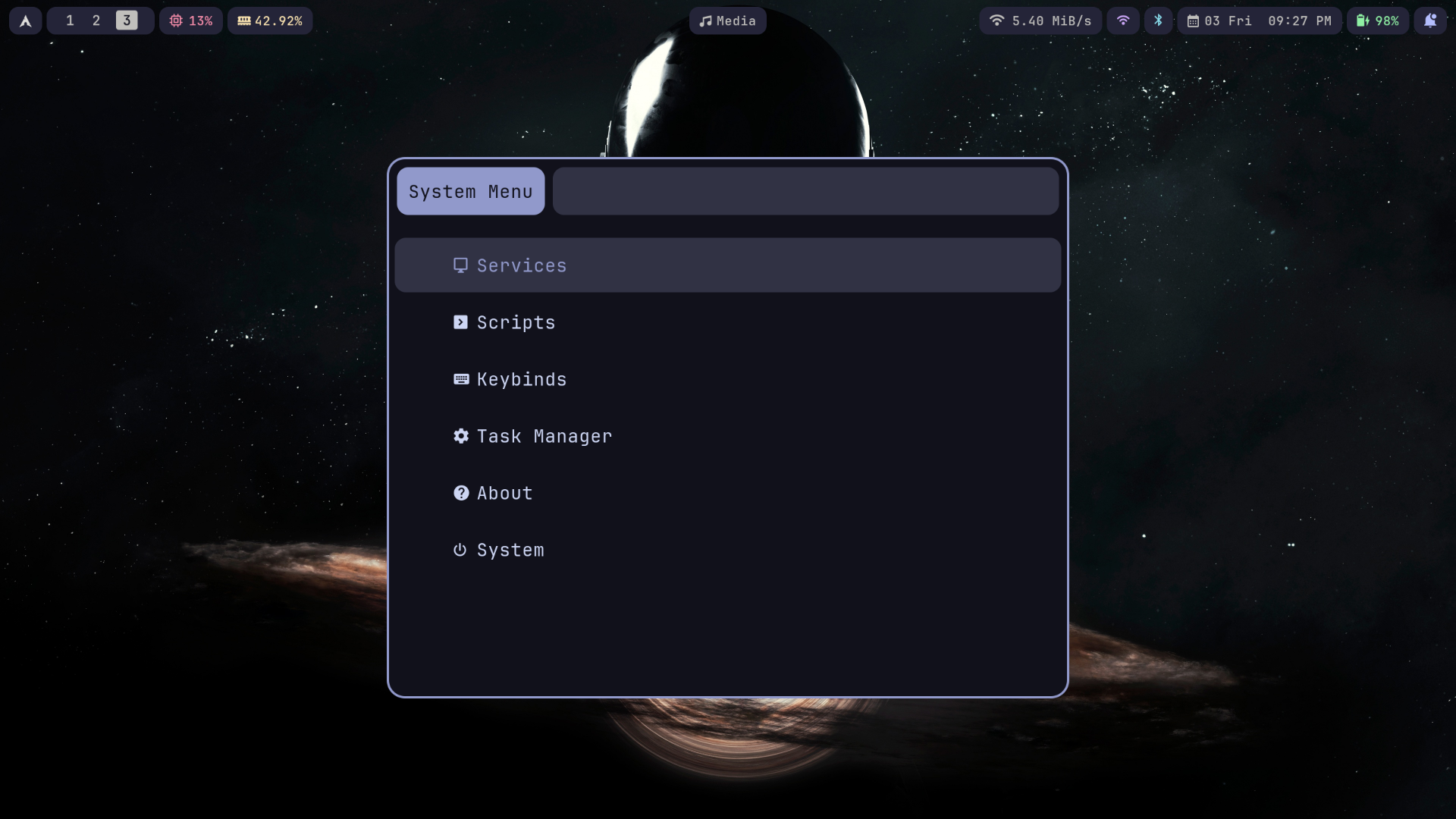
Control Center (All-in-one Menu)
🖥️ Terminal
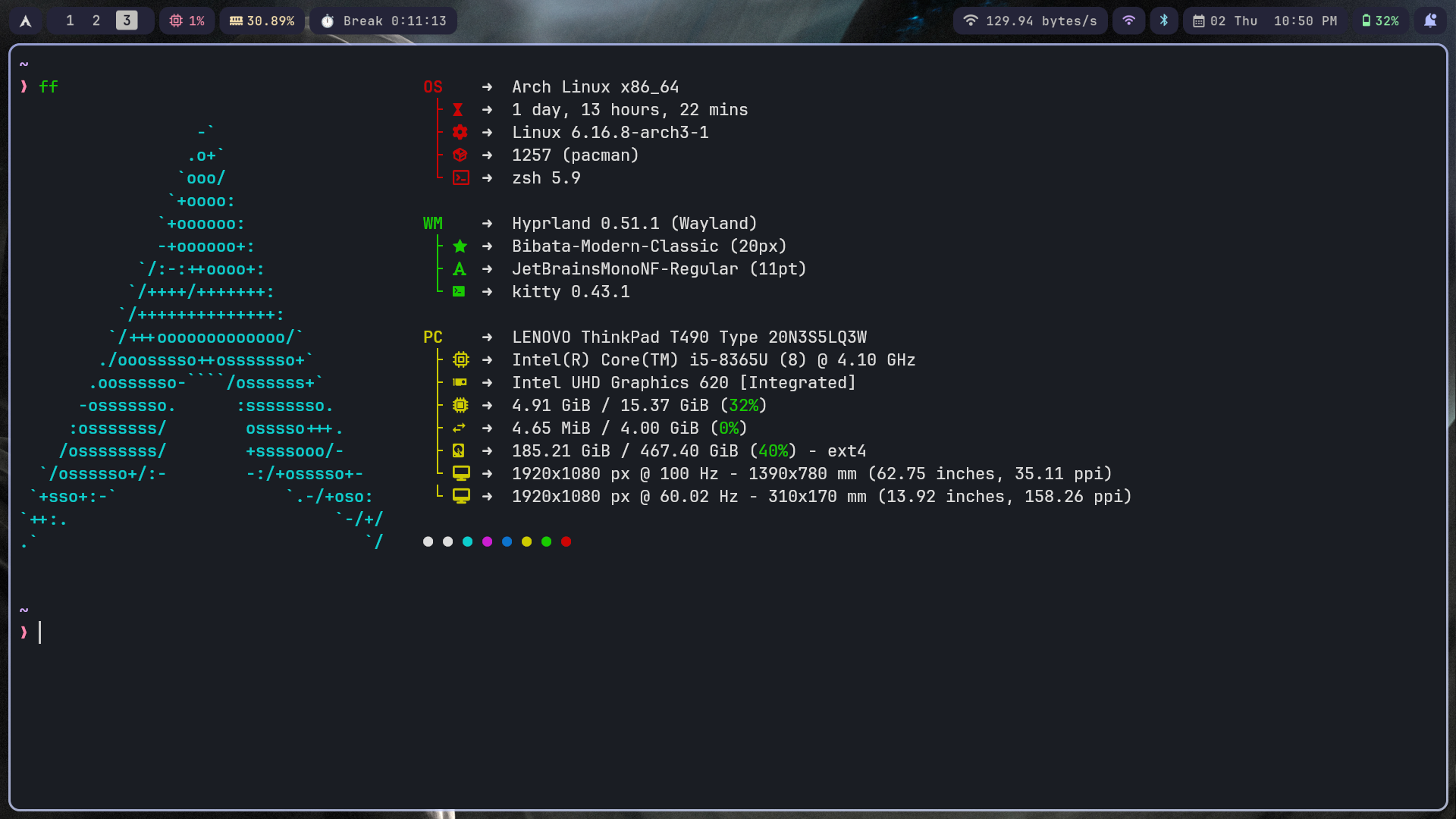
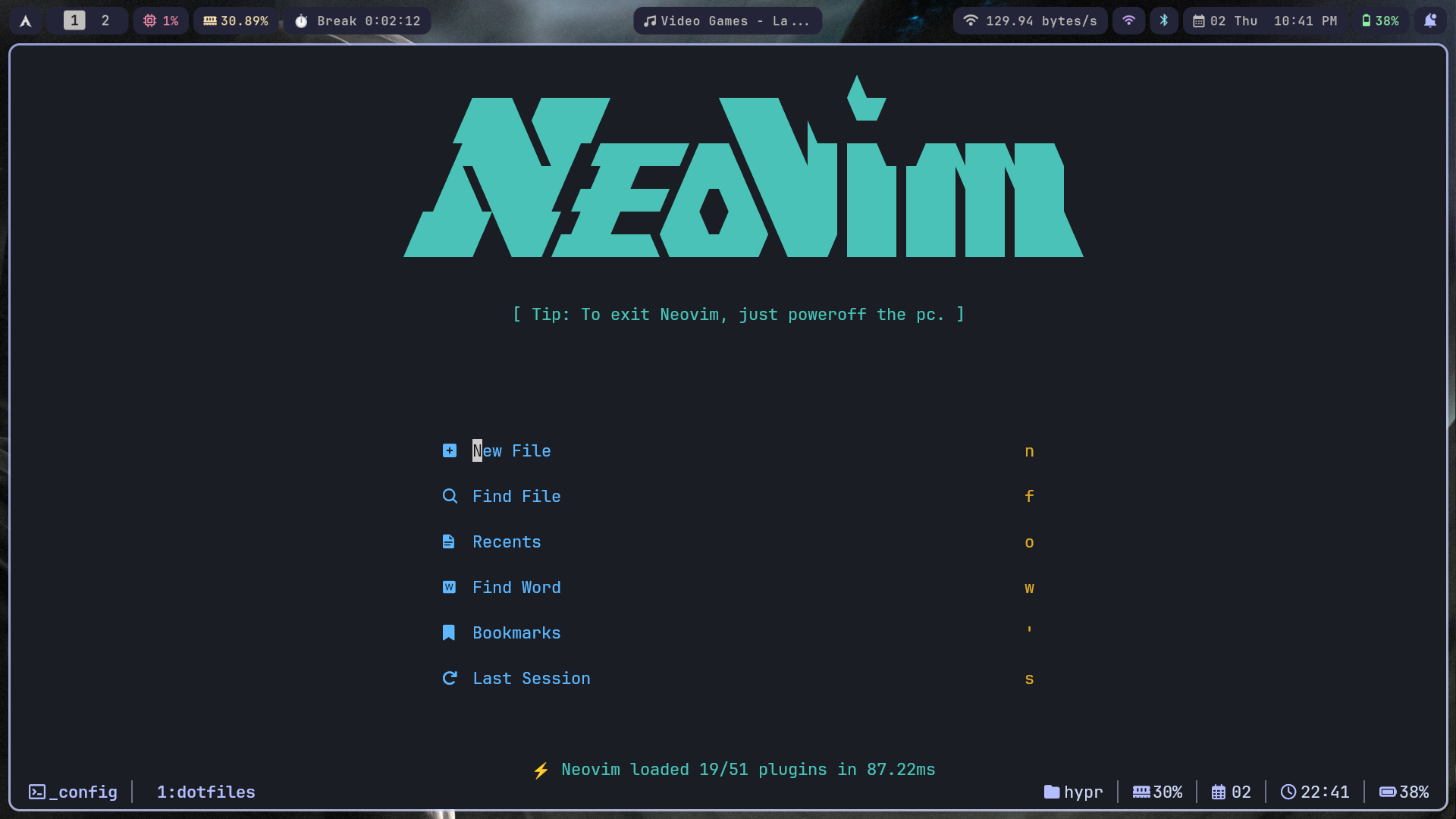
📝 Text Editing
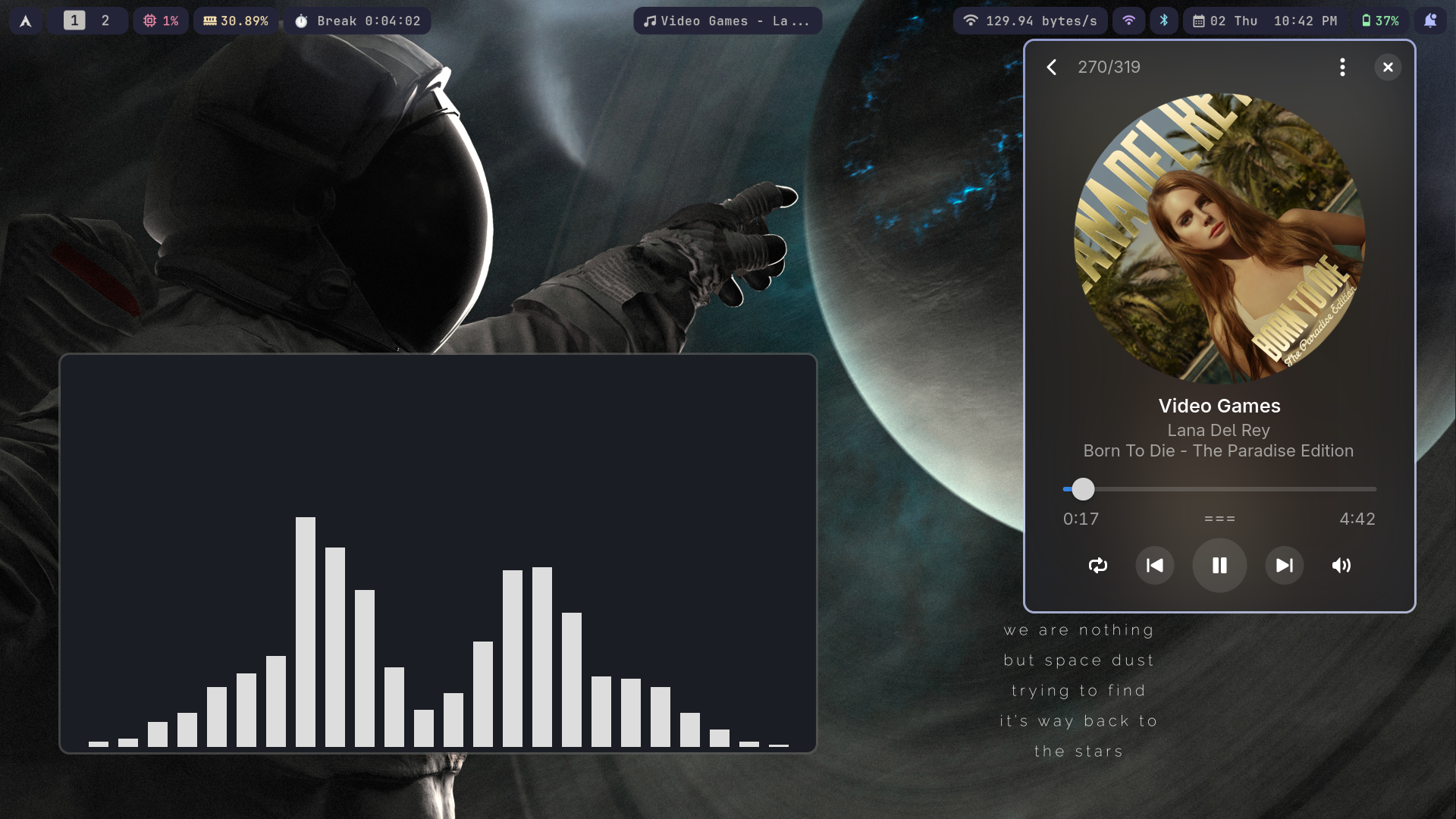
🎵 Music Player
🧑💻 Tmux (Terminal multiplexer)
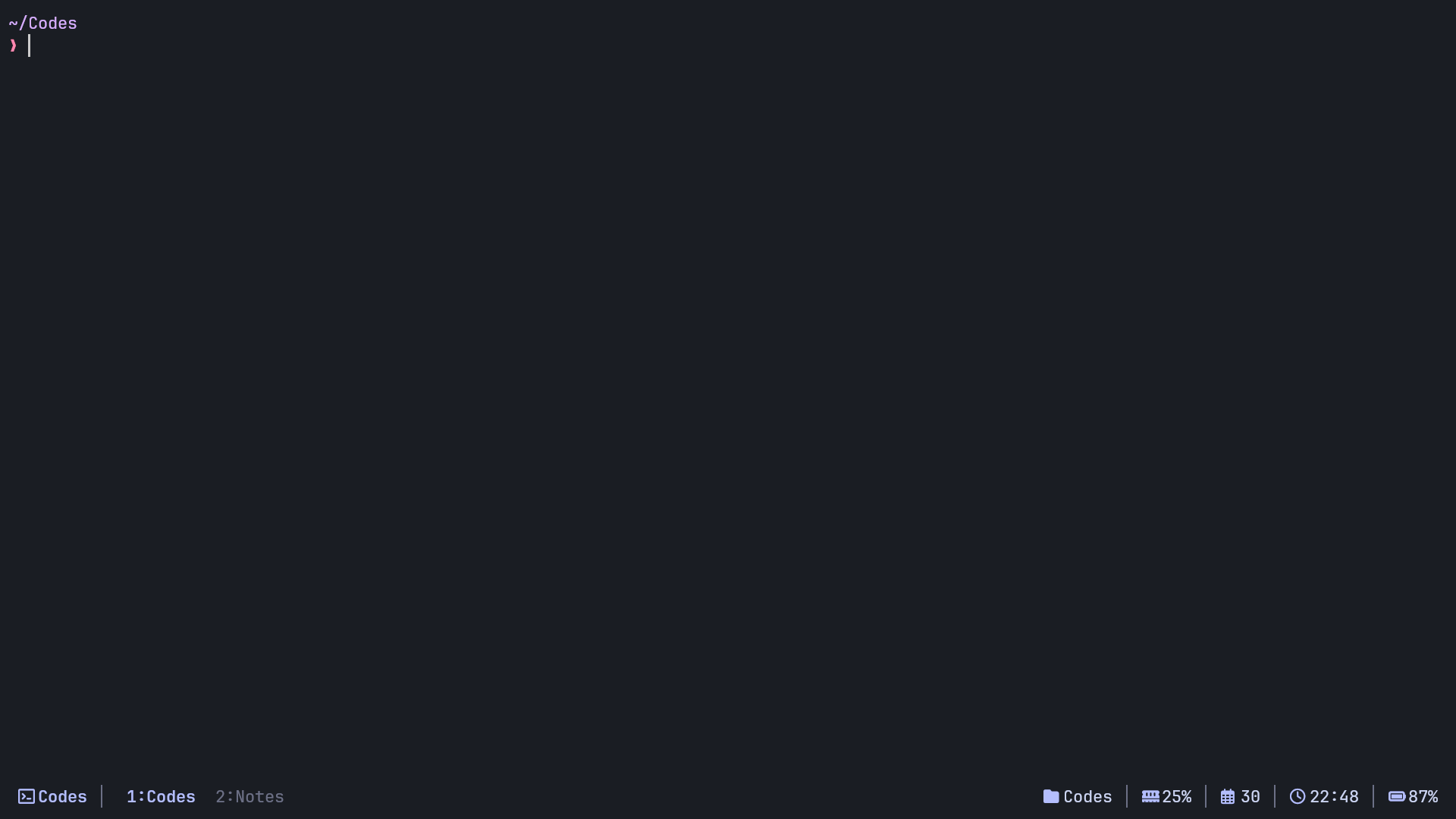
Tmux Status Line

🖥️ Hyprpanel

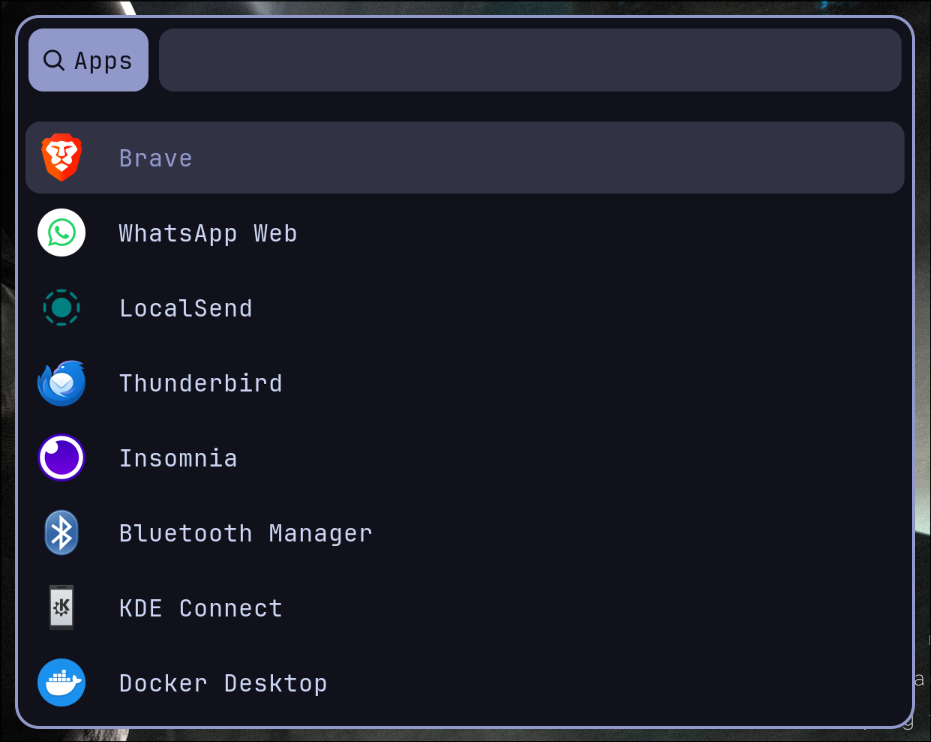
🖼️ Rofi
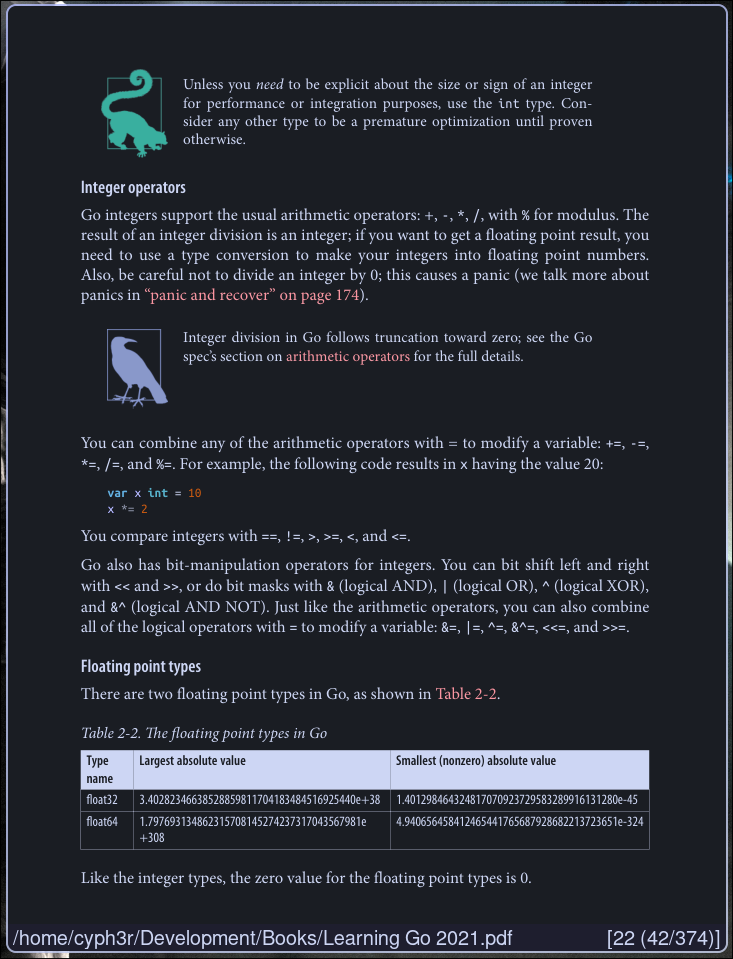
📑 Zathura - PDF Viewer
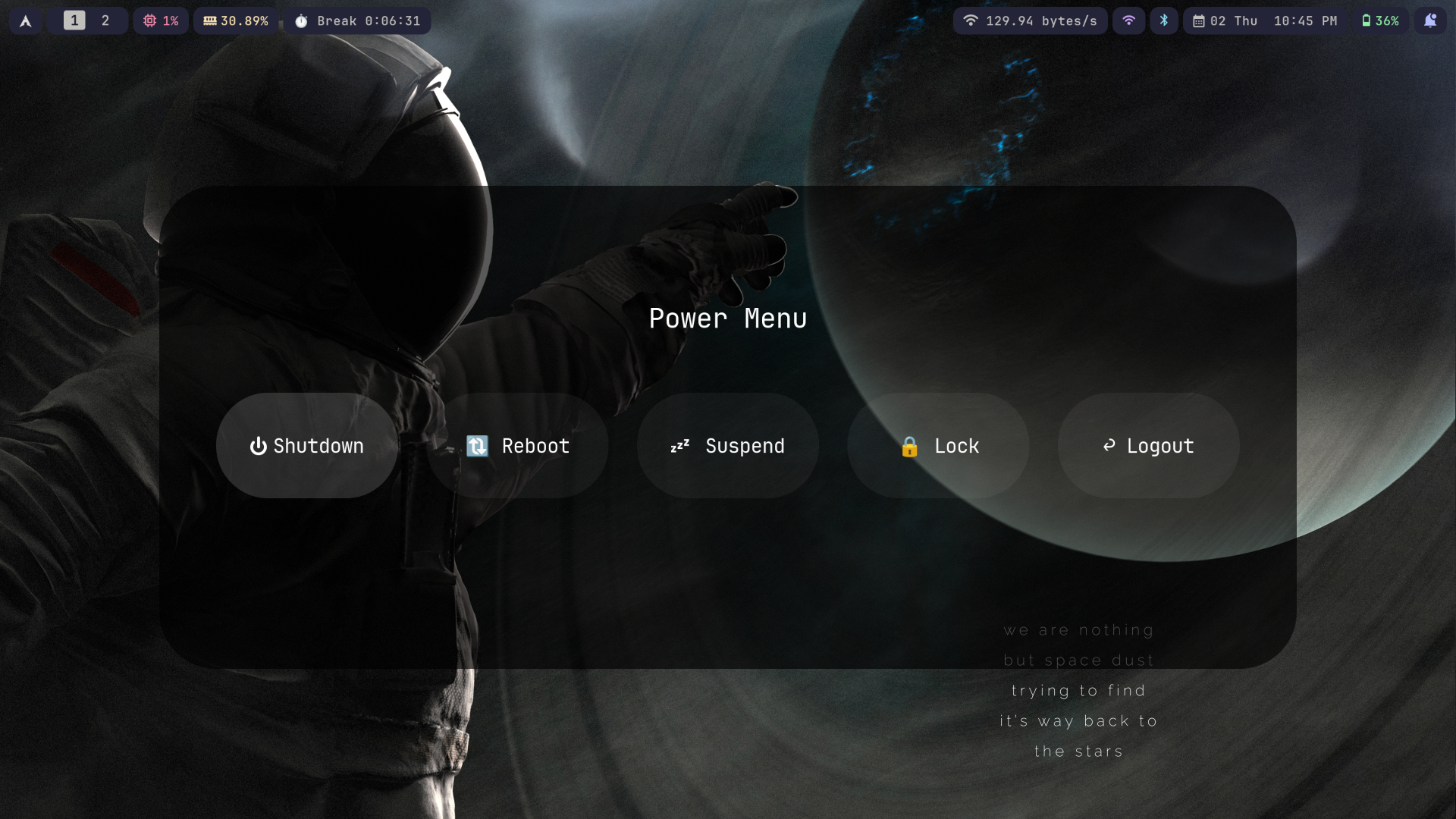
🖥️ Power Menu
✨ Features
- 🎯 Minimalist Design - Clean, distraction-free interface
- ⚡ High Performance - Optimized for speed and efficiency
- 🎨 Consistent Theming - Unified color scheme across all applications
- ⌨️ Keyboard-Driven - Extensive keybindings and shortcuts
- 🔧 Highly Customizable - Easy to modify and extend
- 📱 Modern Wayland - Built for the future of Linux desktop
🔧 Components
Note: I have configuration for many packages in this dotfiles, but I'm not using all of them. For example I have a good config for waybar, but currently I'm using hyprpanel. Go through the configs and use which one you like the most (for some packages I have config for 2 or more)
🖥️ Window Manager & Desktop
| Component | Description | Config |
|---|---|---|
| Hyprland | Dynamic tiling Wayland compositor | hypr/ |
| HyprPanel | Customizable panel for Hyprland | hyprpanel/ |
| Waybar | Highly customizable Wayland bar | waybar/ |
| Rofi | Application launcher and dmenu replacement | rofi/ |
| Dunst | Lightweight notification daemon | dunst/ |
📝 Editors & Terminal
| Component | Description | Config |
|---|---|---|
| Neovim | Hyperextensible Vim-based text editor | nvim/ |
| AstroNvim | My Personal Favorite Distro for Neovim | nvim/ |
| Kitty | Fast, feature-rich GPU-based terminal | kitty/ |
| Ghostty | Fast, native, feature-rich terminal emulator | ghostty/ |
| Tmux | Terminal multiplexer | tmux/ |
🌐 Applications
| Component | Description | Config |
|---|---|---|
| Qutebrowser | Keyboard-focused browser | qutebrowser/ |
| Yazi | Blazing fast terminal file manager | yazi/ |
| MPV | Command line video player | mpv/ |
| Zathura | Document viewer | zathura/ |
⚙️ System Tools
| Component | Description | Config |
|---|---|---|
| Kanata | Cross-platform software keyboard remapper | kanata/ |
| Waypaper | Wallpaper manager for Wayland | waypaper/ |
| Fastfetch | System information tool | fastfetch/ |
📦 Setup
🚀 Quick Start
# Clone the repository
git clone https://github.com/username/dotfiles.git ~/.dotfiles
cd ~/.dotfiles

cp * ~/.config -r
🎯 Manual Setup (recommended)
cp -r dotfiles/hypr ~/.config/hypr
cp -r dotfiles/nvim ~/.config/nvim
cp -r dotfiles/kitty ~/.config/kitty
# ... repeat for other configs
📋 Dependencies
Click to expand dependency list
Core Dependencies
# Arch Linux
sudo pacman -S hyprland waybar rofi dunst kitty neovim tmux git

# Ubuntu/Debian
sudo apt install sway waybar rofi dunst kitty-terminal neovim tmux git
Other Dependencies
# Additional tools
sudo pacman -S mpv zathura qutebrowser yazi fastfetch playerctl
⌨️ Key Bindings
| Shortcut | Action |
|---|---|
Super + Enter |
Open terminal |
Alt + Space |
Application launcher |
Super + C |
Close window |
Super + [1-9] |
Switch workspace |
Super + Shift + [1-9] |
Move to workspace |
Super + F |
Toggle fullscreen |
This is only covering very few keybinds. I'll add all the keybinds in a separate file (you can check all the keybinds in the ~/hypr/hyprland.conf file)
View all keybindings
🎨 Customization
✏️ Modifying Configs
- Edit the configuration files in their respective directories
- Most changes take effect immediately or after reloading the application
- For Hyprland changes:
Super + Shift + Rto reload
🐛 Troubleshooting
Common Issues
Application not running
- Make sure that all the packages and it's dependencies are installed for the application
- Double check the config
- Restart the application
Hyprland not starting
- Check if your GPU supports Wayland
- Verify all dependencies are installed
- Check logs:
journalctl -u hyprland
Fonts not rendering correctly
- Install required fonts:
JetBrains Mono Nerd Font - Clear font cache:
fc-cache -fv
🤝 Contributing
Contributions are welcome! Please feel free to:
- 🍴 Fork the repository
- 🌟 Create a feature branch
- 💡 Make your improvements
- 📝 Submit a pull request
📄 License
This project is licensed under the MIT License - see the LICENSE file for details.
💝 Acknowledgments
- Thanks to all the amazing open-source projects that make this setup possible
- Special thanks to the Archlinux, Hyprland, Neovim and Tmux communities
⭐ If you found this helpful, please consider giving it a star! ⭐
Made with ❤️ and lots of ☕
more like this
vim-dap
Vim/Neovim debugger plugin providing a terminal interface to the Debug Adapter Protocol
Vim Script★ 50
tobira.nvim
Open the next door in your Vim journey — personalized command discovery based on your actual usage
Lua★ 51