gns3theme
Custom color themes for GNS3 GUI. Built-in schemes, custom JSON themes, device symbols. Supports Linux and macOS.
Python★ 50
🎨🖌 Modern, bright color theme for Sublime Text
 dempfi
Website • Install • Screenshots • Ports
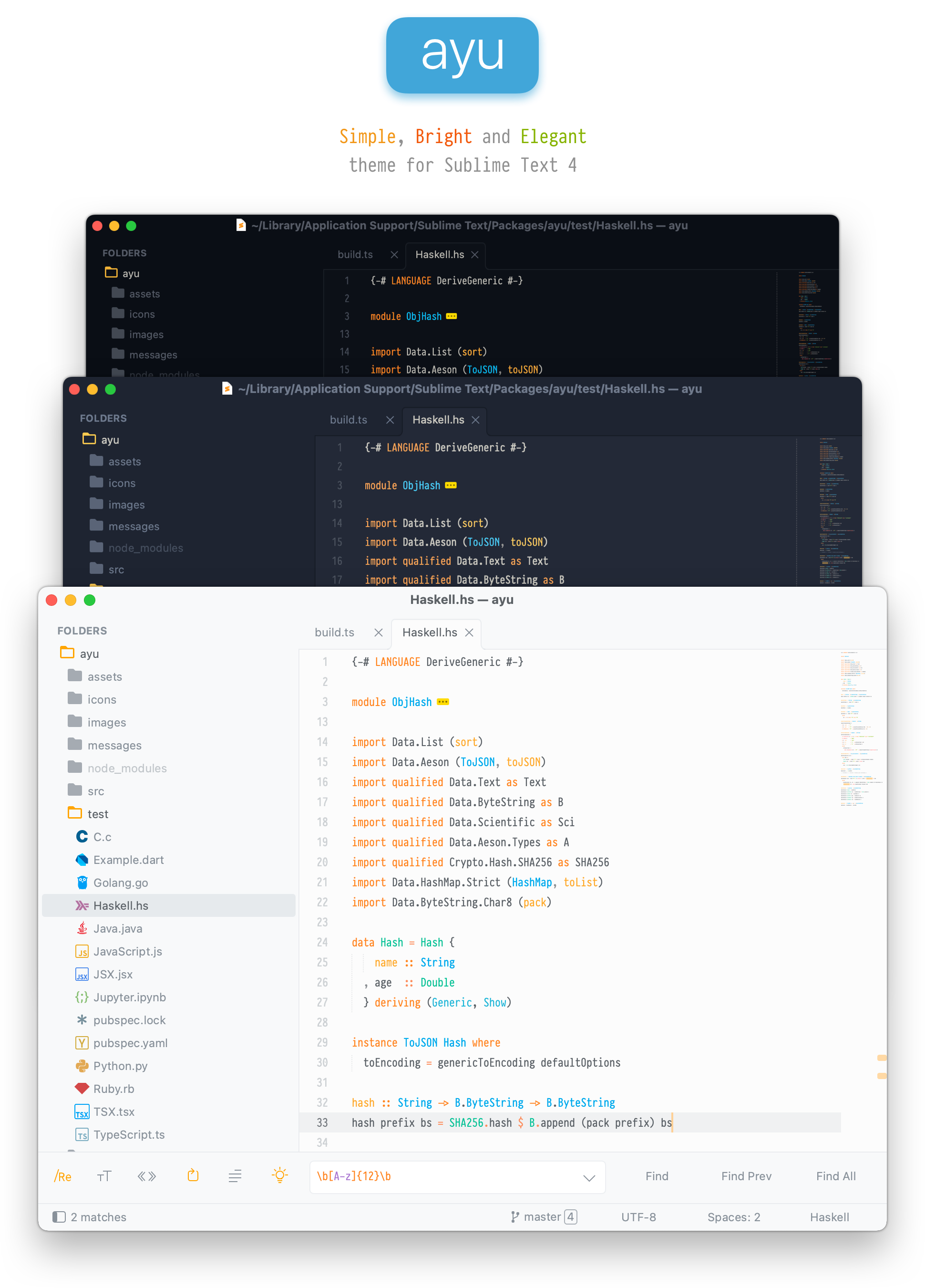
ayu is a bright color theme and comes in three versions — dark, mirage, and light — for all-day comfortable work. Handcrafted for Sublime Text.
Install via Package Control:
install package and press enterayu and installayu/Packages directory (Preferences > Browse packages...)Open command palette via cmd/ctrl + shift + p and type ayu: Activate theme.
Or add to your user settings (Preferences > Settings):
// Light
"theme": "ayu-light.sublime-theme",
"color_scheme": "Packages/ayu/ayu-light.sublime-color-scheme",

// Mirage
"theme": "ayu-mirage.sublime-theme",
"color_scheme": "Packages/ayu/ayu-mirage.sublime-color-scheme",

// Dark
"theme": "ayu-dark.sublime-theme",
"color_scheme": "Packages/ayu/ayu-dark.sublime-color-scheme",
ui_separator option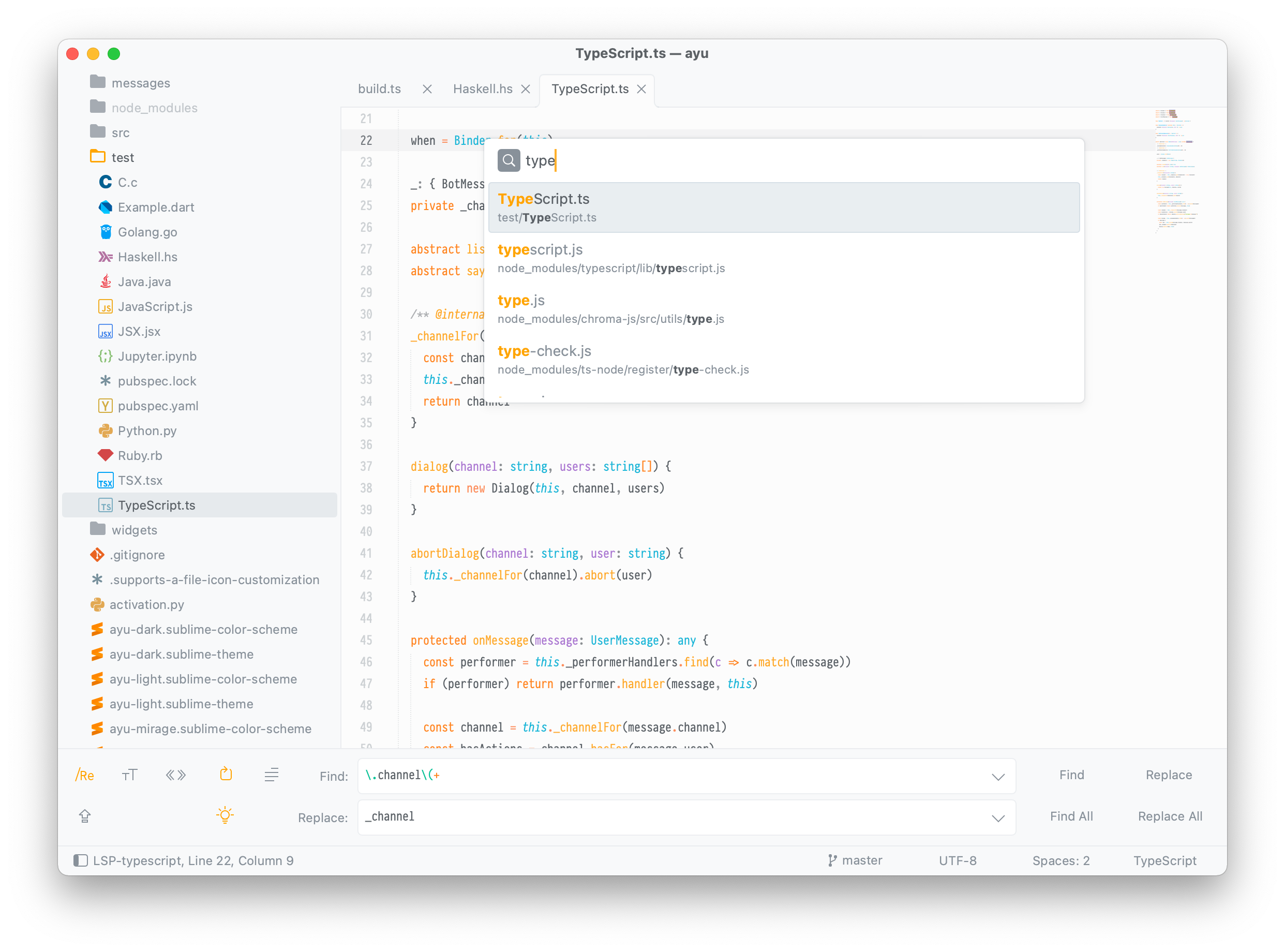
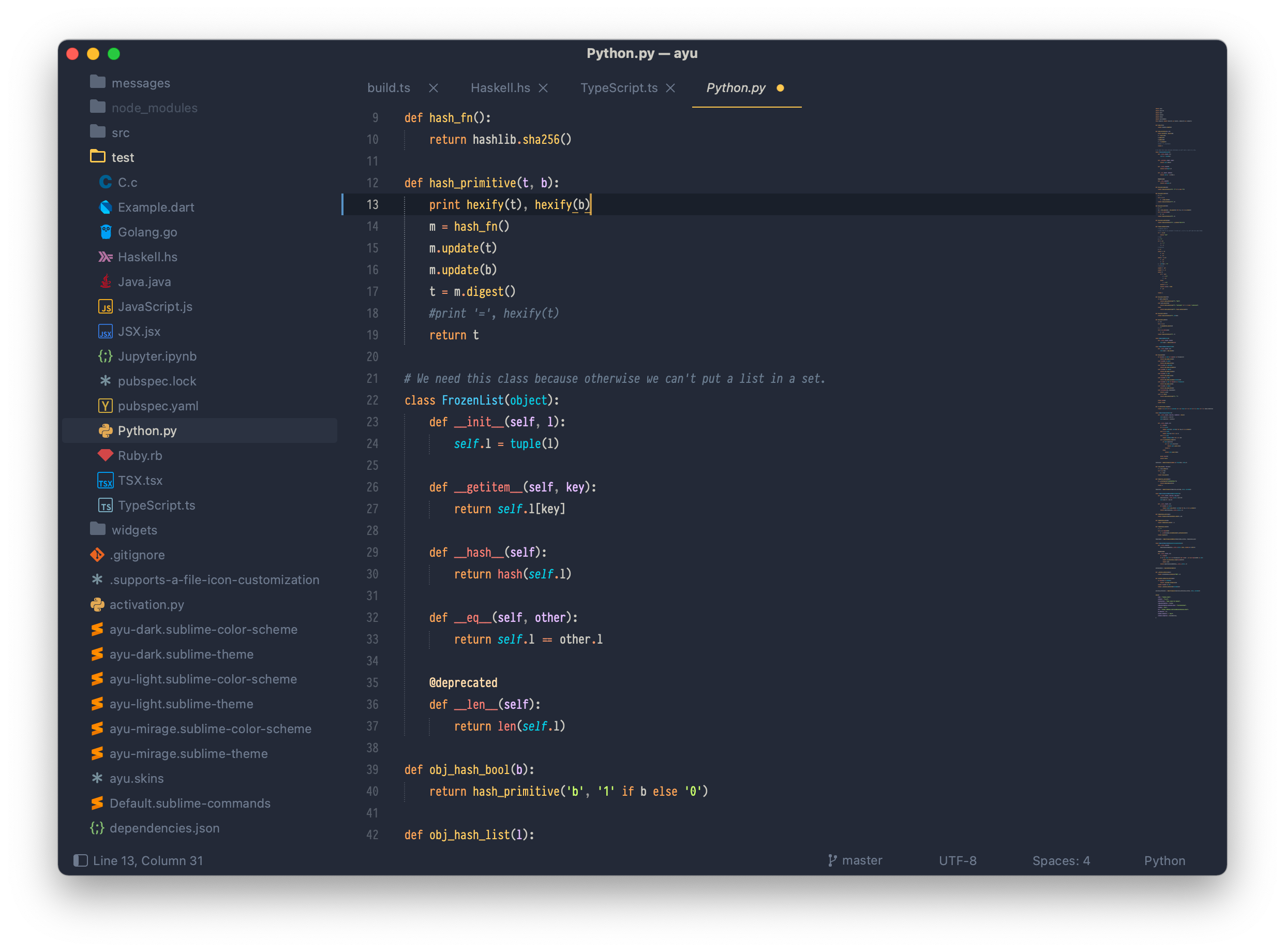
ui_separator option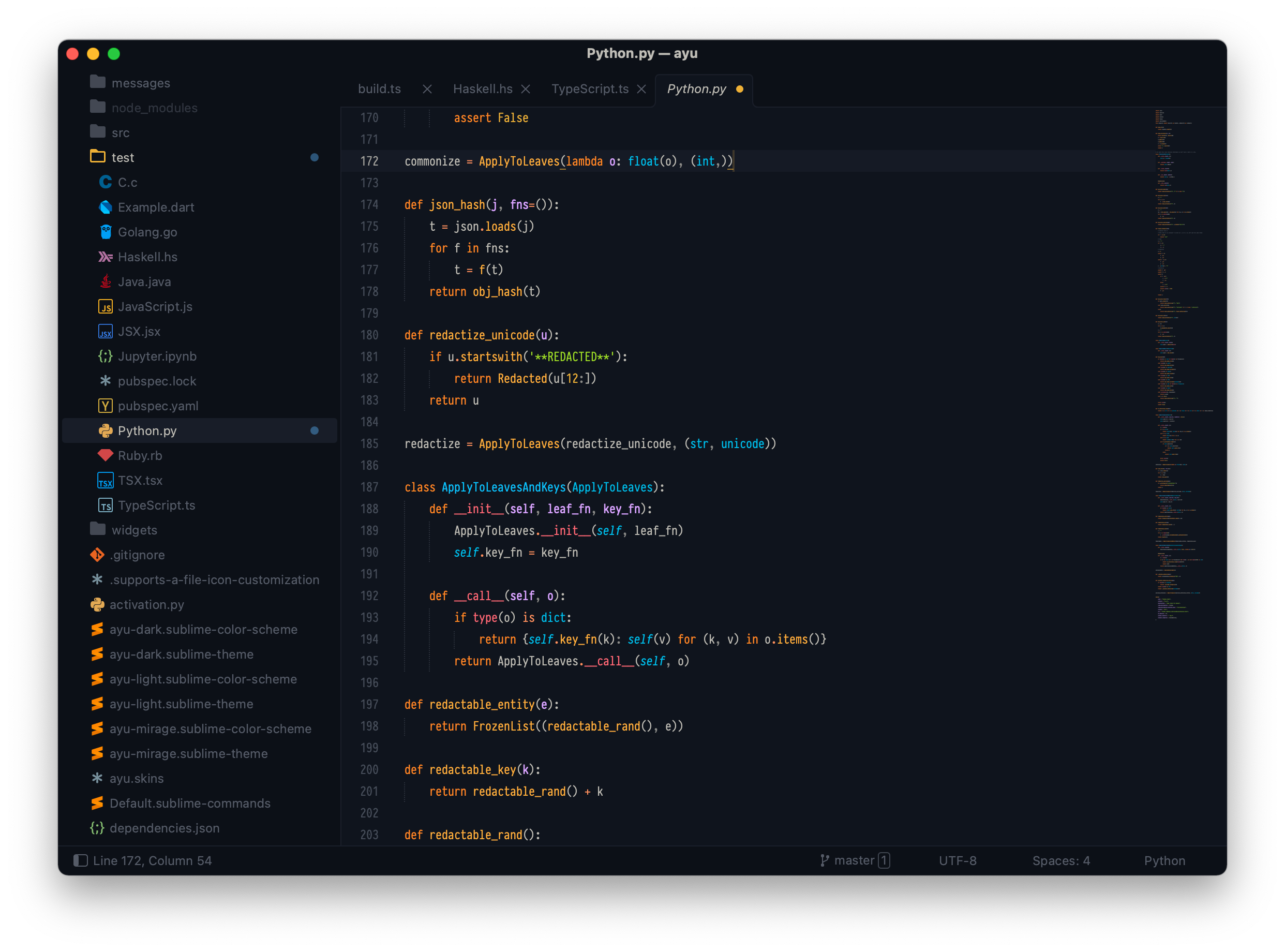
"ui_native_titlebar": true,   // native titlebar on macOS
"ui_separator": true,         // separators between panels
"ui_wide_scrollbars": true    // wider scrollbars
For file icons, install A File Icon package.
Browse packages/Userayu-mirage.sublime-theme (or ayu-light/ayu-dark)[
{ "class": "sidebar_label", "font.face": "Your Font" },
{ "class": "sidebar_heading", "font.face": "Your Font" },
{ "class": "tab_label", "font.face": "Your Font" },
{ "class": "label_control", "font.face": "Your Font" },
{ "class": "quick_panel_label", "font.face": "Your Font" },
{ "class": "quick_panel_path_label", "font.face": "Your Font" }
]
ayu is available for:
more like this
Custom color themes for GNS3 GUI. Built-in schemes, custom JSON themes, device symbols. Supports Linux and macOS.
A Light theme for both KDE and GTK based distros, pleasant to the eyes and perfect for your daily workload.
A Sublime Text color scheme based on Sarah Drasner's Night Owl VSCode theme
search projects, people, and tags