Scythe
SCYTHE is a lightweight, C#-based game engine focused on modifiability and rapid iteration using Raylib.
C#★ 50
C++ Tetris Game with raylib with a video tutorial explaining each line.
 educ8s
git clone https://github.com/educ8s/Cpp-Tetris-Game-with-raylib.giteduc8s/Cpp-Tetris-Game-with-raylib
A fully functional Tetris game built with C++ and raylib — featuring all 7 tetrominoes, rotation, collision detection, row clearing, scoring, a next-block preview, background music, and sound effects. The code is well-structured and class-based, making it a great resource for aspiring game developers.
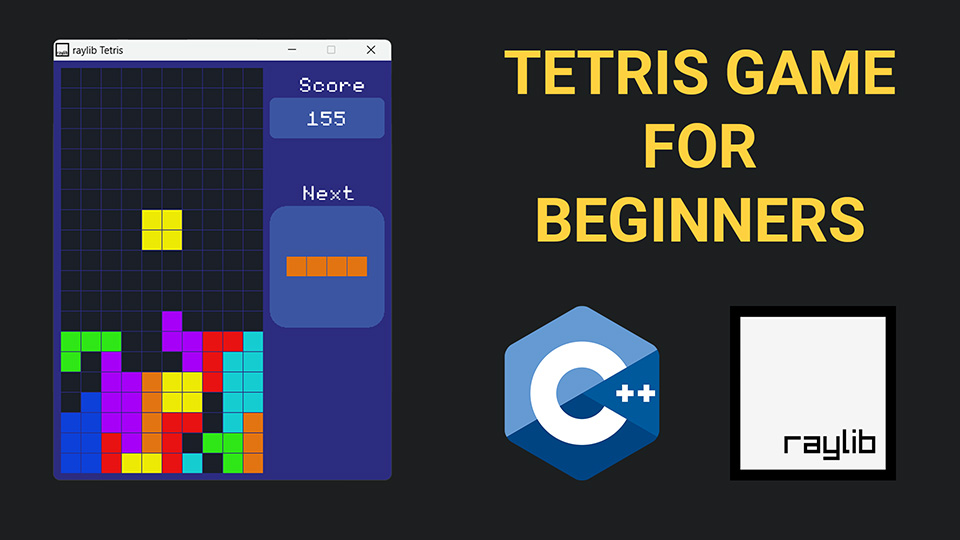
The tutorial walks through the entire game from scratch in 12 steps, explaining every line of code along the way.
| Topic | Details | |
|---|---|---|
| 🪟 | Game loop & window setup | Create the game window, configure the frame rate, and structure the update/draw loop |
| 🟦 | Grid class | Represent the 20×10 board as a 2D array, draw cells with colour-coded values |
| 🧩 | Block & tetromino classes | Model all 7 tetrominoes using a bounding-grid approach across 4 rotation states |
| 🔄 | Inheritance | Use a base Block class with 7 child classes (LBlock, IBlock, TBlock, etc.) |
| ➡️ | Movement & rotation | Move blocks left, right, and down; rotate with state cycling and undo on invalid moves |
| 💥 | Collision detection | Boundary checking and cell-occupancy checks to prevent overlapping or out-of-bounds moves |
| 🔒 | Block locking | Lock a block into the grid when it can no longer move down and spawn the next block |
| 🧹 | Row clearing | Detect full rows, clear them, and shift all rows above downward |
| 🏆 | Scoring | Award 100 / 300 / 500 points for 1 / 2 / 3 line clears, plus 1 point per manual drop |
| 🖥️ | UI | Score display, next-block preview panel, and a Game Over message |
| 🔊 | Audio | Background music with looping, plus sound effects for rotation and row clears |
| 🔁 | Game reset | Restart the game on any key press after Game Over |
0; locked cells hold the block's colour ID (1–7).rotationState index — no transform math required.Game class ties everything together, holding the grid, the current block, and the next block, and exposing HandleInput() and Draw() methods called from the main loop.New to raylib on Windows? Watch the raylib setup tutorial linked in the video description first. If you're new to game development with raylib in general, the Pong and Snake tutorials (also linked in the description) are a good warm-up before tackling this project.
more like this
SCYTHE is a lightweight, C#-based game engine focused on modifiability and rapid iteration using Raylib.
.Net 10 (.Net 8+) webassembly starter project using raylib-cs nuget 7.0.2 and raylib 5.5
search projects, people, and tags