moxon-frame-generator
simple generator for 3D-printed frames for a moxon rectangle antenna
OpenSCAD★ 50
3D-printable pinch valve for irrigation and sensor-driven liquid control.
 fabiansteiner
Get OpenValve | Build OpenValve | Documentation | Join Discord
OpenValve is an open-source, 3D-printable irrigation controller. It waters plants based on actual soil moisture, works with gravity-fed systems, and runs on a 9V block battery for about 3 months.
OpenValve was built for irrigation. But underneath the soil moisture sensor and irrigation firmware is an open-source pinch valve that you can build other things around.
Note
Built for irrigation. Open to other ideas. Add your own sensor, write your own firmware, or connect OpenValve to another system. Explore OpenValve as a valve platform →
OpenValve was designed for balconies, garden beds, small greenhouses, and other small-to-medium irrigation setups. It has been deployed in multiple real-world locations. Both gravity-fed and faucet-fed (≤ 4 bar) setups were successfully tested over full summer seasons.
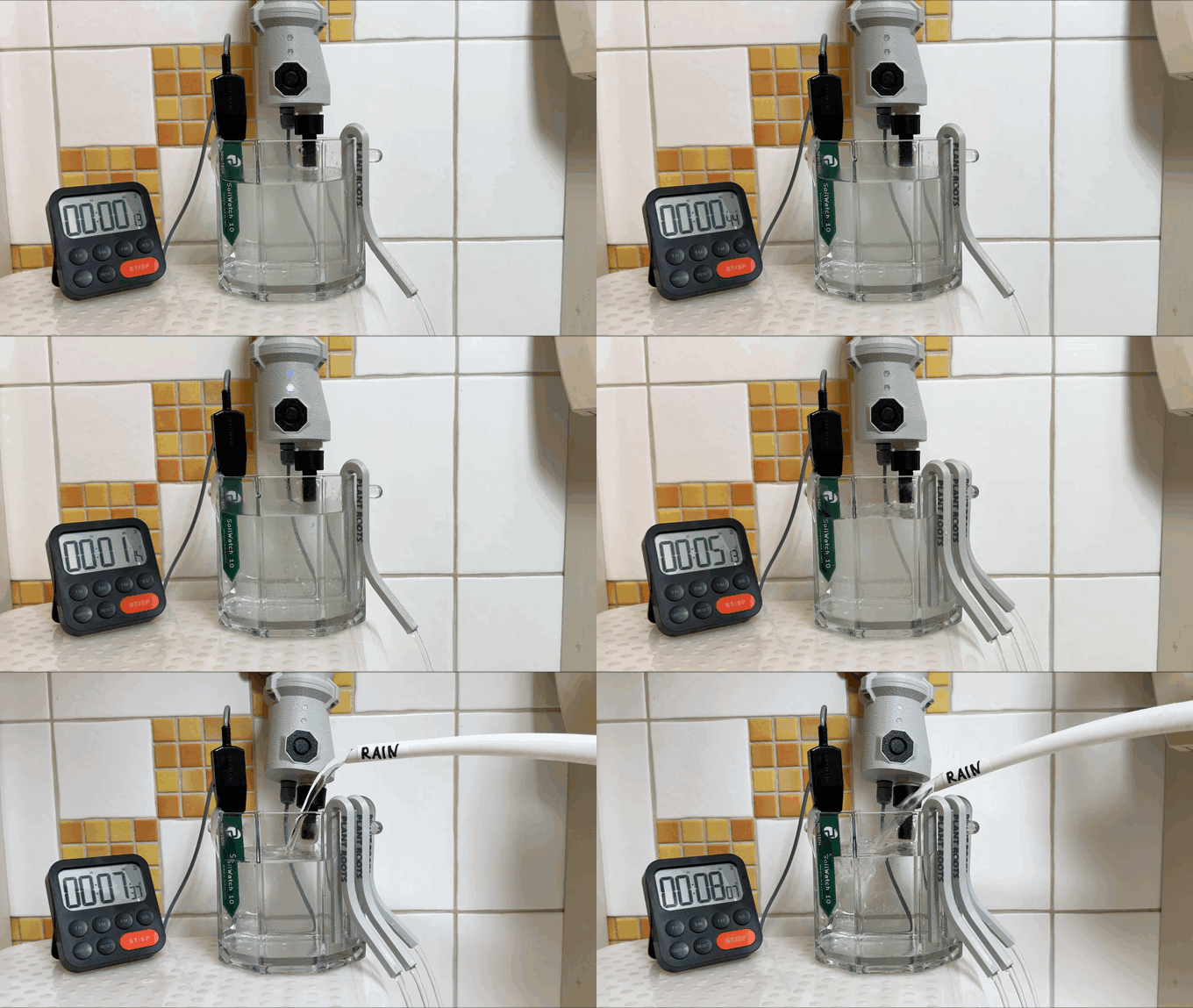
OpenValve does not water on a fixed timer. Instead, it uses a soil moisture sensor to decide when watering is needed.
This allows the watering frequency to adapt to the actual conditions around the plant instead of following a fixed schedule:
When the soil dries out faster, for example during hot weather or periods of increased plant demand, OpenValve waters more often. When the soil stays moist for longer, for example during cooler weather, after rainfall, or after a previous watering cycle, OpenValve waters less often.
For a more detailed explanation of the watering logic, see the "How OpenValve works" section in the documentation.
OpenValve has a standard ½″ male BSPP thread on both ends. This thread size is common in irrigation and plumbing systems in Europe, the UK, Australia, and many other regions.
Any fitting, adapter, or component with a compatible ½″ female BSPP thread can be connected directly to OpenValve, for example:
This makes OpenValve flexible enough for setups ranging from a small balcony drip line to a greenhouse irrigation system.
For more details about installing OpenValve, see the installation section in the documentation.
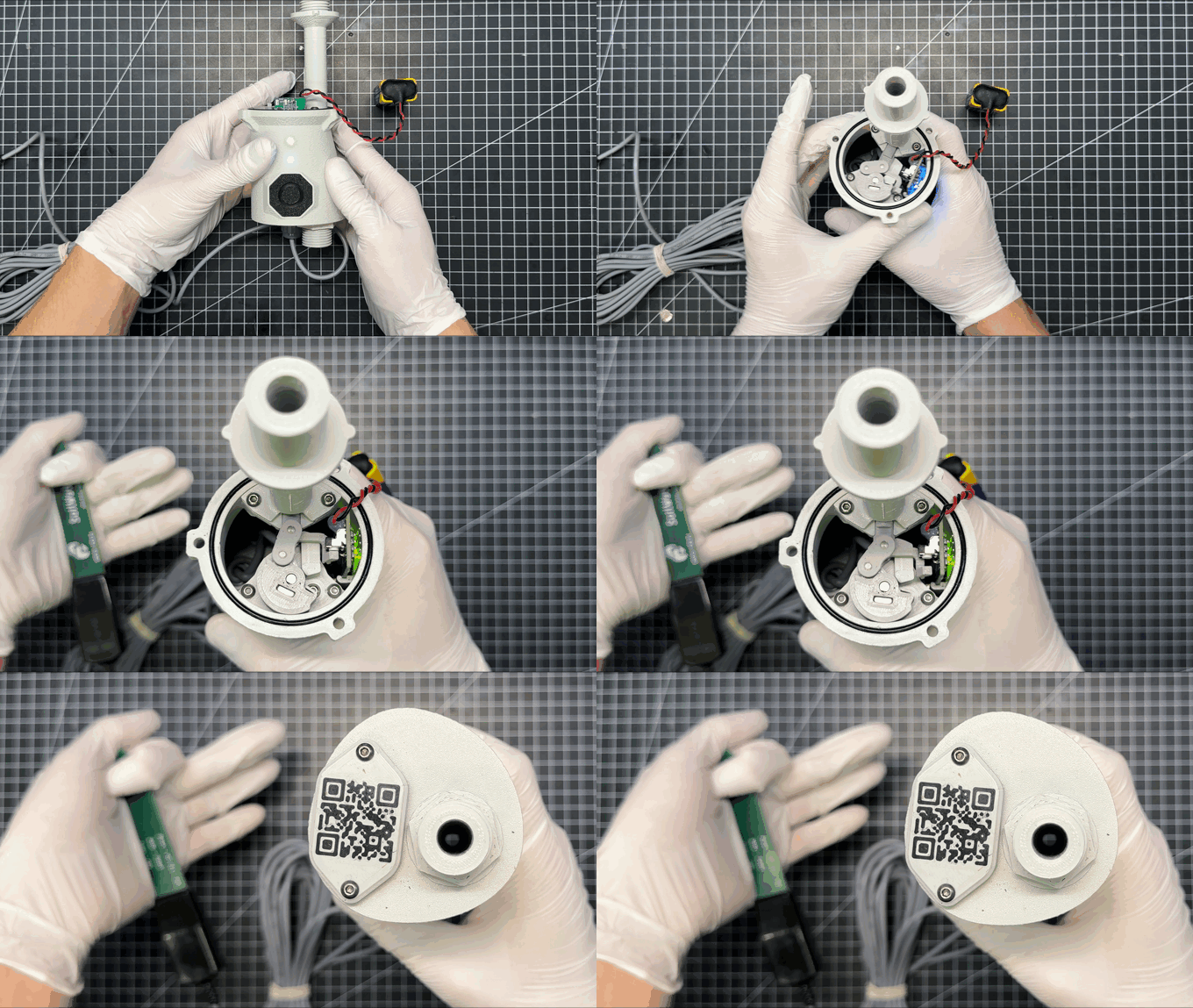
OpenValve is designed to be repaired, modified, and reused.
OpenValve was designed for irrigation, but can also be used for other projects. Explore OpenValve as a valve platform →
OpenValve’s user interface (UI) is intentionally minimal:
Because the device is designed to run autonomously, the UI focuses on simple, essential interactions:
To make this easy to understand, every UI state is documented and can be explored interactively:
👉 Interactive Manual: https://ui.open-valve.com/
This web-based “digital twin” mimics the behaviour of the real device - showing the same LED patterns and button interactions, along with explanations for each state.
For a complete explanation of the button actions, LED blink patterns, and UI states, see the User Interface documentation.
Contributions are welcome!
If you’d like to help improve the firmware, CAD files, documentation, or electronics, feel free to open an issue or submit a pull request.
You can also join the project Discord to discuss ideas, ask questions, or share feedback.
more like this
simple generator for 3D-printed frames for a moxon rectangle antenna
GPX 轨迹转 3D 可打印地形模型 | Hiking trail to 3D printable terrain | Electron + Vue。 一款面向户外爱好者与 3D 打印玩家的 Web 工具。将 GPX 徒步/骑行轨迹一键转…
search projects, people, and tags