wallz
⛅ \\ A collection of cool wallpapers for your desktop.
 fr0st-xyz
git clone https://github.com/fr0st-xyz/wallz.gitfr0st-xyz/wallz⛅ \\ Wallz Gallery
A collection of cool wallpapers for your desktop.
📦 Installation
Tip
Download with curl
Use this in CMD on Windows (not PowerShell), or any terminal on Linux/macOS:
curl -L -o wallz.zip https://github.com/fr0st-xyz/wallz/releases/latest/download/wallz.zip
Manual Download
You can also download the latest release directly from the Releases page which is simpler.
🐍 Rename Wallpapers Script
Note
You can use the rename_wallpapers.py script to keep your wallpapers organized.
It renames them to a format like 01. [Theme_Name].jpg, 02. [Theme_Name].jpg, and so on.
If you download the wallz.zip pack from Releases, it only includes the normal wallpapers it does NOT include the Python script.
This is because we want to avoid adding extra bloat to the wallpapers package.
If you want to use the Python tool, you can download it separately from the Releases and place it in your wallz folder.
Then, open a terminal in the wallz folder and run:
python3 rename_wallpapers.py
Feel free to fork the repo and make your own version!
🎨 Themes
All of our themes are listed below.
|
|
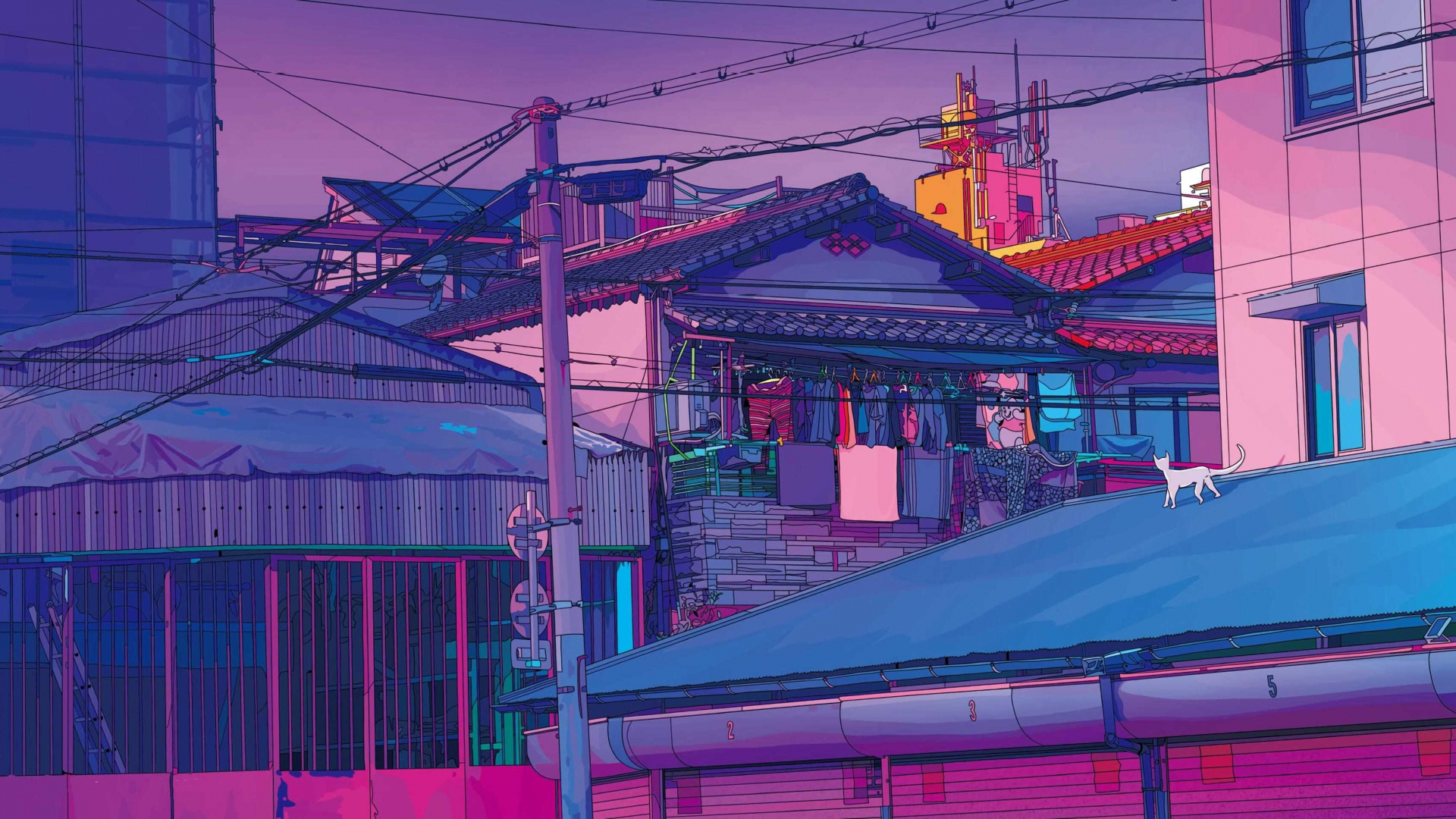
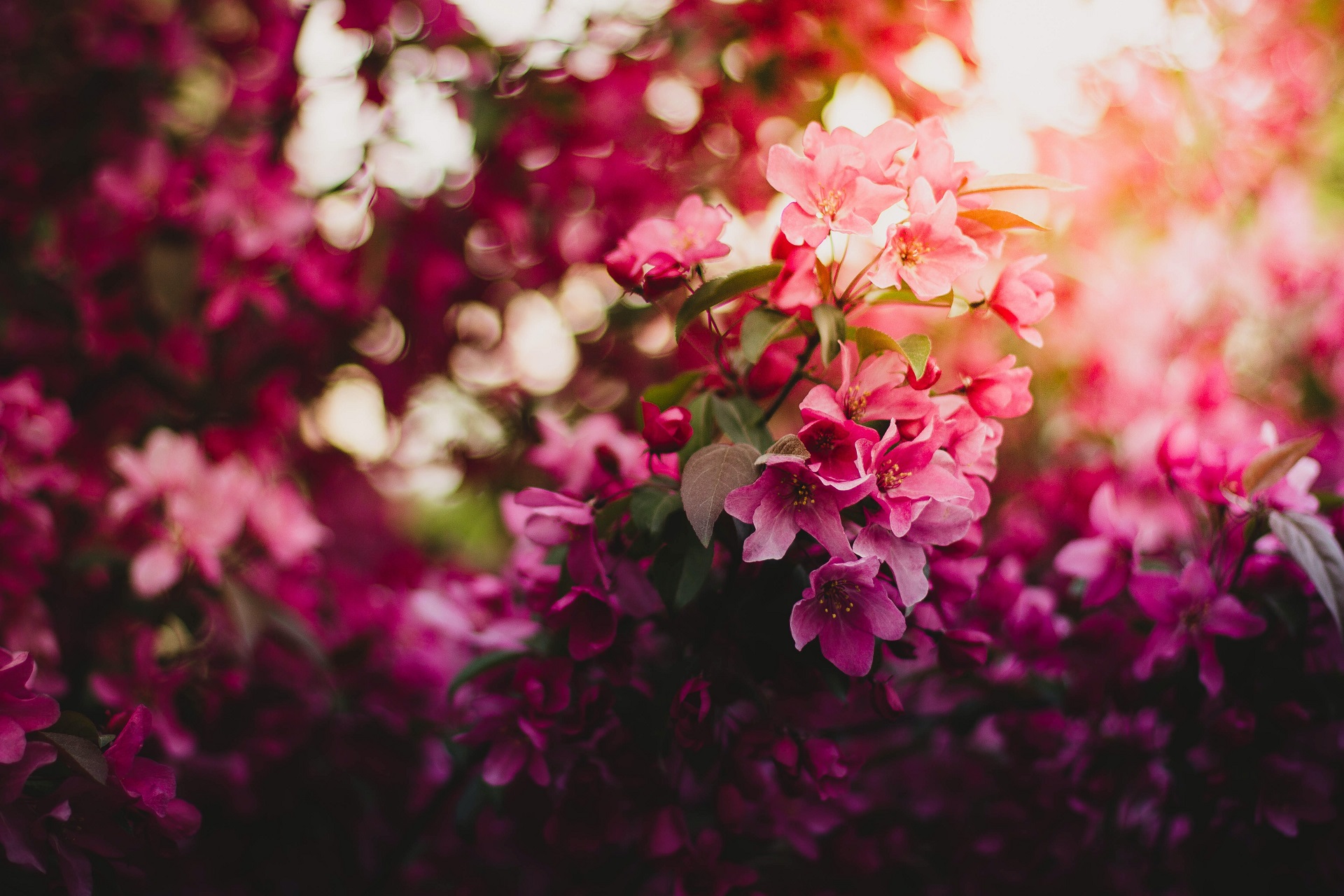
🔍 Preview some of the themes from above :)
| ☕ Catppuccin Mocha |


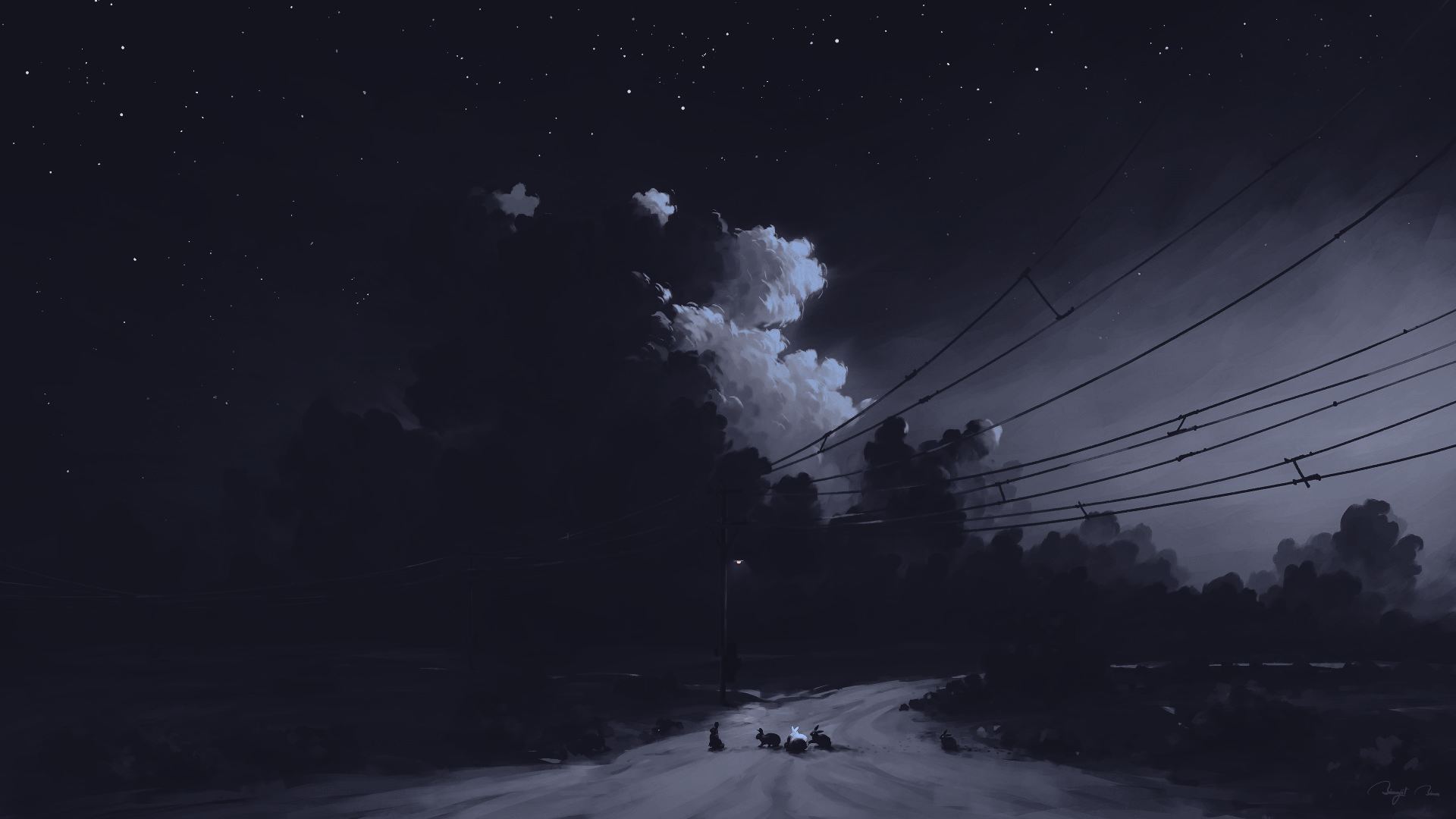
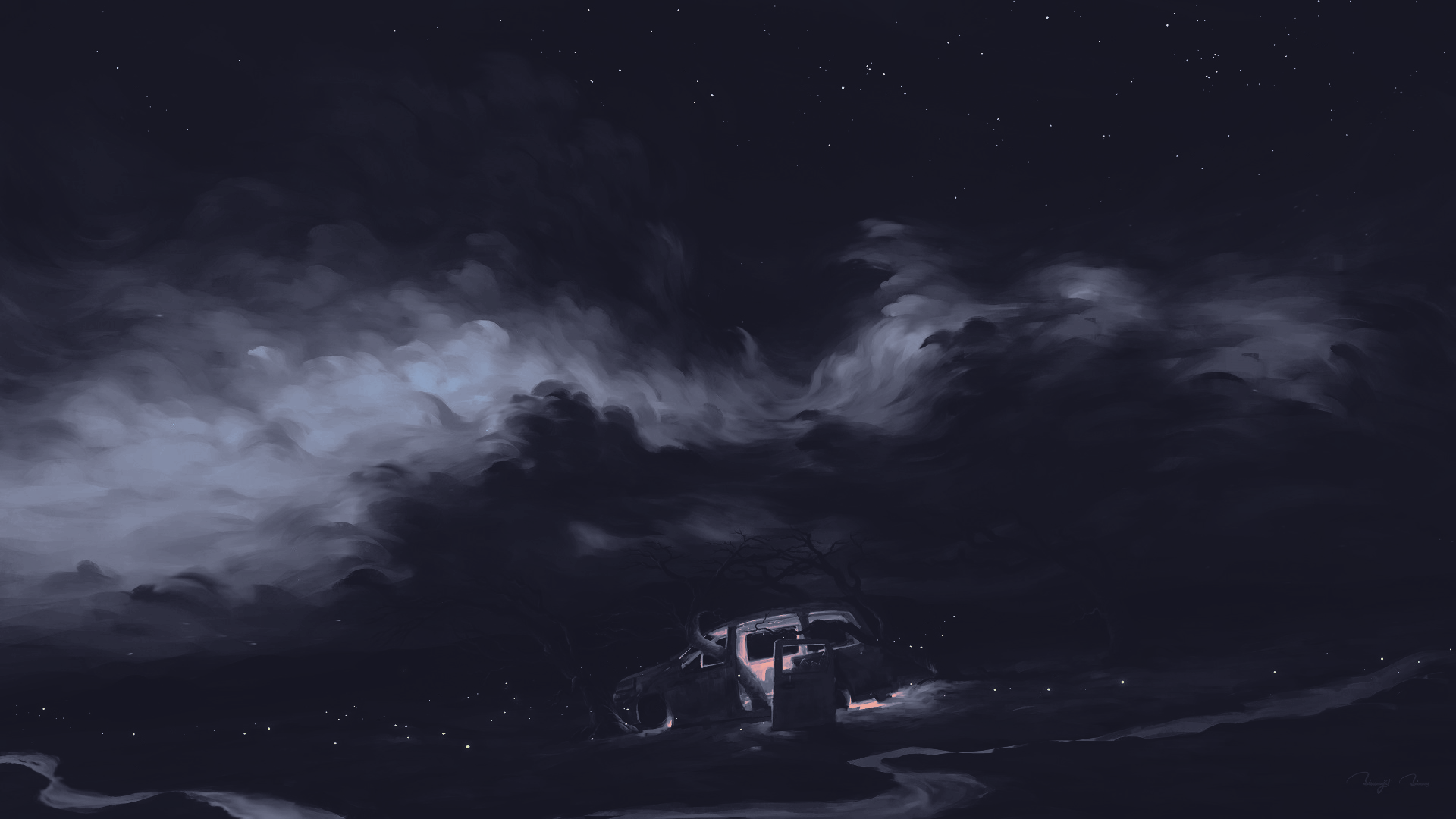

|
| 🪨 Graphite Mono |
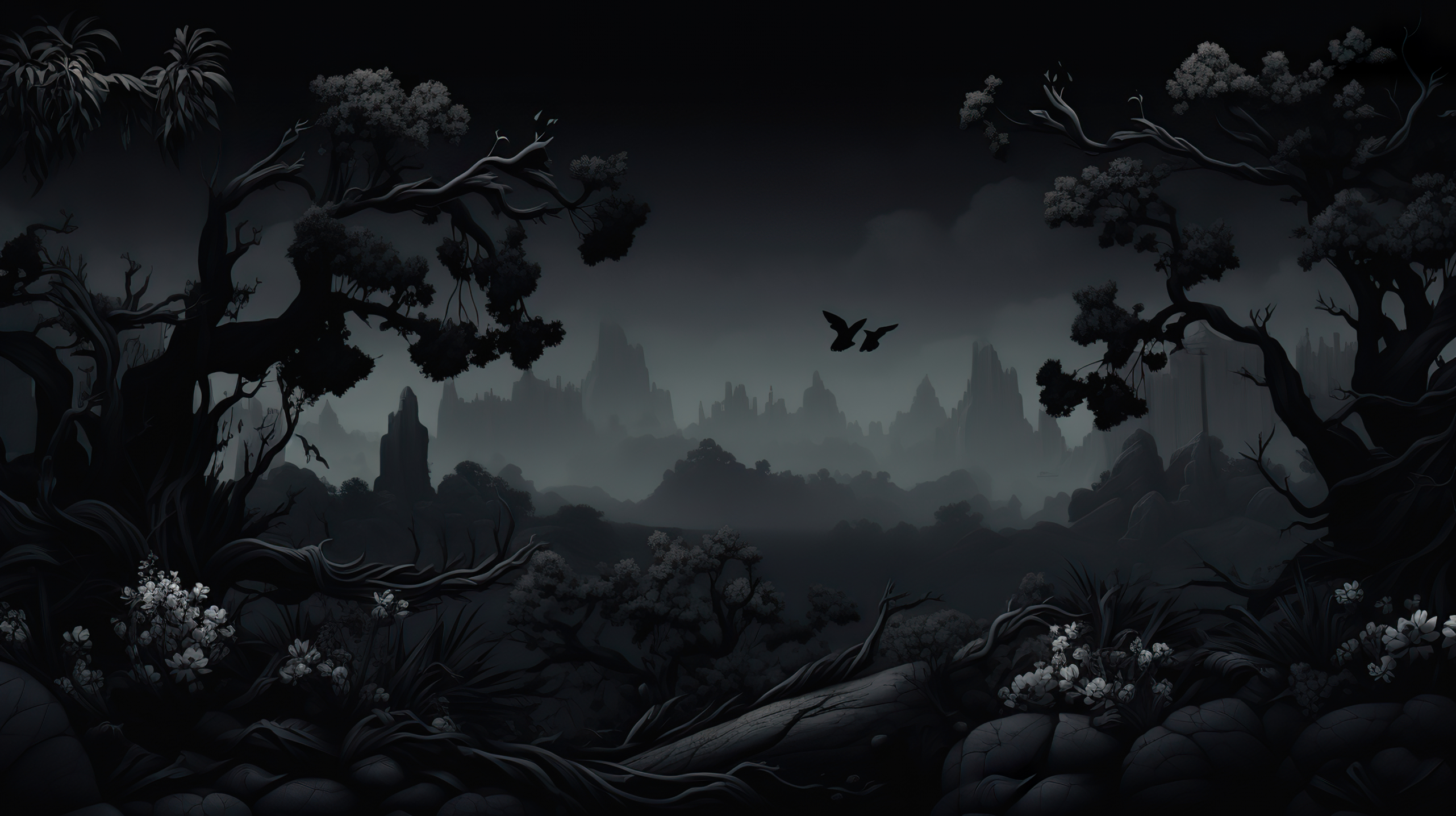

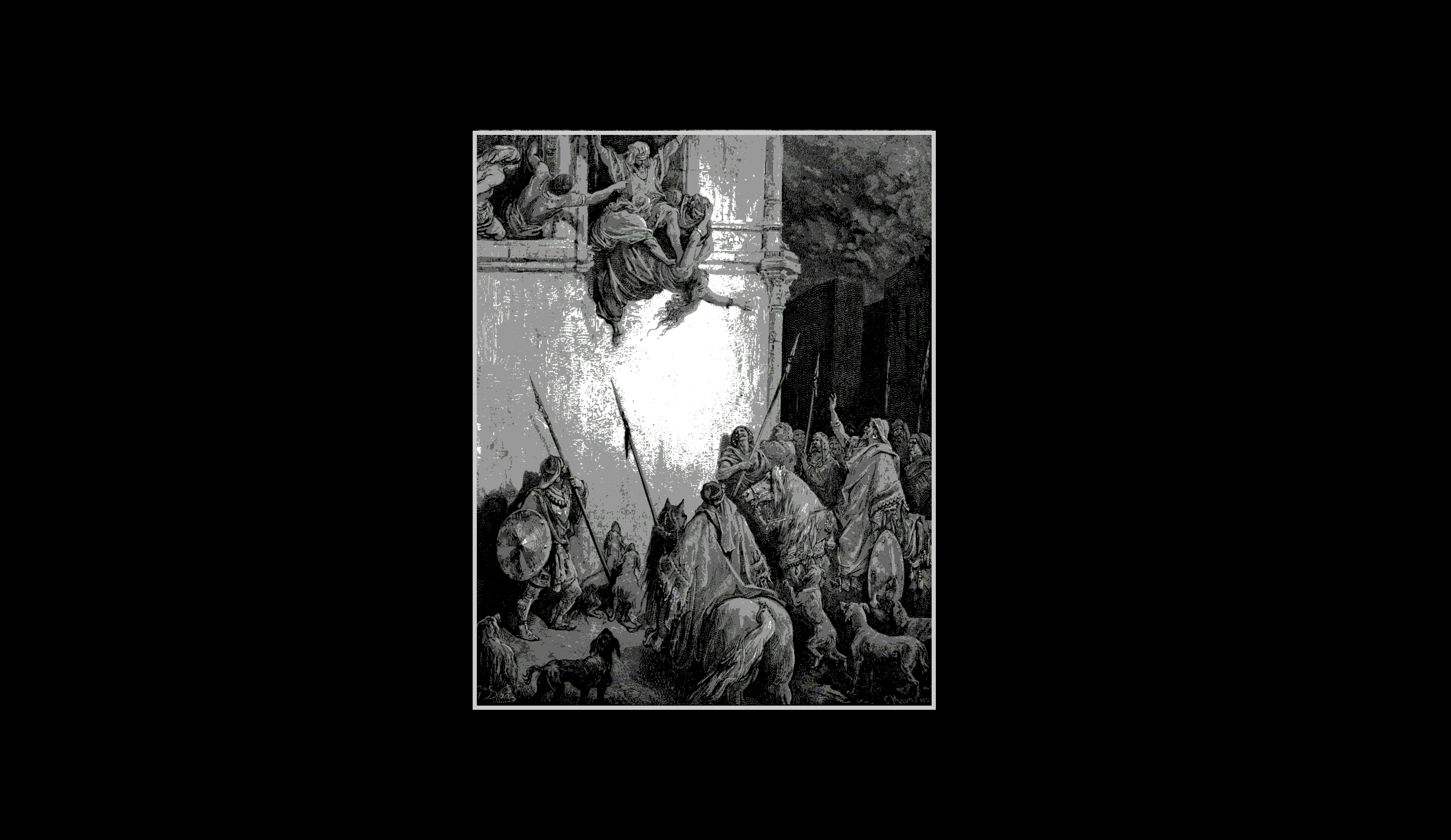


|
| 🌿 Green Lush |

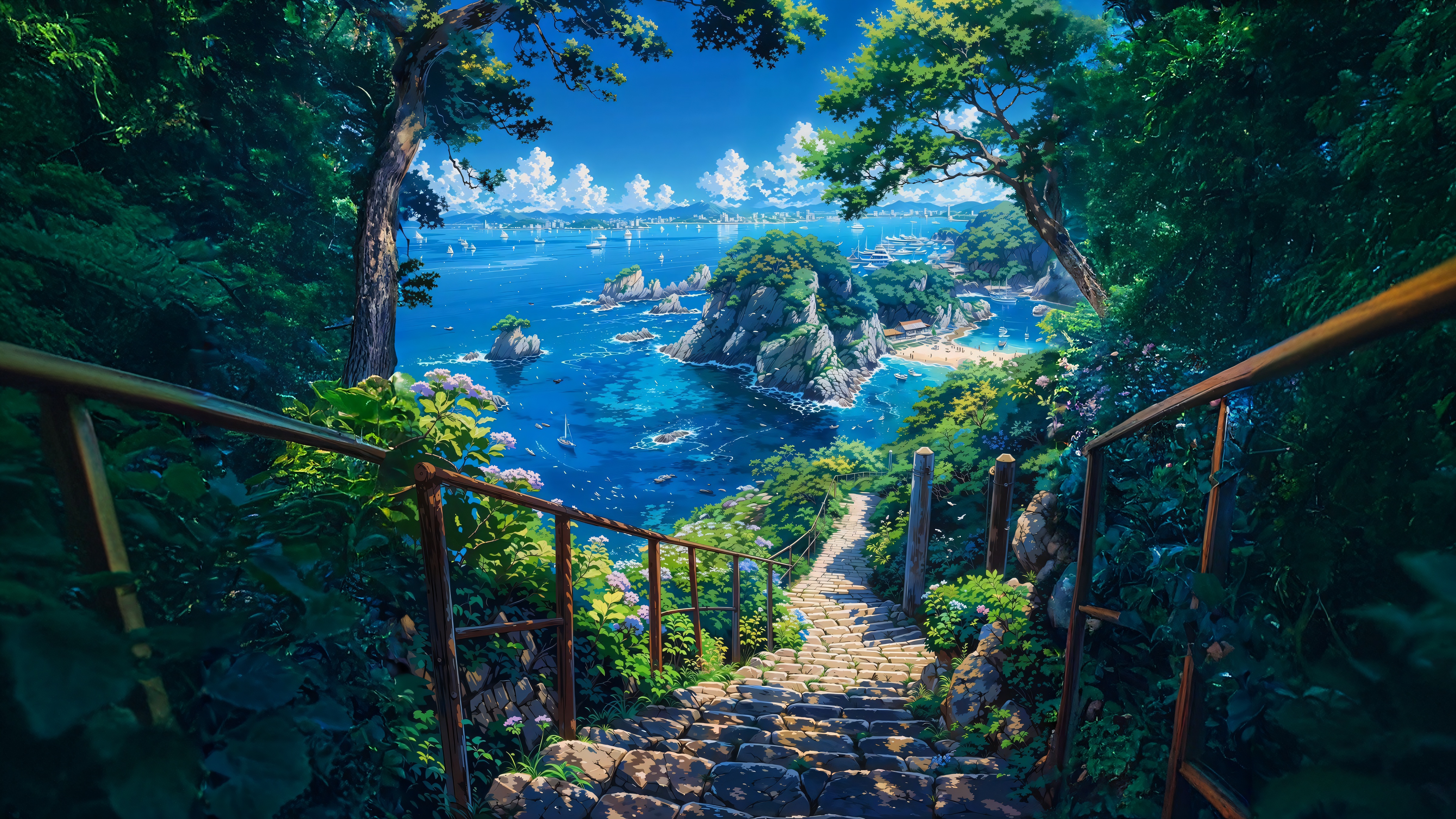



|
| 🩸 Scarlet Night |
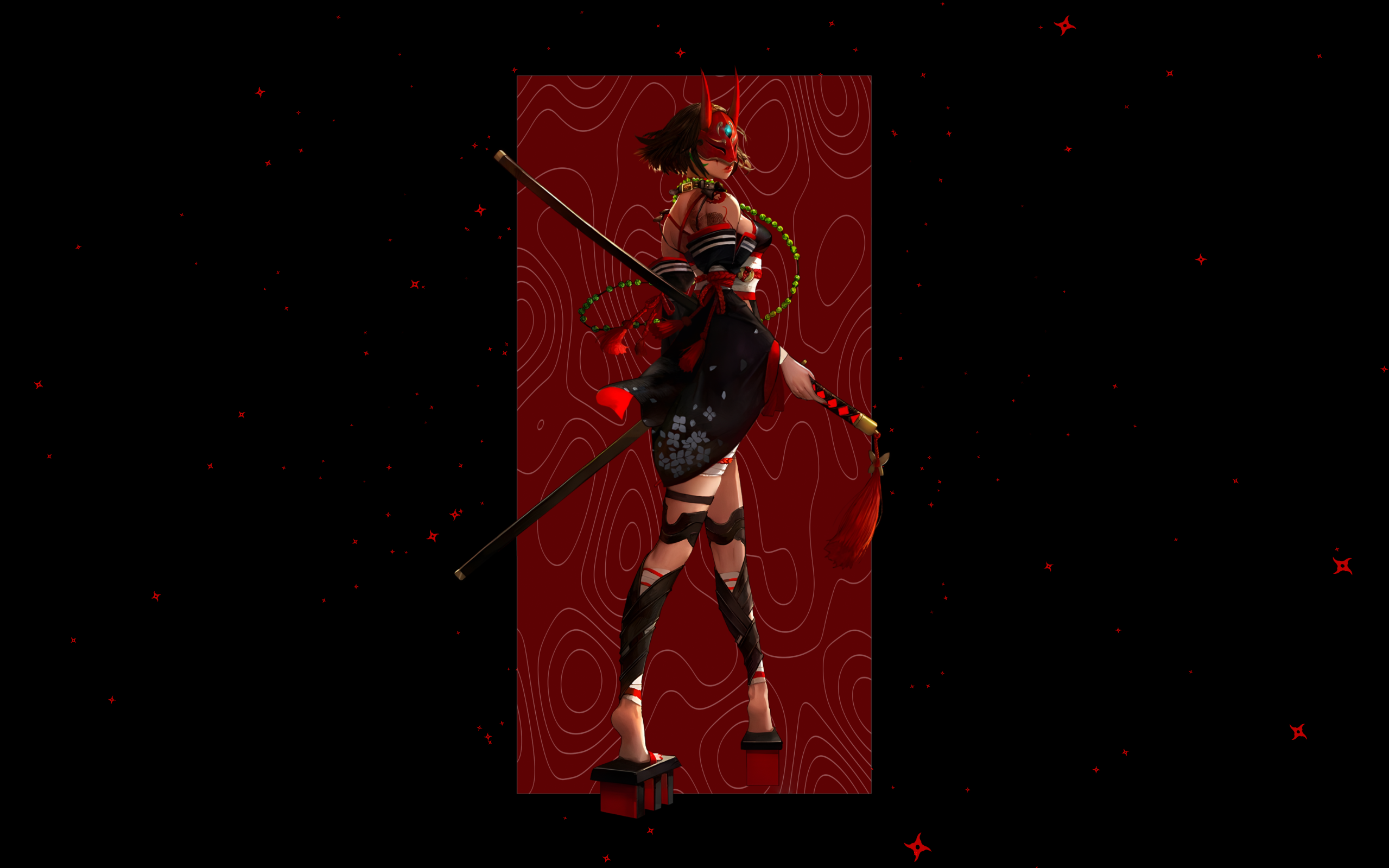
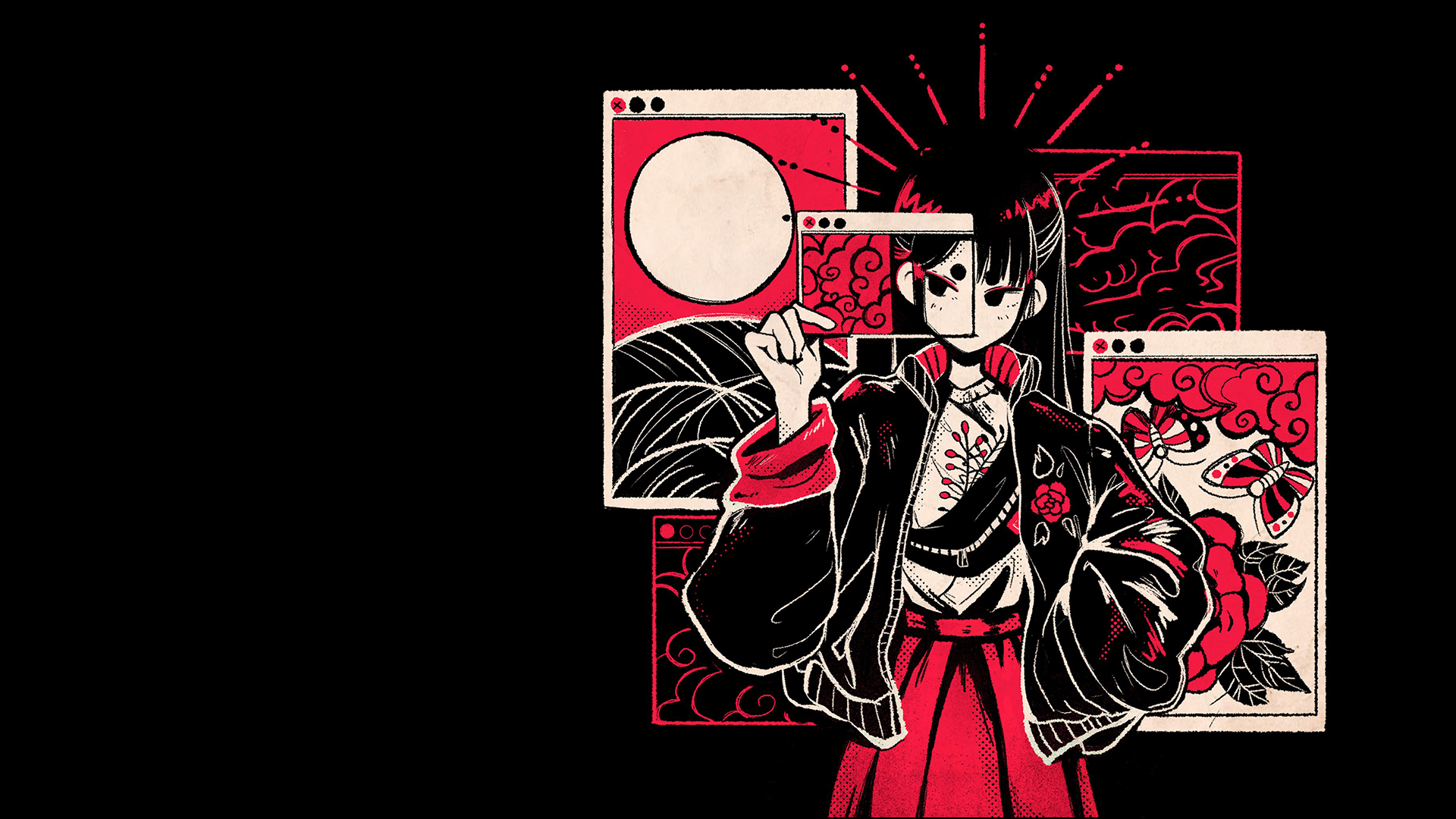

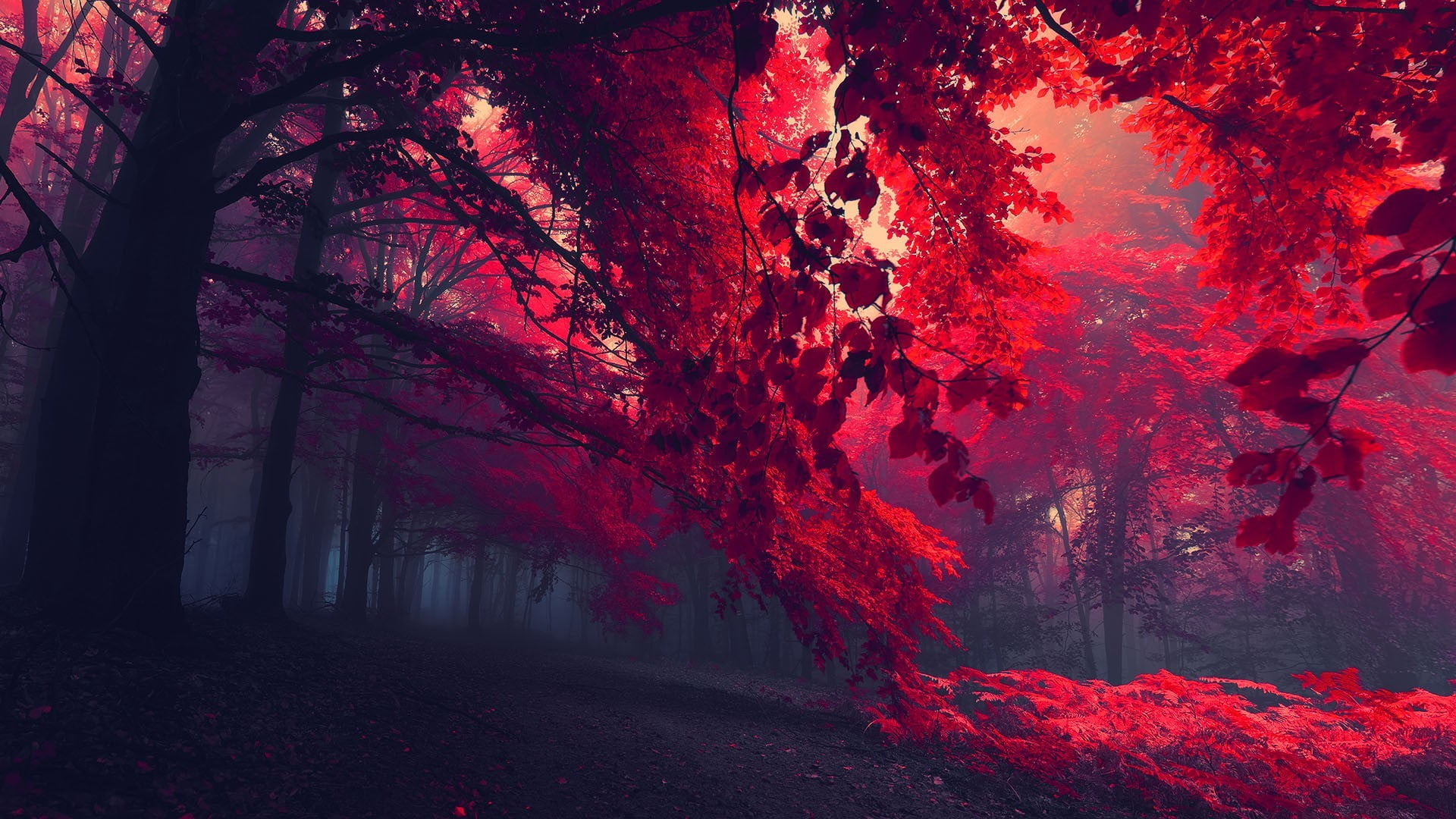

|
| 🍬 Paranoid Sweet |



|
| 📁 And More... |
🖼️ Artwork Credits
I'm not the creator of these images. All credit goes to the original artists.
🤝 Contributing
We welcome contributions to help grow the theme collection and add new wallpapers! If you're interested in contributing, please check out the CONTRIBUTING.md for guidelines and instructions.
fr0st.xyz
more like this
quickshell-config
A gentle Quickshell config for Hyprland — status bar, app launcher, notification daemon, and theme switcher with 206 th…