agentlytics
Comprehensive analytics dashboard for AI coding agents — Cursor, Windsurf, Claude Code, VS Code Copilot, Zed, Antigravi…
JavaScript★ 555
Modern responsive template for the Django admin interface with improved functionality. We are proud to announce complet…
 geex-arts
Modern template for Django admin interface with improved functionality
| Attention! NEW JET |
|---|
We are proud to announce completely new Jet. Please check out Live Demo. Developing of new features for Django Jet will be frozen, only critical bugs will be fixed. |
| Live Demo |
Django JET has two kinds of licenses: open-source (AGPLv3) and commercial. Please note that using AGPLv3 code in your programs make them AGPL compatible too. So if you don't want to comply with that we can provide you a commercial license (visit Home page). The commercial license is designed for using Django JET in commercial products and applications without the provisions of the AGPLv3.

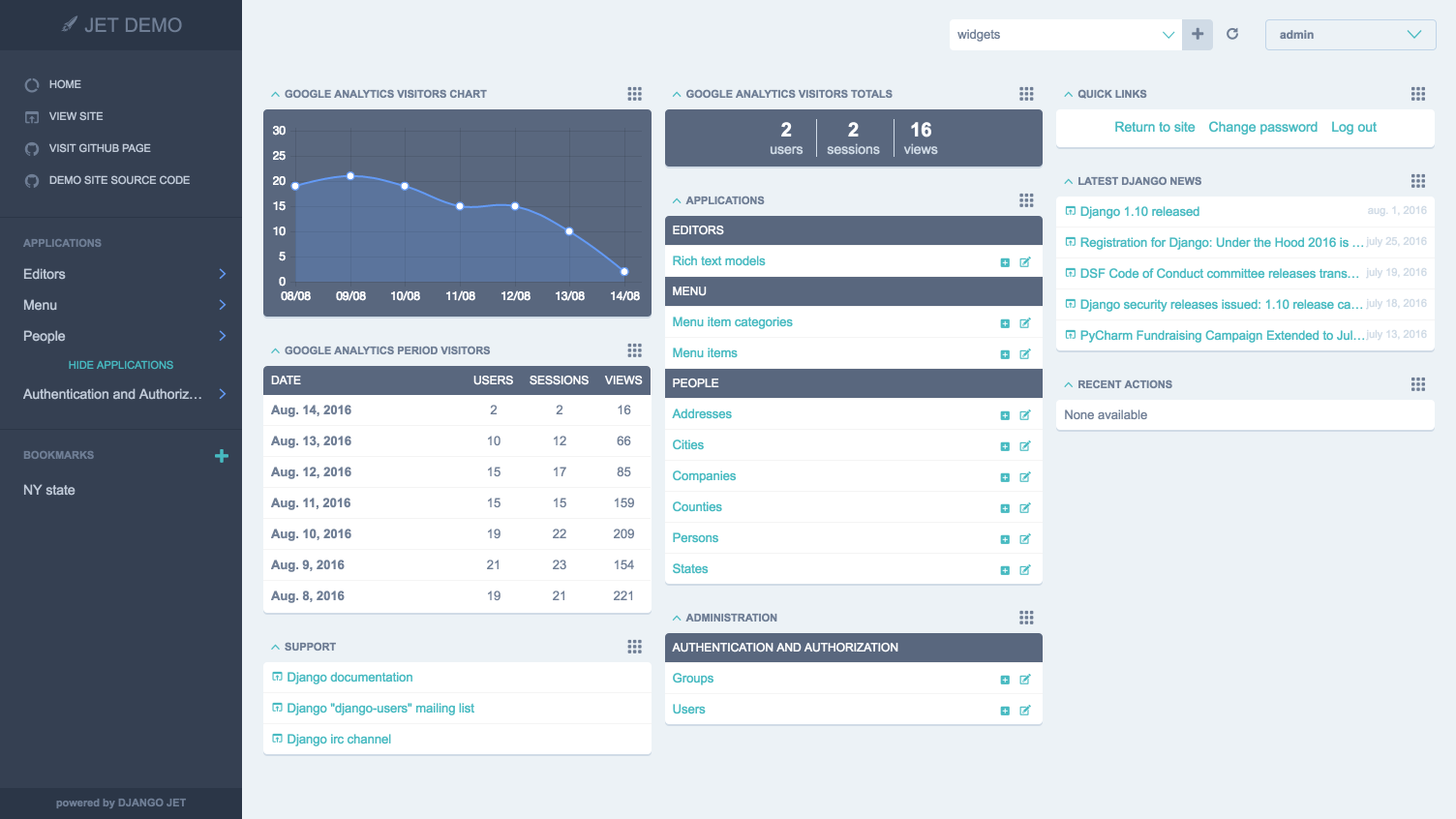
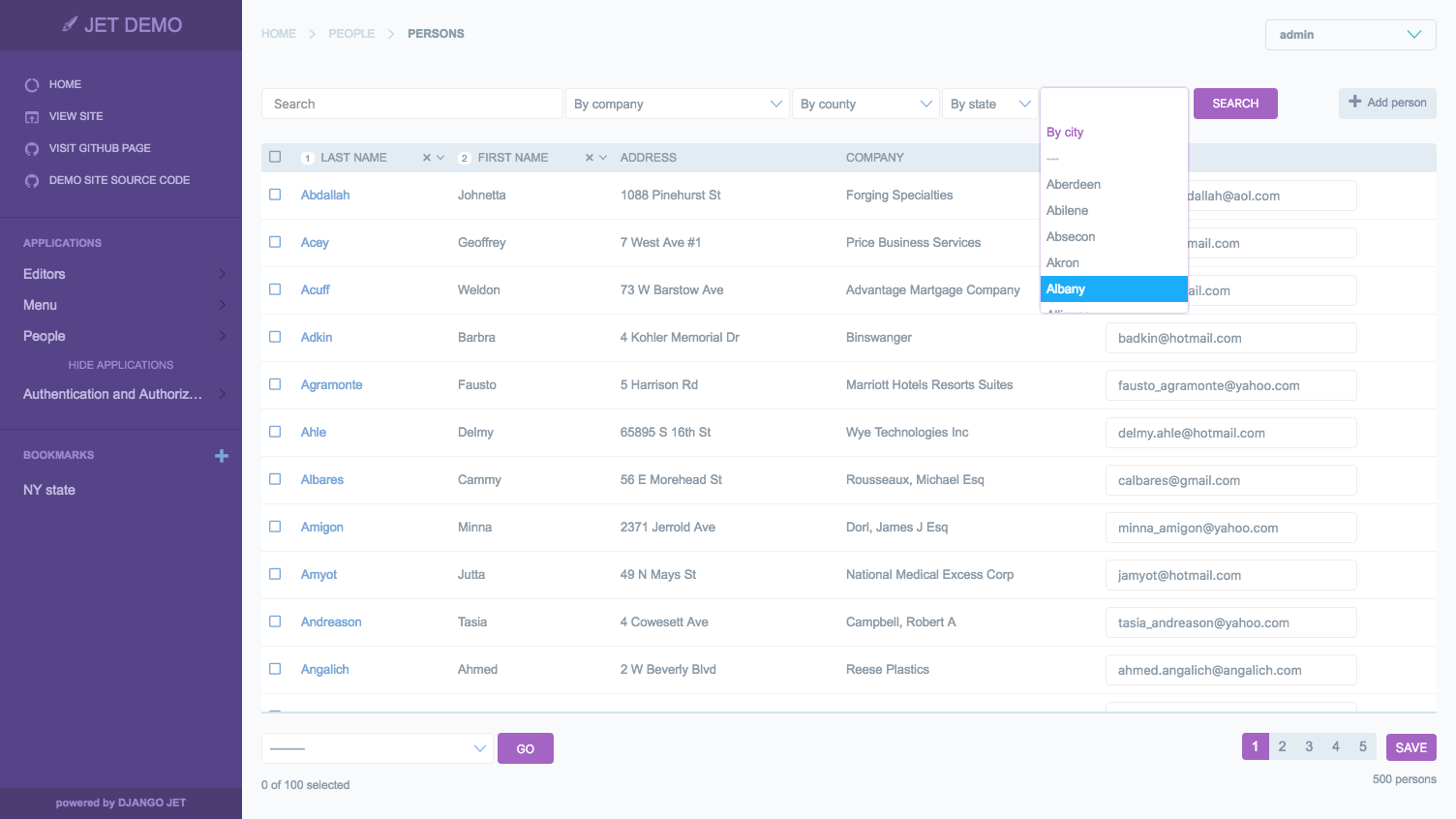
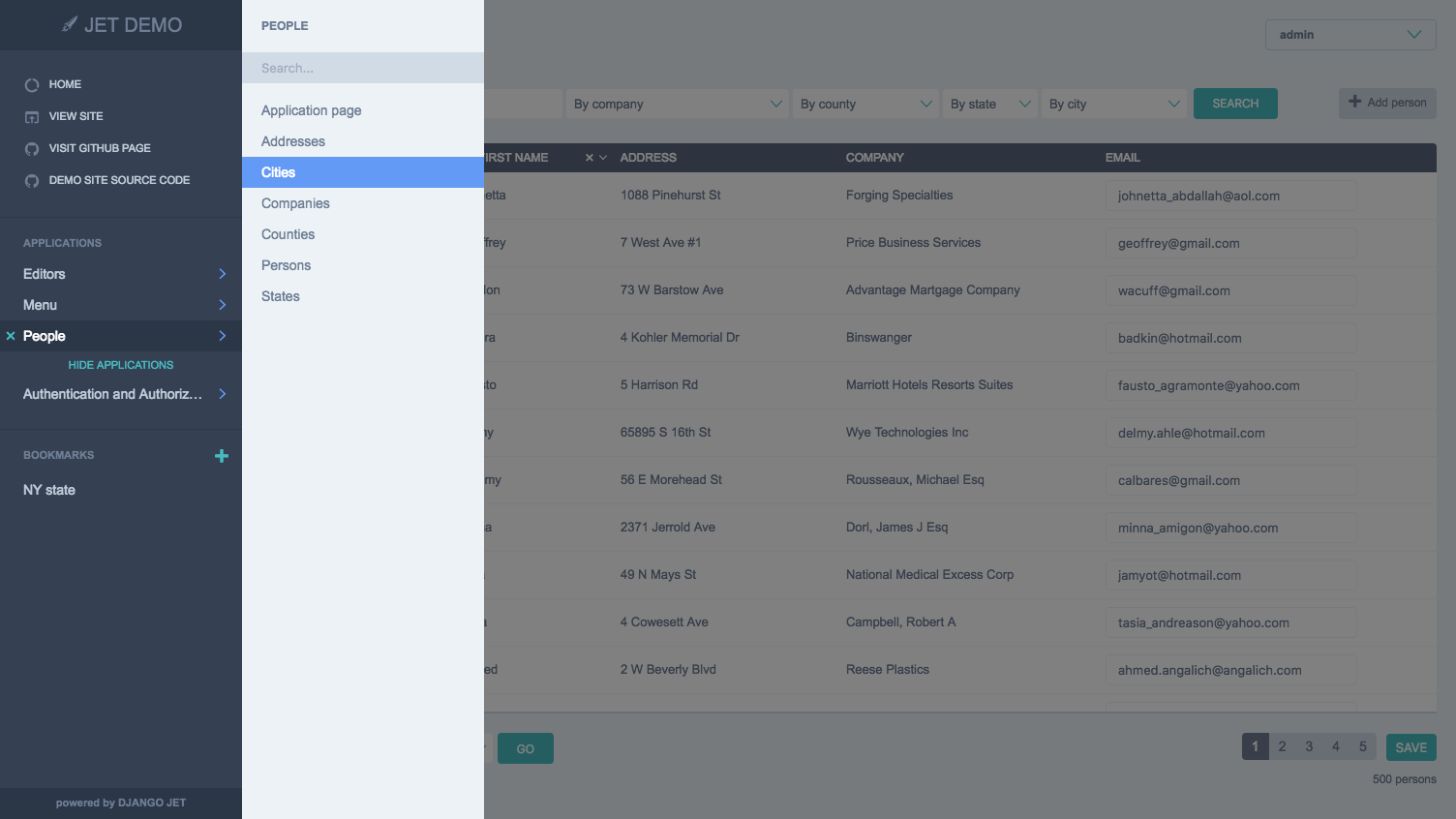
pip install django-jet
# or
easy_install django-jet
INSTALLED_APPS = (
    ...
    'jet',
    'django.contrib.admin',
)
django.template.context_processors.request context processor is enabled in settings.py (Django 1.8+ way):TEMPLATES = [
{
'BACKEND': 'django.template.backends.django.DjangoTemplates',
'DIRS': [],
'APP_DIRS': True,
'OPTIONS': {
'context_processors': [
...
'django.template.context_processors.request',
...
],
},
},
]
Warning
Before Django 1.8 you should specify context processors different way. Also use django.core.context_processors.request instead of django.template.context_processors.request.
from django.conf import global_settings

TEMPLATE_CONTEXT_PROCESSORS = global_settings.TEMPLATE_CONTEXT_PROCESSORS + (
    'django.core.context_processors.request',
)
urlpatterns = patterns(
    '',
    url(r'^jet/', include('jet.urls', 'jet')),  # Django JET URLS
    url(r'^admin/', include(admin.site.urls)),
    ...
)
python manage.py migrate jet
# or
python manage.py syncdb
python manage.py collectstatic
Note
Dashboard is located into a separate application. So after a typical JET installation it won't be active. To enable dashboard application follow these steps:
INSTALLED_APPS = (
    ...
    'jet.dashboard',
    'jet',
    'django.contrib.admin',
    ...
)
urlpatterns = patterns(
    '',
    url(r'^jet/', include('jet.urls', 'jet')),  # Django JET URLS
    url(r'^jet/dashboard/', include('jet.dashboard.urls', 'jet-dashboard')),  # Django JET dashboard URLS
    url(r'^admin/', include(admin.site.urls)),
    ...
)
pip install google-api-python-client==1.4.1
python manage.py migrate dashboard
# or
python manage.py syncdb
python manage.py collectstatic
more like this
Comprehensive analytics dashboard for AI coding agents — Cursor, Windsurf, Claude Code, VS Code Copilot, Zed, Antigravi…
an efficient and user friendly OTA server equipped with a powerful WEB UI, designed to effortlessly manage both your ES…
PlexWatch is a Discord bot that provides a real-time dashboard for your Plex media server, featuring active stream moni…
search projects, people, and tags