Scythe
SCYTHE is a lightweight, C#-based game engine focused on modifiability and rapid iteration using Raylib.
C#★ 50
R package that wraps Raylib, a simple and easy-to-use library to enjoy videogames programming
 jeroenjanssens
This R package wraps Raylib, a simple and easy-to-use library to enjoy videogames programming.
You can install the development version of raylibr from
GitHub with:
remotes::install_github("jeroenjanssens/raylibr")
raylibr is tested regularly on macOS, Linux, and Windows.
Raylib, the C library that the raylibr package wraps, enables you to
work with:
The raylibr package allows you to do all of this from R, and adds the
following usability improvements for R users:
Vector2, Vector3, etc.)"hotpink" instead of 0xff69b4ff or
list(r = 255, g = 105, b = 180))raylibr is an anagram of
library)Here’s a “Hello, World!” script to give you an idea of how to use
raylibr. You can run this script using
demo("helloworld", package = "raylibr").
library(raylibr)

init_window(600, 400, "R & Raylib: Hello, World!")

while (!window_should_close()) {
  alpha <- abs(sin(get_time()))
  begin_drawing()
  clear_background("black")
  draw_circle(300, 200, seq(150, 10, by = -10), c("red", "white"))
  draw_text(c("hello,", "world!"), 225, c(120, 220), 64, fade("black", alpha))
  draw_fps(10, 10)
  end_drawing()
}

close_window()
This script produces the following animation:
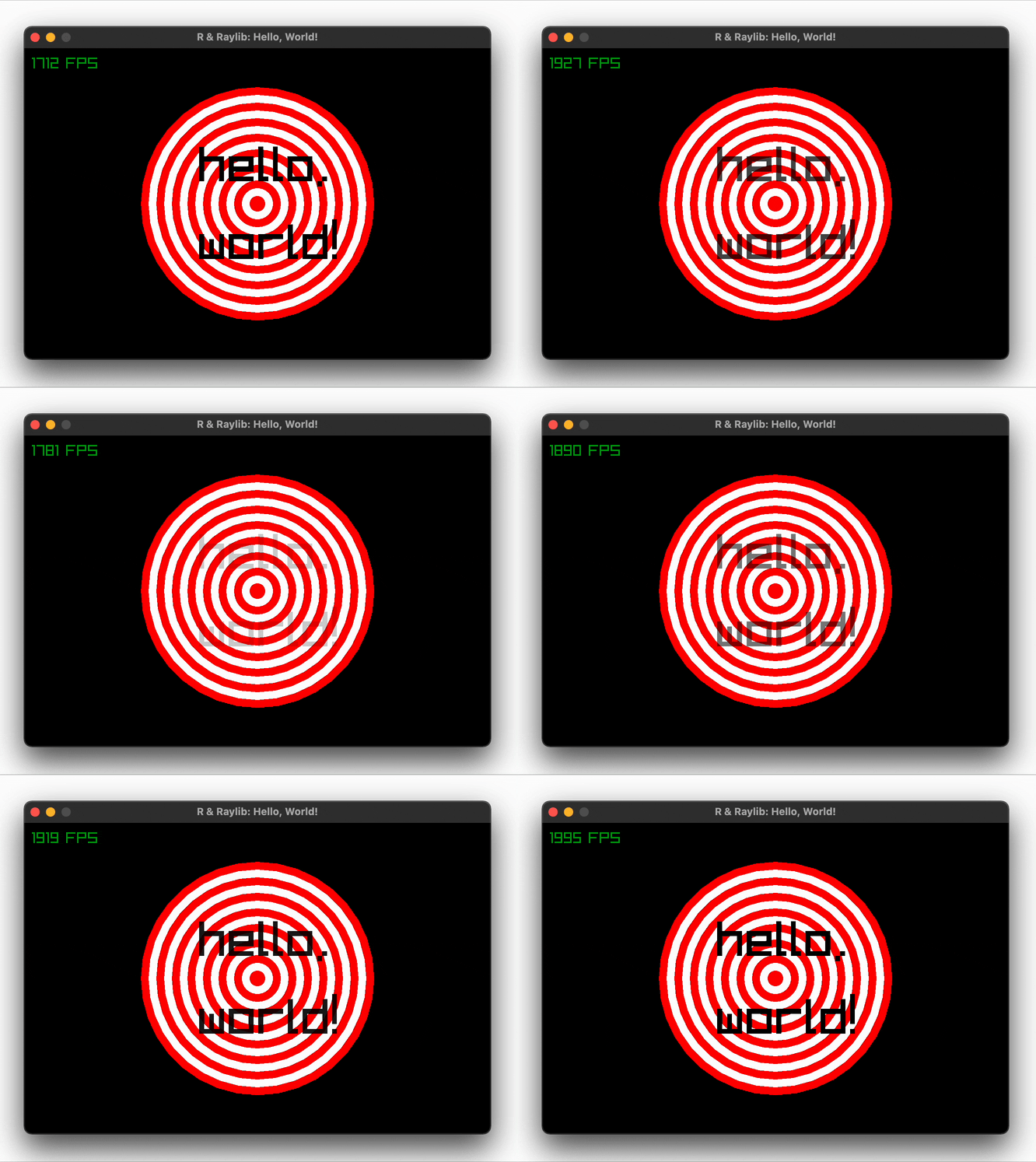
While basic, it illustrates how to create a window, how to draw shapes (in a vectorized manner), and how to work with colors. Just imagine what you can do if you add a little keyboard interactivity and some sound effects!
Below are a few more examples to whet your appetite. Run
demo(package = "raylibr") to see all available demos in R or visit
Raylib’s examples page to see
even more examples in C.
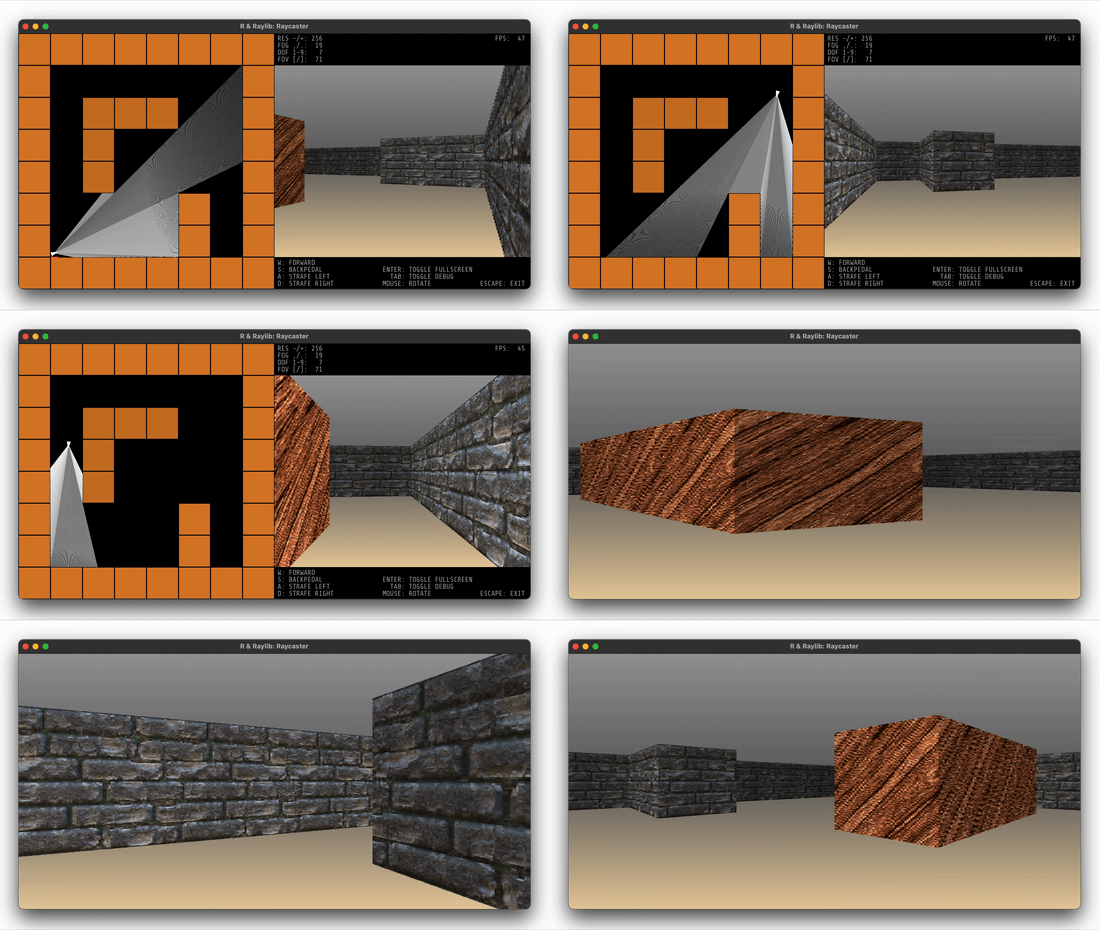
Run demo("raycaster", package = "raylibr") to reminisce the 90s and
learn how raycasters work. Source:
demo/raycaster.R
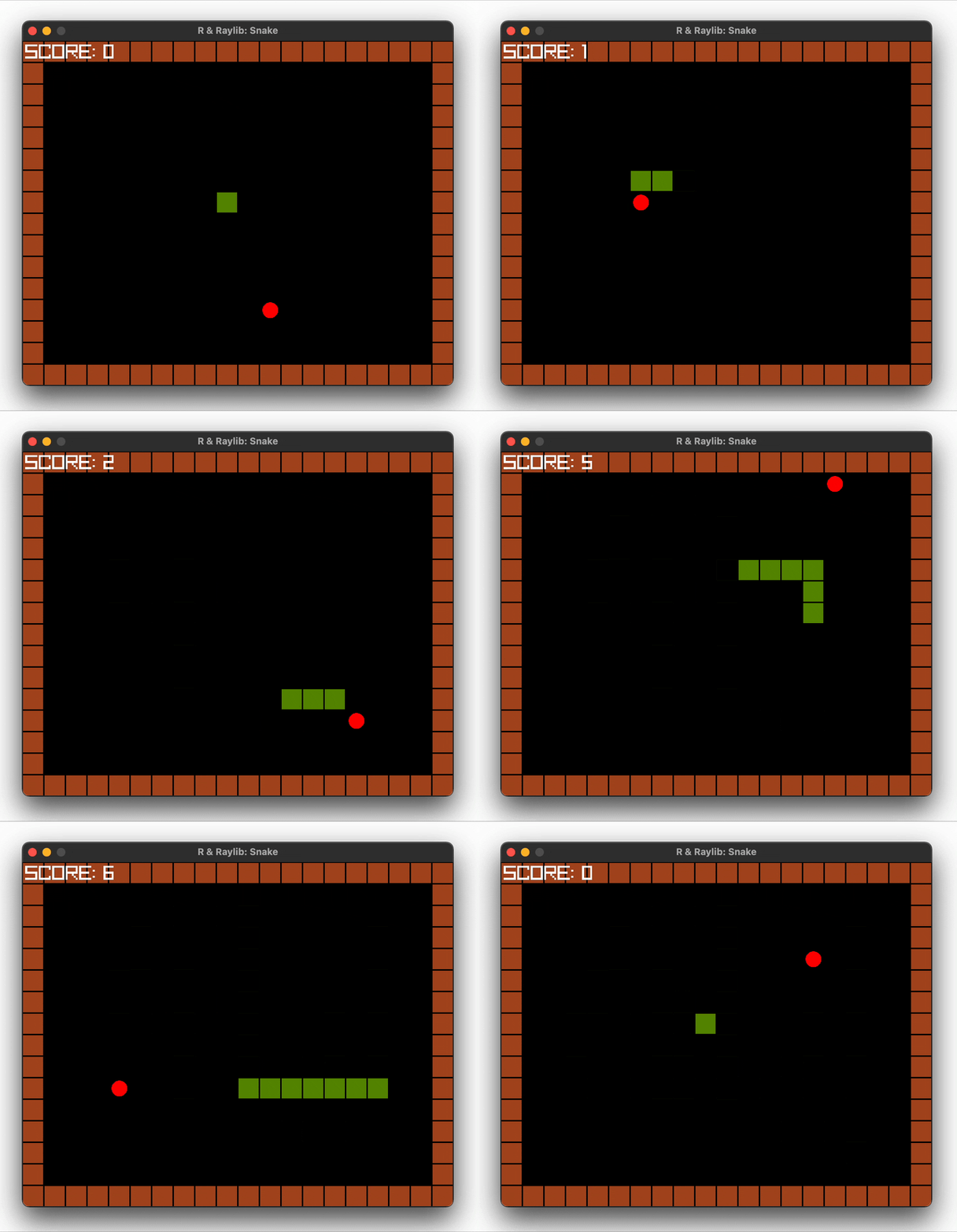
Run demo("snake", package = "raylibr") to play this game. Use the
arrow keys to control the snake. Source:
demo/snake.R
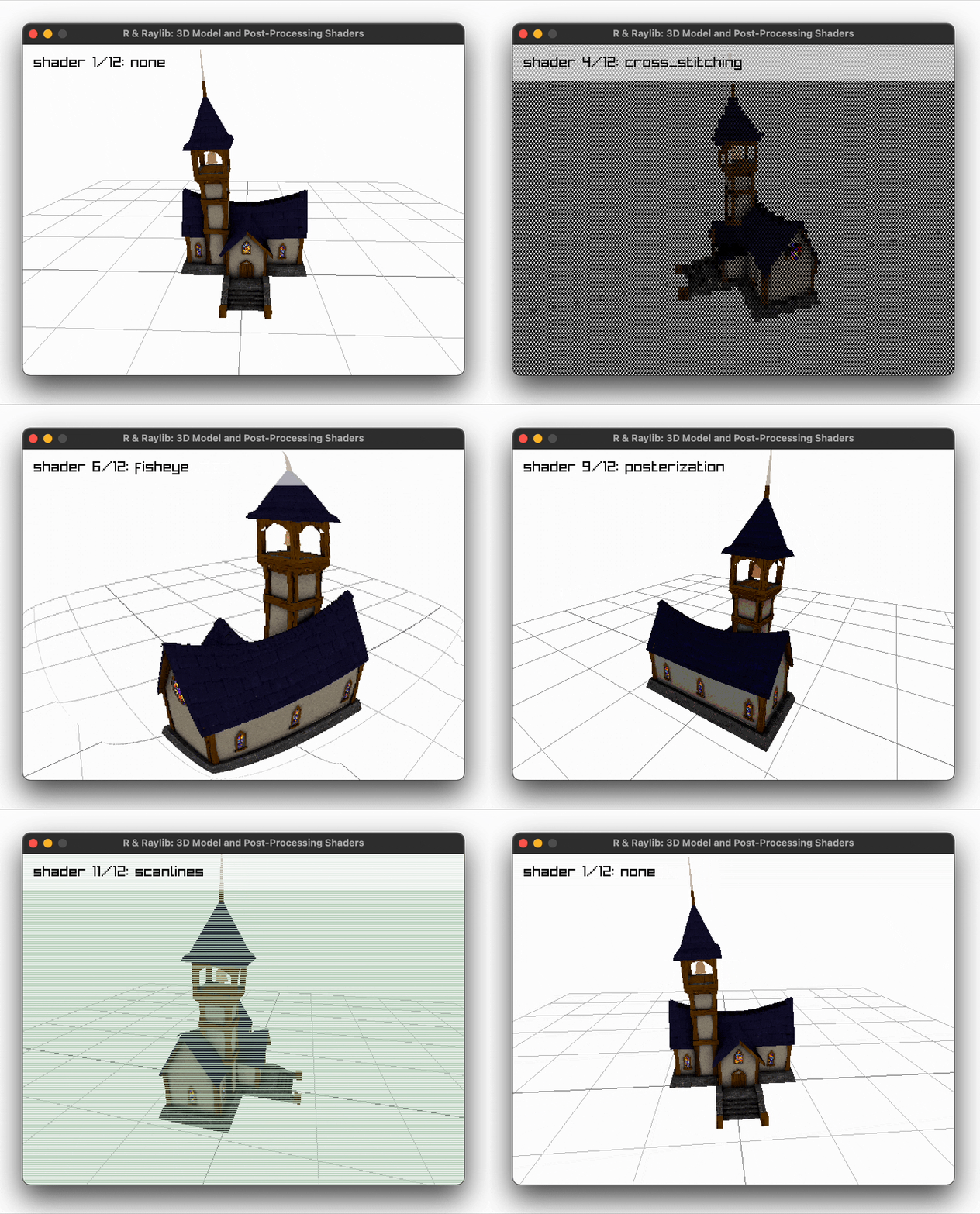
Run demo("model", package = "raylibr") to play this demo. Select a
different shader with the left and right arrow keys. Source:
demo/model.R
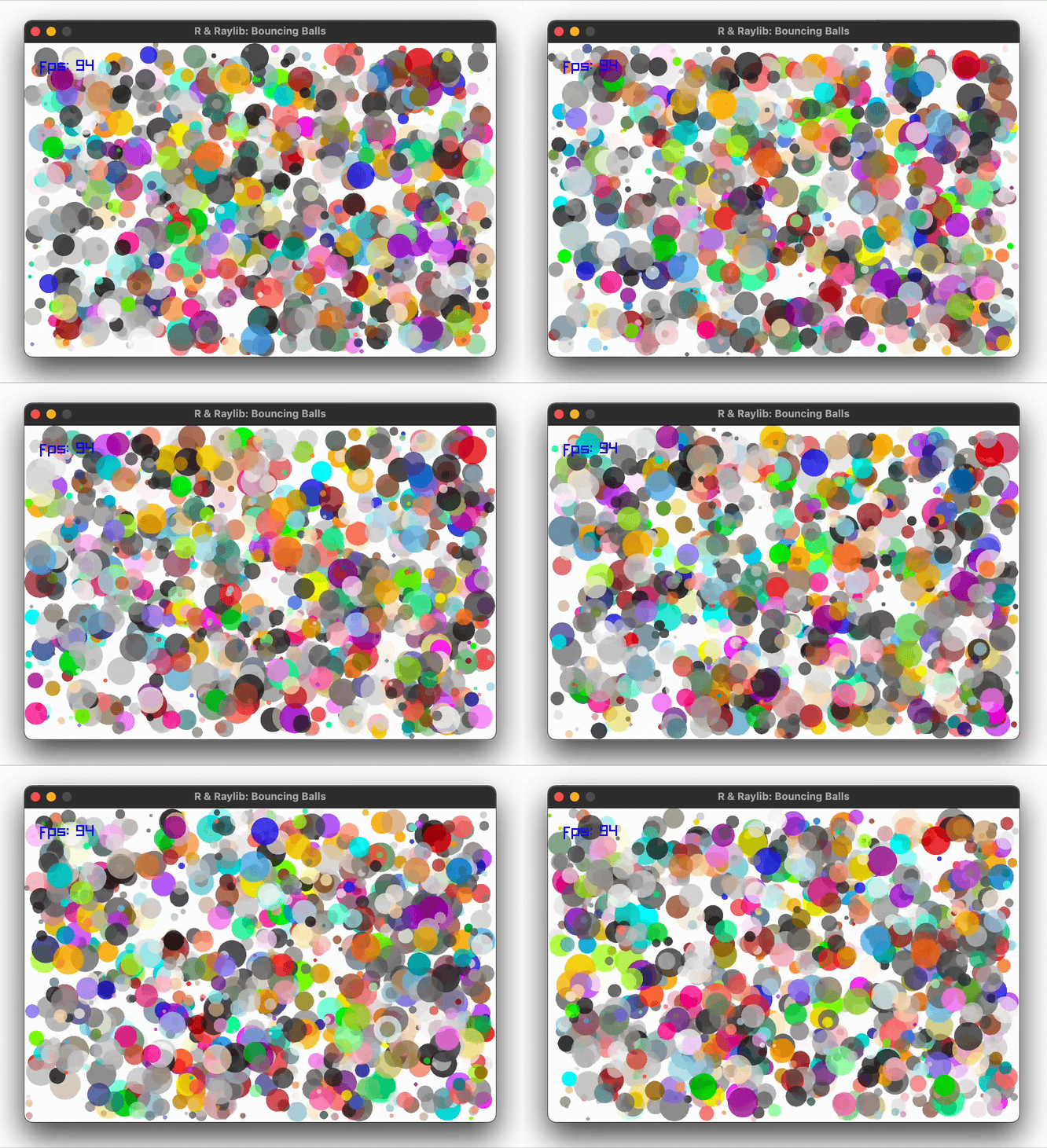
Run demo("balls", package = "raylibr") to play this demo. Source:
demo/balls.R
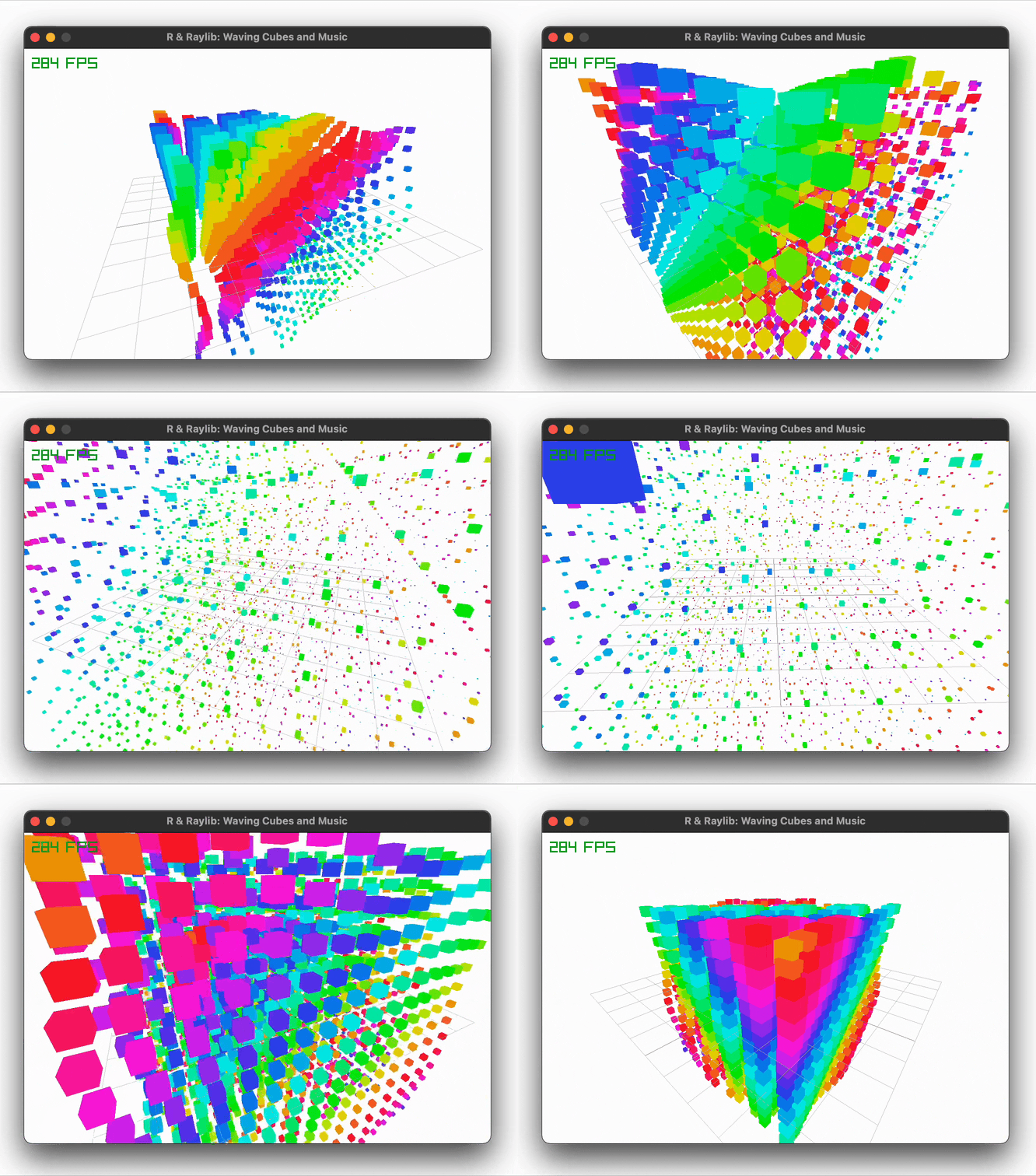
Run demo("cubes", package = "raylibr") to play this demo. Source:
demo/cubes.R
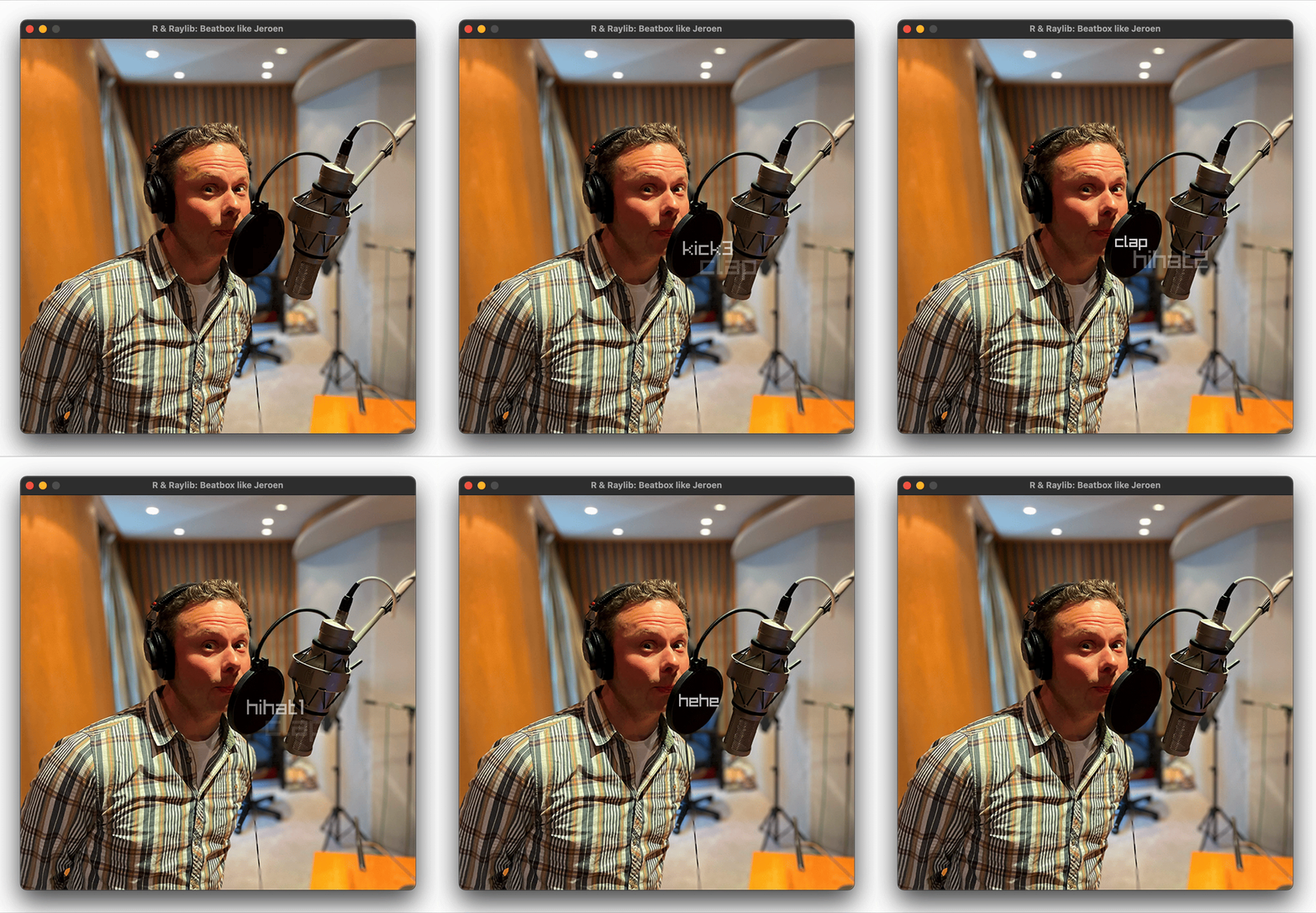
Run demo("beatbox", package = "raylibr") to drop some beats. Press the
[a-zA-Z] keys to play the 52 samples recorded by yours truly. Silence
the cacophony by pressing Space. Source:
demo/beatbox.R
raylibr on GitHub.raylibr’s
contributors
for improving raylibr by submitting issues and pull requests.The raylibr package is licensed under the MIT License.
more like this
SCYTHE is a lightweight, C#-based game engine focused on modifiability and rapid iteration using Raylib.
.Net 10 (.Net 8+) webassembly starter project using raylib-cs nuget 7.0.2 and raylib 5.5
search projects, people, and tags