moxon-frame-generator
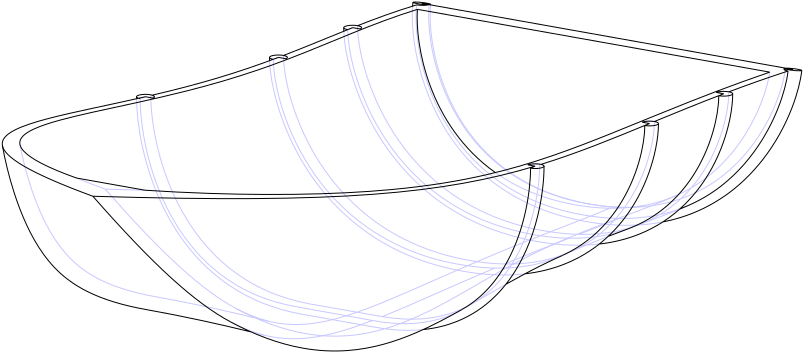
simple generator for 3D-printed frames for a moxon rectangle antenna
OpenSCAD★ 50
Haskell Bindings for the OpenCASCADE CAD Kernel + A Declarative CAD/Solid Modeling Library
 joe-warren
git clone https://github.com/joe-warren/opencascade-hs.gitjoe-warren/opencascade-hsThis repository contains multiple libraries, the main two are "OpenCascade-hs" and "Waterfall CAD".

A third party Haskell wrapper to Open CASCADE (wiki), which is the underlying framework behind FreeCAD.
Wrapping the Open Cascade API has been done on an incremental basis, and only a partial subset has been extracted, this largely consists of the modeling functionality (BRep/Boolean Ops/Curves/etc), and does not include the visualization components.

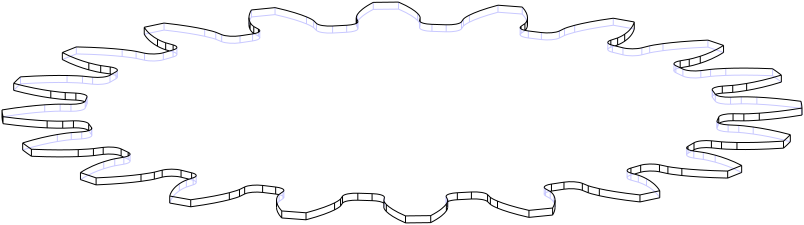
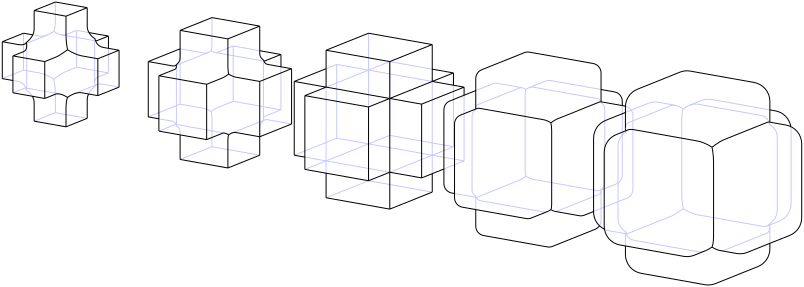
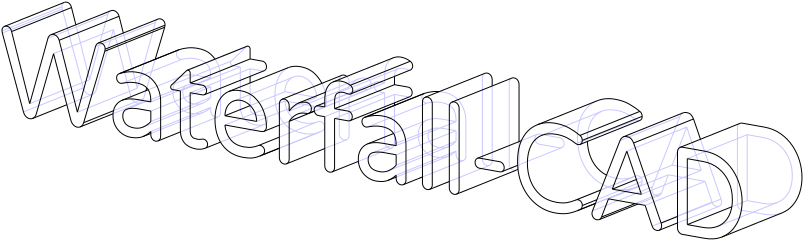
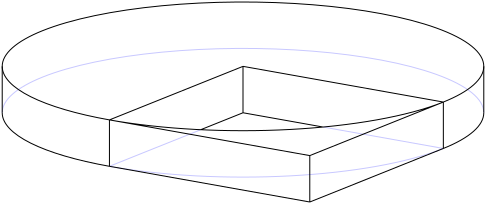
Waterfall CAD is a declarative CAD/Solid Modeling library.
This uses opencascade-hs as the kernel, but provides a "more functional" API over it.
Waterfall CAD SVG adds support for converting Waterfall objects to/from SVG.
It uses the library svg-tree.
It's packaged as a separate library to Waterfall-CAD.
The repo also contains a WASM based interactive playground, hosted at doscienceto.it/waterpark.
The playground lets you try Waterfall-CAD in your browser, without installing anything locally.
It can also be used to view Waterfall-CAD models in a format that allows people to easily make small changes.
This can be built using the Dockerfile in Dockerfile.playground, and developed using the devcontainer in .devcontainer/playground.
OpenCASCADE-hs depends on Open Cascade version >= 7.8.x. In order to run with an earlier version of Open Cascade, you'll need to use a version prior to 0.3.0.0.
OpenCASCADE-hs is only tested on Debian and MacOS.
As this library depends on OpenCASCADE, I've been developing on Debian with the following packages installed:
> sudo apt-get install libocct-data-exchange-7.9 libocct-data-exchange-dev libocct-draw-7.9 libocct-draw-dev libocct-foundation-7.9 libocct-foundation-dev libocct-modeling-algorithms-7.9 libocct-modeling-algorithms-dev libocct-modeling-data-7.9 libocct-modeling-data-dev libocct-ocaf-7.9 libocct-ocaf-dev libocct-visualization-7.9 libocct-visualization-dev occt-misc
I think there should be some flexibility as to the exact version of libocct required, and which occt packages are necessary.
On MacOS, you should be able to install OpenCASCADE via homebrew:
brew install opencascade
You'll also need to configure the path to the OpenCASCADE header files, either via extra-include-dirs, or CPATH:
export CPATH=$CPATH:$HOMEBREW_PREFIX/Cellar/opencascade/7.*/include/opencascade/
In addition to configuring the path to the OpenCASCADE header files, you'll also need to add the libraries to the link and runtime library search paths, either via extra-lib-dirs or LIBRARY_PATH:
export CPATH=$CPATH:$HOMEBREW_PREFIX/Cellar/opencascade/7.*/include/opencascade/
export LIBRARY_PATH=$LIBRARY_PATH:`echo $HOMEBREW_PREFIX/Cellar/opencascade/7.*/lib`
Waterfall-CAD is first and foremost a Haskell library, so you can use it in a Haskell project like any other dependency. For small standalone models, cabal scripts or stack scripts work well, because they let you keep an entire design in a single file.
The workflow I use when designing a model is to have the code write out a solid using writeSTL, and to keep that file open in a mesh viewer (I use MeshLab).
Because OpenCASCADE is licensed under the LGPL version 2.1, I'm also using that library for this project.
If you're having any problems using either of these libraries, please feel free to open an issue.
If you've found the project useful, or interesting, or if you've built anything with it, I'd love to hear from you: there's a Waterfall-CAD Discord server.
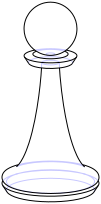
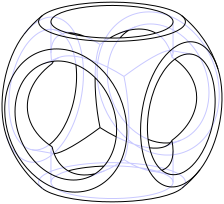
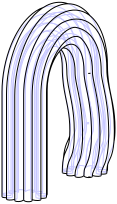
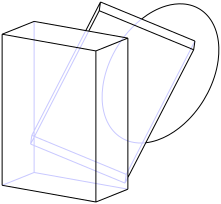
more like this
simple generator for 3D-printed frames for a moxon rectangle antenna
GPX 轨迹转 3D 可打印地形模型 | Hiking trail to 3D printable terrain | Electron + Vue。 一款面向户外爱好者与 3D 打印玩家的 Web 工具。将 GPX 徒步/骑行轨迹一键转…
Install and monitor KlipperScreen on Android via DroidKlipp APK, USB ADB forwarding, and WiFi fallback
search projects, people, and tags