tobira.nvim
Open the next door in your Vim journey — personalized command discovery based on your actual usage
Lua★ 51
📝 React.js todo app with many features, including sharing tasks via link, P2P synchronization using WebRTC, theme cust…
 maciekt07
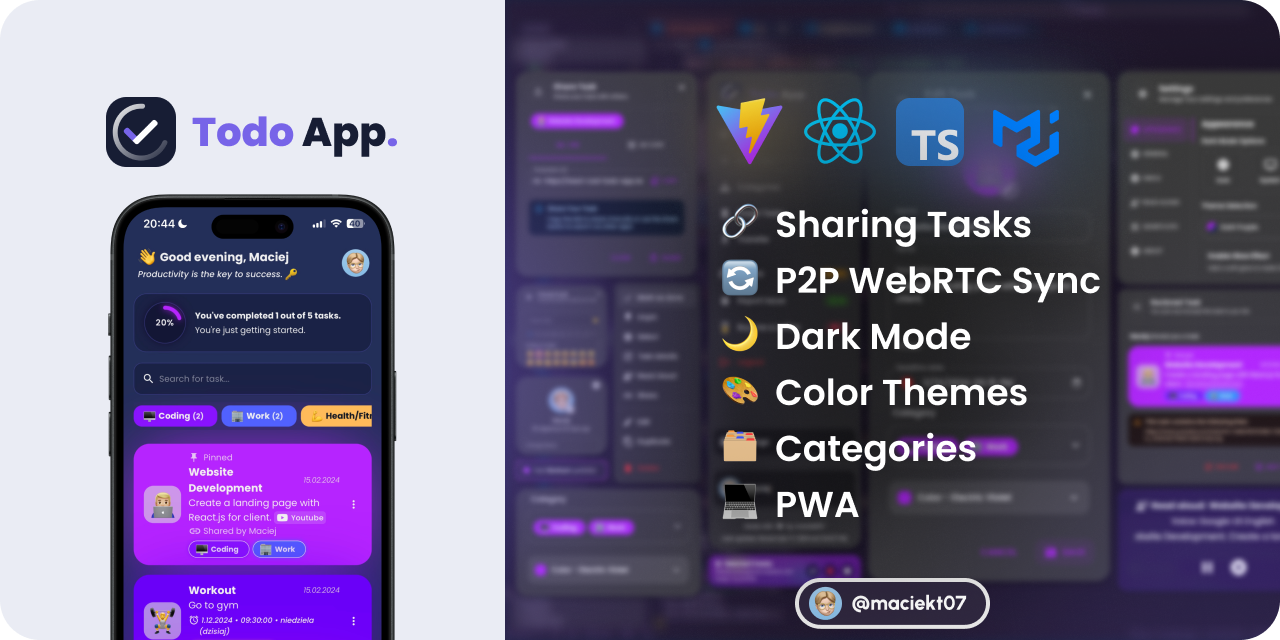
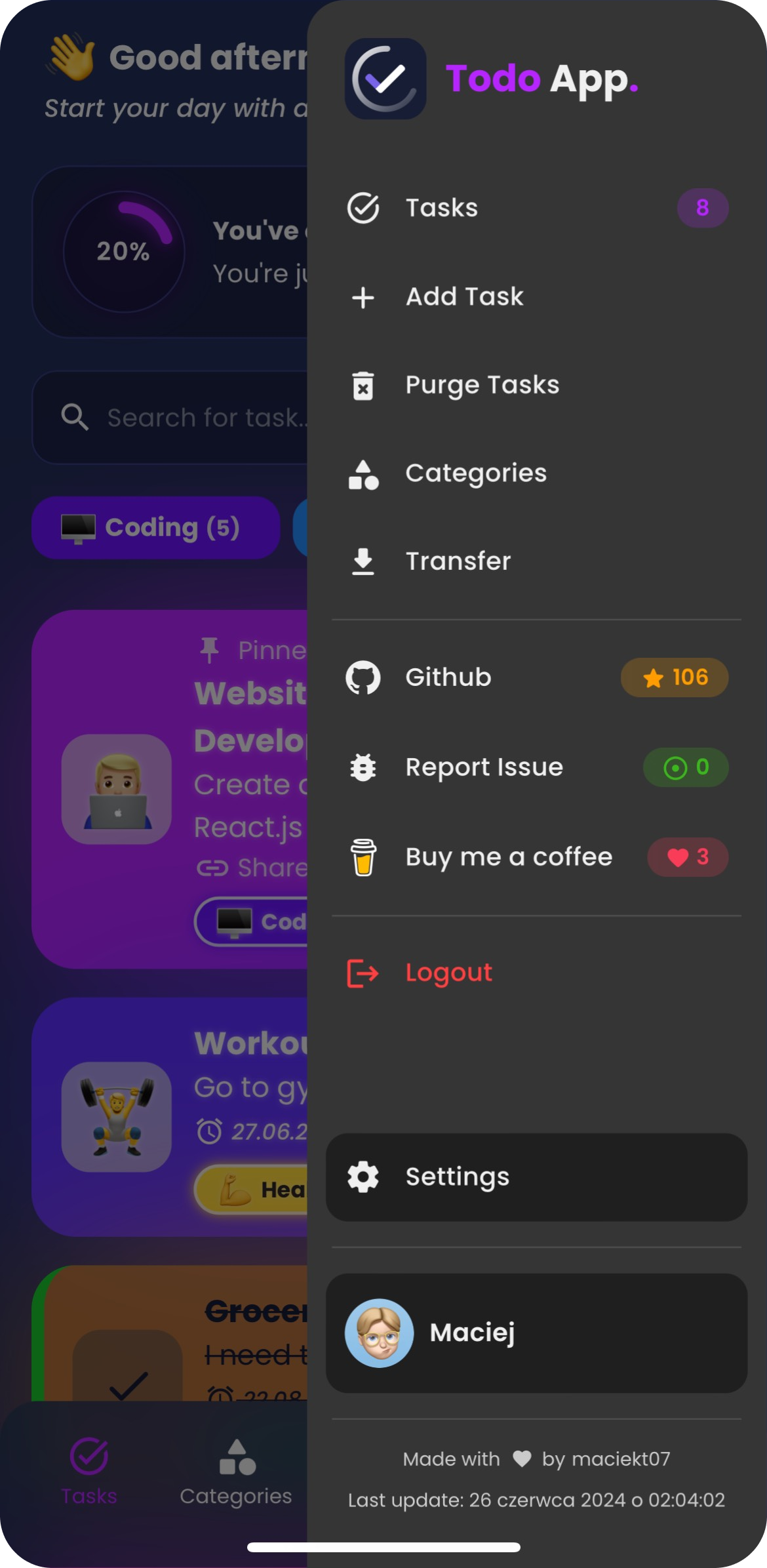
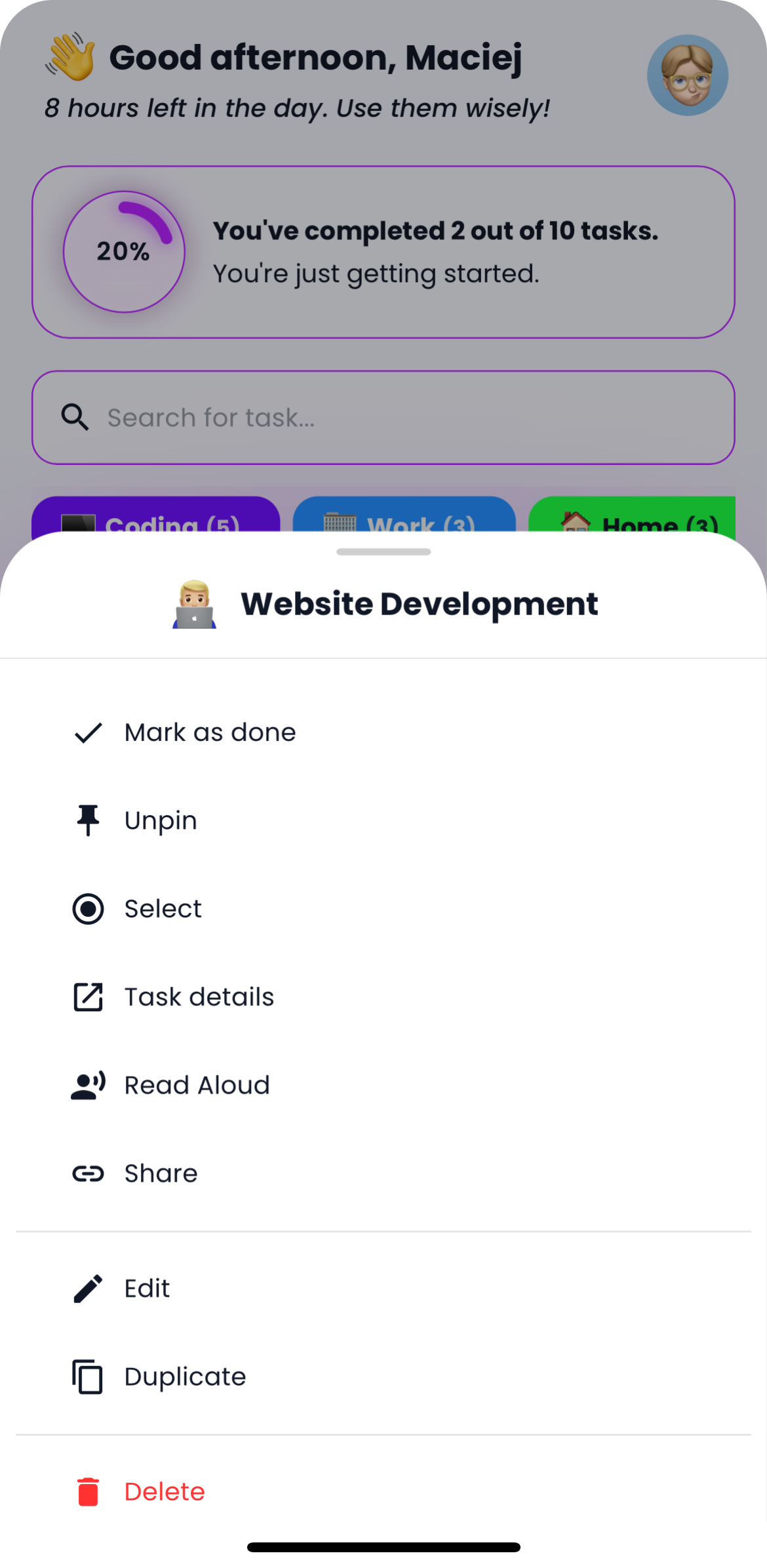
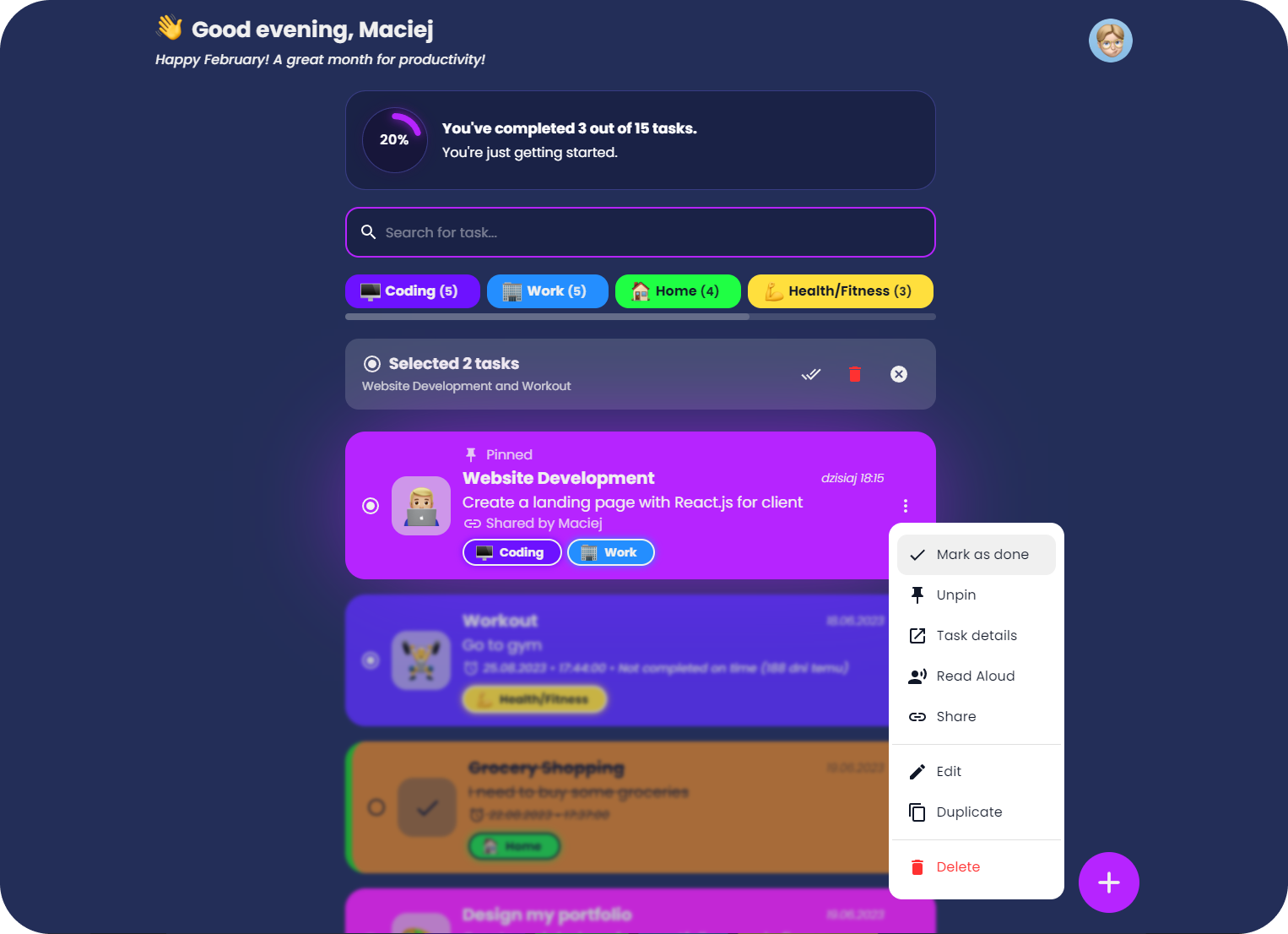
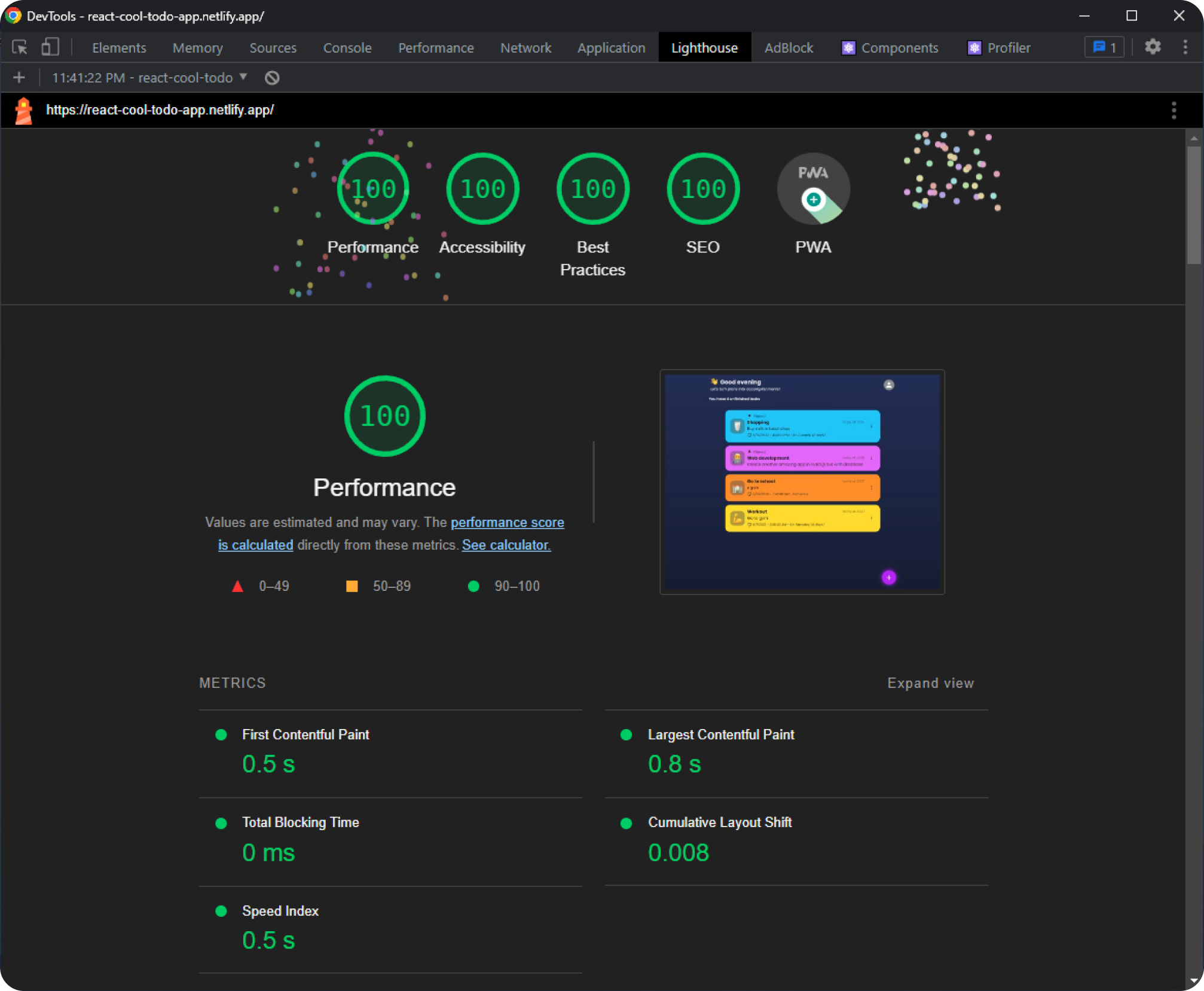
A fast and modern Todo app built with React, featuring task sharing via link, P2P Task Sync with WebRTC, theme customization, offline usage as a PWA, and caching for smooth performance.
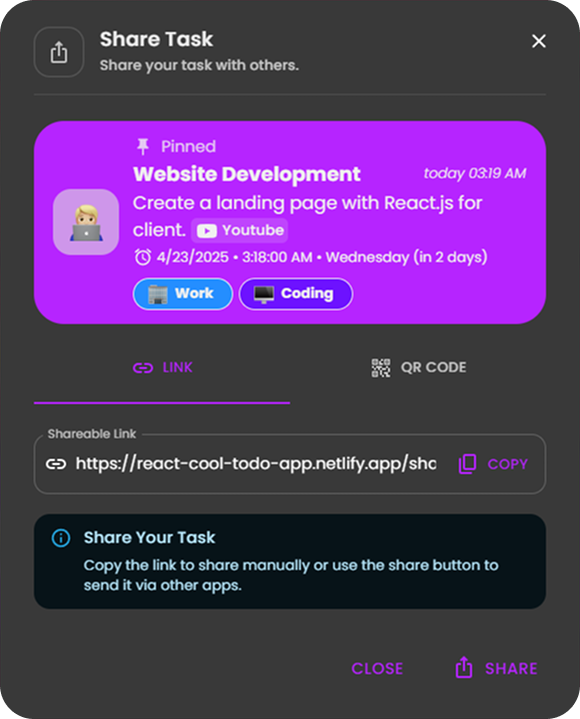
Easily share your tasks with others using a link or QR code.
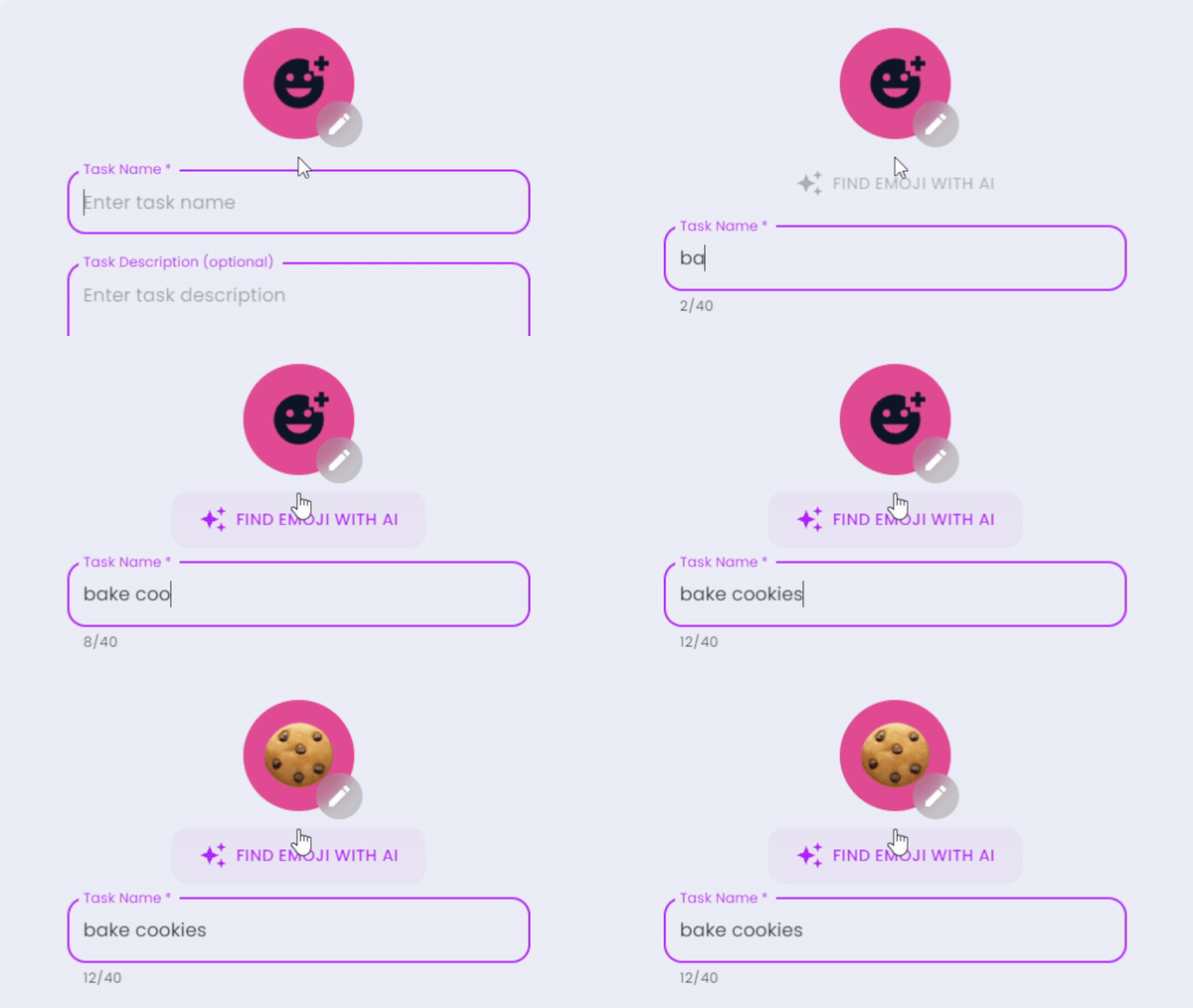
This feature uses Chrome’s experimental window.LanguageModel API powered by Gemini Nano — an on-device LLM.
⚠️ Requires Chrome Canary 128+ with the Gemini Nano model installed - Setup guide
Code: src/components/EmojiPicker.tsx
Securely sync all the data between devices using peer-to-peer WebRTC connections. Devices pair via QR code, and your data is transferred directly between them — only minimal server involvement for connection setup, with no data stored or processed in the cloud.
Choose from various color themes and toggle between light and dark modes to suit your preferences.

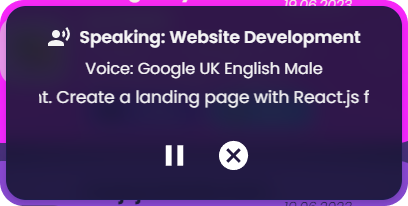
Option to have tasks read aloud using the native SpeechSynthesis API, with a selection of voices to choose from.
Users can import and export tasks to/from JSON files. This feature allows users to back up their tasks or transfer them to other devices easily. Example Import File
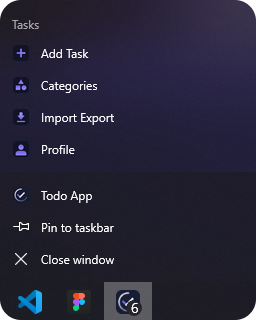
This app is a Progressive Web App (PWA), which means it can be installed on your device, used even when you're offline and behave like a native app with shortcuts and app badges.
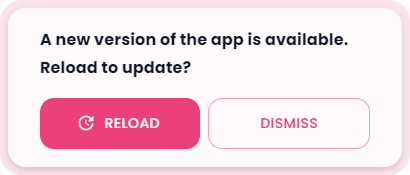
The app features a custom update prompt that notifies users when a new version is available, allowing for easy refresh to access the latest improvements.
The app automatically generates custom splash screens from a single HTML template for various iOS and iPadOS devices in both light and dark modes. These splash screens provide a smooth, native-like launch experience when the app is opened as a PWA.
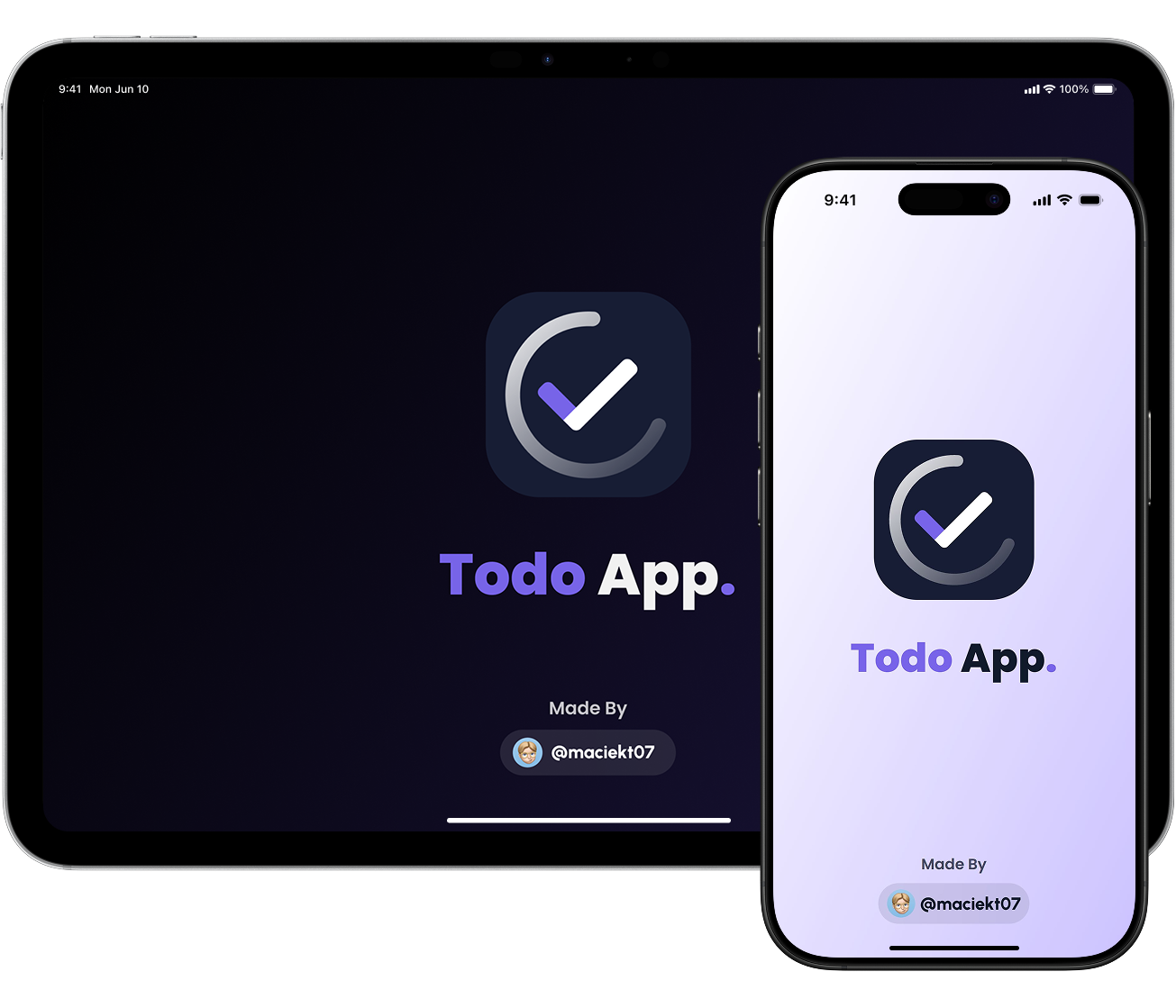
To generate splash screens:
npm run generate-splash
Code: scripts/splash-screens
To install and run the project locally, follow these steps:
git clone https://github.com/maciekt07/TodoApp.git
cd TodoApp
npm install
npm run dev
The app will now be running at http://localhost:5173/.
Tip
For mobile device testing, use npm run dev:host to preview the app on your local network with HTTPS (required for camera features) and a QR code in the terminal for quick access. To enable PWA features in development, see vite.config.ts.
more like this
Open the next door in your Vim journey — personalized command discovery based on your actual usage
MTT File Manager is a Rust-based Windows file manager with tabbed navigation, rich media previews, deep system integrat…
search projects, people, and tags