Scythe
SCYTHE is a lightweight, C#-based game engine focused on modifiability and rapid iteration using Raylib.
C#★ 50
Bitty Engine - An itty bitty 2D game engine, with built-in editors, programmable in Lua.
 paladin-t
Home | Steam | Itch | Documents | About
 An itty bitty 2D game engine.
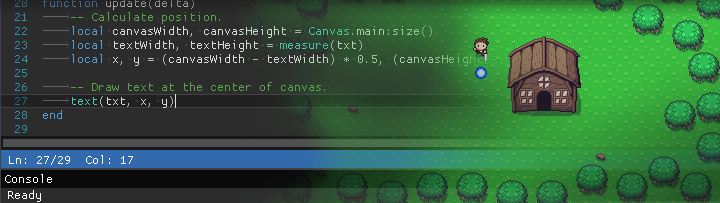
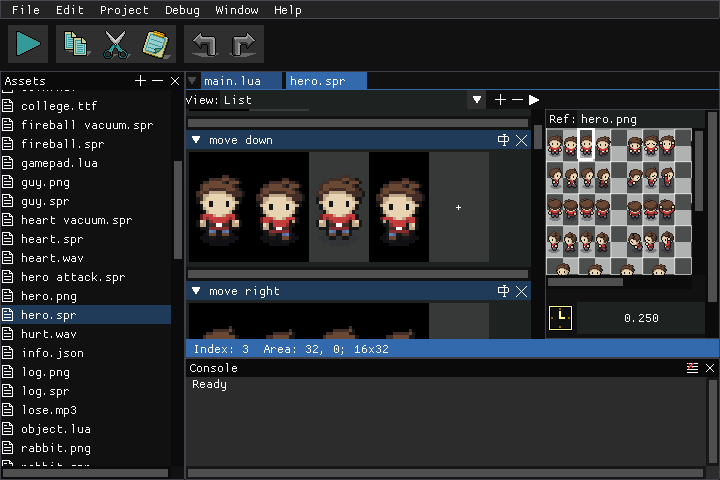
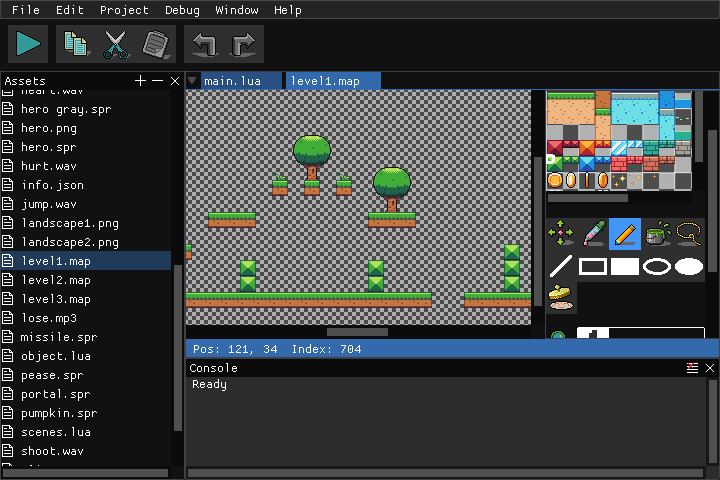
Bitty Engine is a cross-platform itty bitty 2D Game Engine and open-source Framework. The full featured engine is programmable in Lua and integrated with built-in editors. It keeps the nature of both engine's productivity, and fantasy computer/console's ease to iterate. It boosts your commercial/non-commercial projects, prototypes, game jams, or just thought experiments.
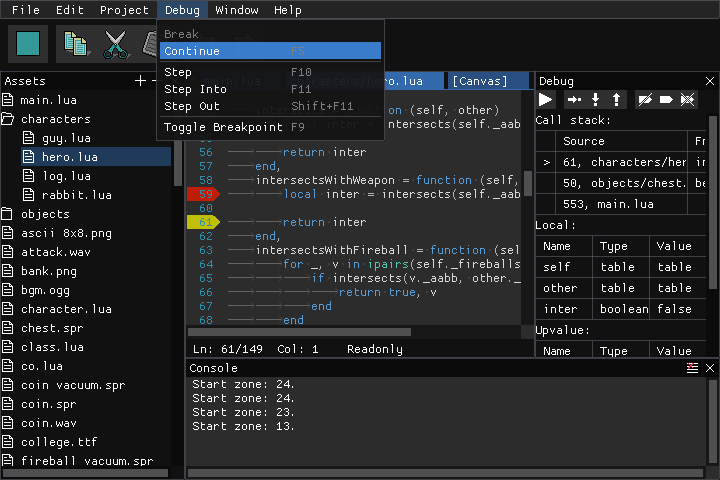
Bitty Engine has everything built-in for coding, graphics composing, etc; it has a full featured debugger for breakpoint, variable inspecting, stepping, and call-stack traversing; it offers a set of well-designed API with full documentation; it builds fast binaries with code and asset obfuscating, moreover its package size is small (around 10MB with empty project, other engine outputs more than 10 times bigger).
It is supposed to be your ultimate 2D game creating software.
Bitty Engine offers a set of orthogonal features that makes game development comfortable and enjoyable.
Resources API
Resources.load(...), Resources.unload(...)Resources.wait(...), Resources.collect(...)plot(...), line(...), circ(...), ellipse(...), rect(...), tri(...)text(...), font(...), measure(...)tex(...)spr(...)map(...)clip(...), camera(...)Space, Shape, Body, Arbiter, etc.Archive, Bytes, Color, Database, DateTime, Encoding, File, Filesystem, Image, Json, Math, Network, Platform, Web, TextBoxApplication, Canvas, Project, Debuglocal obj = nil
function setup()
obj = Resources.load('hero.spr')
obj:play('move', true, true)
end
function update(delta)
spr(obj, 208, 128, 64, 64)
end
See more in bitty/examples.
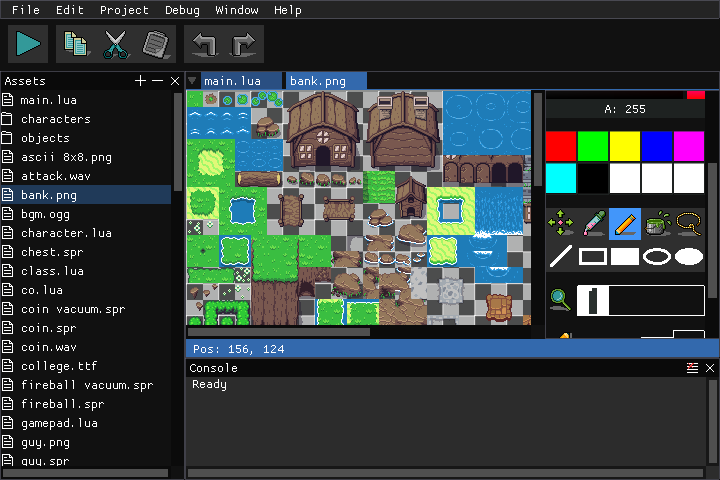
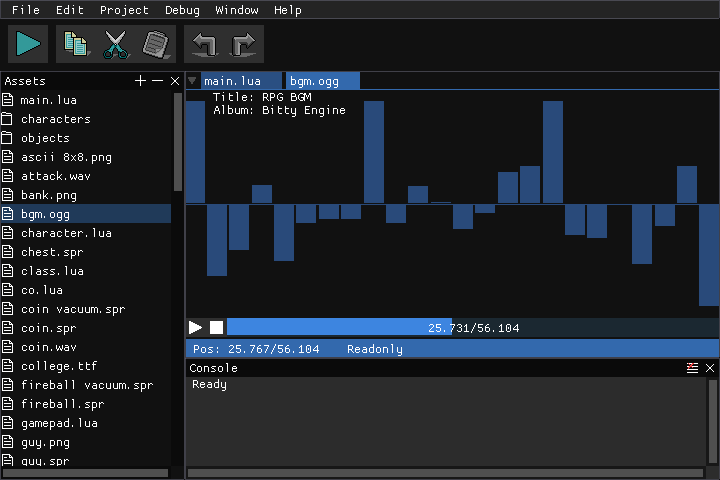
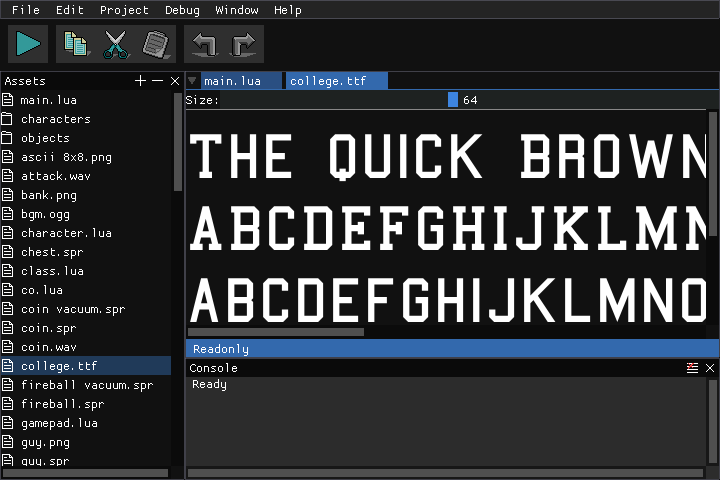
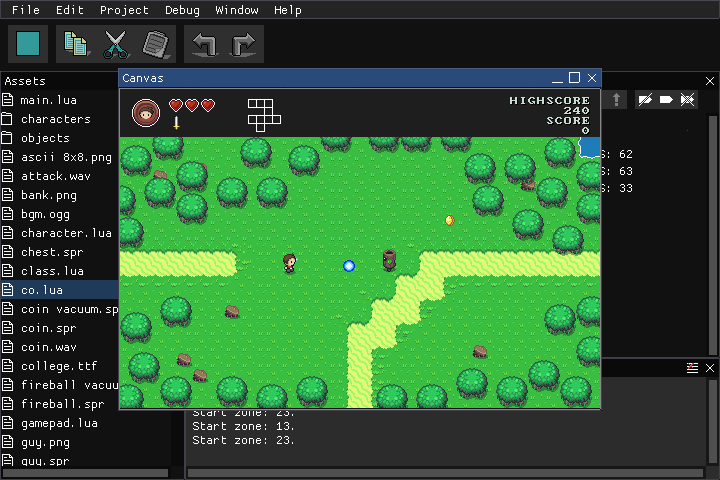
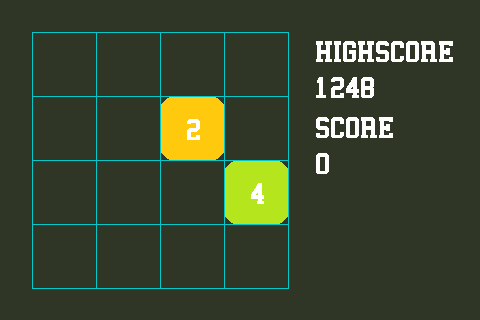
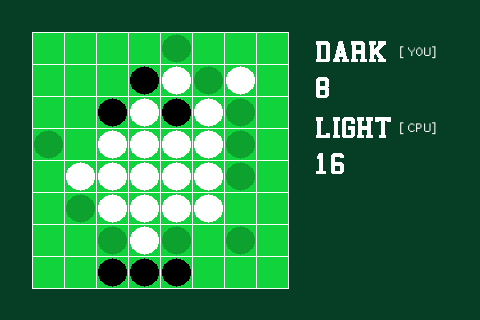

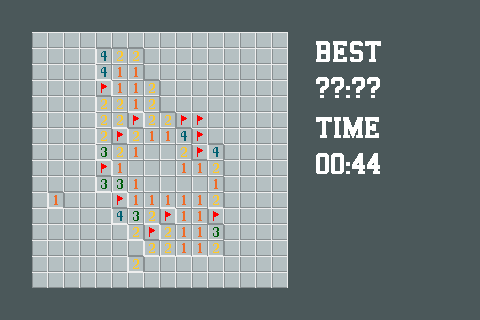

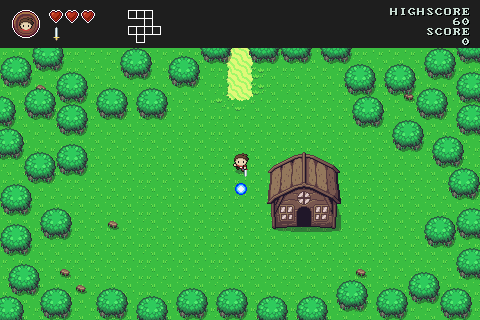


Bitty Engine helps you to make standalone binaries for Windows, MacOS, Linux, and HTML (WebAssembly). It is redistributable for both non-commercial and commercial use without extra fee, your project is totally yours.
Everything is done with Bitty Engine by nothing more than a few mouse clicks.
Put an image at "../icon.png" relative to executable to customize the icon dynamically. Put an image at "../splash.png" as well to customize the splash, the image could be transparent.
The pre-built binary is available on Steam and Itch.


A C++14 capable compiler is required, any compiler came after 2014 should be ok. You need to get this repository before build:
git clone https://github.com/paladin-t/bitty.git
cd bitty
See the README under the "src" directory for source code architecture.
There are some customizable macros:
BITTY_MULTITHREAD_ENABLED[=1]: indicates whether project code executes on a thread separately from graphicsBITTY_DEBUG_ENABLED[=1]: indicates whether project code debug is enabled; requires BITTY_MULTITHREAD_ENABLED==1; disable this to build a pure runnerBITTY_NETWORK_ENABLED[=1]: indicates whether the Network API is enabledBITTY_WEB_ENABLED[=1]: indicates whether the Web API is enabled; disable this if you don't need web accessibilityBITTY_SPLASH_ENABLED[=1]: indicates whether the splash is enabledBITTY_EFFECTS_ENABLED[=0]: whether full screen effects is enabledBITTY_PROJECT_STRATEGY_MAP_BATCH_ENABLED[=0]: indicates whether map batch is preferred; it might speed up map rendering if enabled, but requires more memory and could be slow with mset(...)Once you have setup and built a binary, it loads from "../data" or "../data.bit" automatically as startup project. Otherwise it shows a programmable workspace.
Dependencies: Visual Studio (with C++ development tools installed).
lib/sdl/copy_win.cmdlib/sdl_mixer/copy_win.cmdDependencies: CMake, GCC.
cd lib/curl
./configure
make
cd ../..
lib/curl/copy_linux.shcd lib/libuv sh autogen.sh ./configure make sudo make install cd ../..
lib/libuv/copy_linux.shcd lib/sdl ./configure make sudo make install cd ../..
lib/sdl/copy_linux.shsudo apt install libflac-dev libfluidsynth-dev libmodplug-dev libmpg123-dev libopus-dev libopusfile-dev libvorbis-dev
cd lib/sdl_mixer
./configure
make
cd ../..
lib/sdl_mixer/copy_linux.shcd bitty.linux cmake . && make cd ..
Note: If you want to link to the system libraries instead of the local libraries in this repo, refer to the instructions below. You can configure BITTY_LIB_CURL_USE_LOCAL, BITTY_LIB_LIBUV_USE_LOCAL, and BITTY_LIB_SDL_USE_LOCAL to determine the linking strategy respectively for cURL, libuv, and SDL.
cd bitty.linux
cmake . -DBITTY_LIB_CURL_USE_LOCAL=FALSE -DBITTY_LIB_LIBUV_USE_LOCAL=FALSE -DBITTY_LIB_SDL_USE_LOCAL=FALSE && make
cd ..
Dependencies: Xcode.
cd lib/curl
./build_macos.sh
cd ../..
You can also setup your own build pipeline for other platforms. The "lib", "src", and "studio" directories are almost what you need. See the README under the "src" directory for code architecture.
The "platform_*" files contain most platform dependent code, you'll probably make a specific port.
Note the file dialog library is only usable on desktop builds, make your own adaption if you need it on other platforms.
more like this
SCYTHE is a lightweight, C#-based game engine focused on modifiability and rapid iteration using Raylib.
Pathfinding library for calculating all node pairs' shortest paths in an unweighted undirected graph.
search projects, people, and tags