nestur
The NES (emulator) you left outside in the rain but let dry and still kind of works
 spieglt
git clone https://github.com/spieglt/nestur.gitspieglt/nesturnestur
Nestur is an NES emulator. There are plenty of full-featured emulators out there; this is primarily an educational project but it is usable. There may still be many bugs, but I'm probably not aware of them so please submit issues.
- no use of
unsafe - NTSC timing
- supports mappers 0-4 which cover ~85% of games
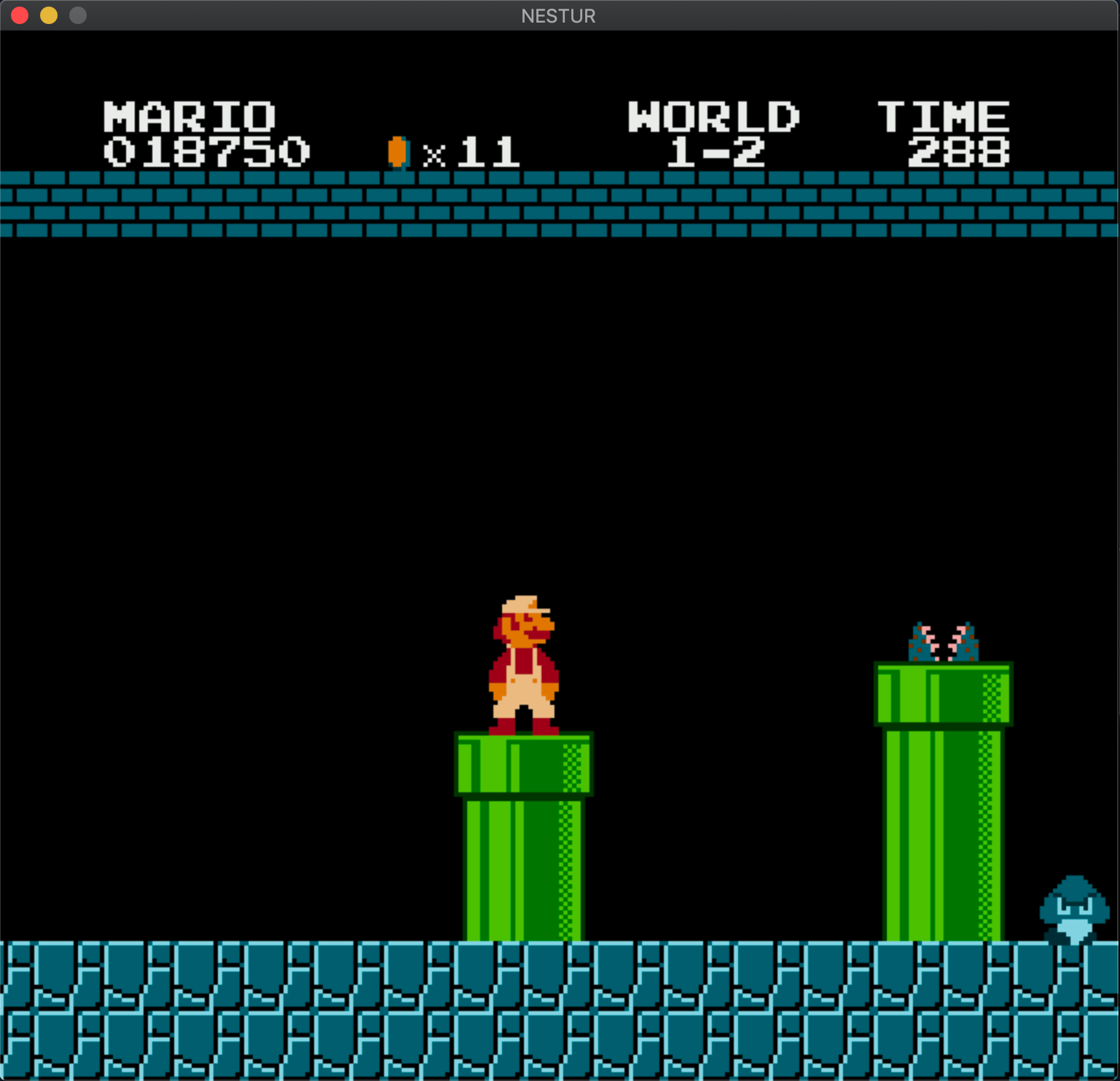
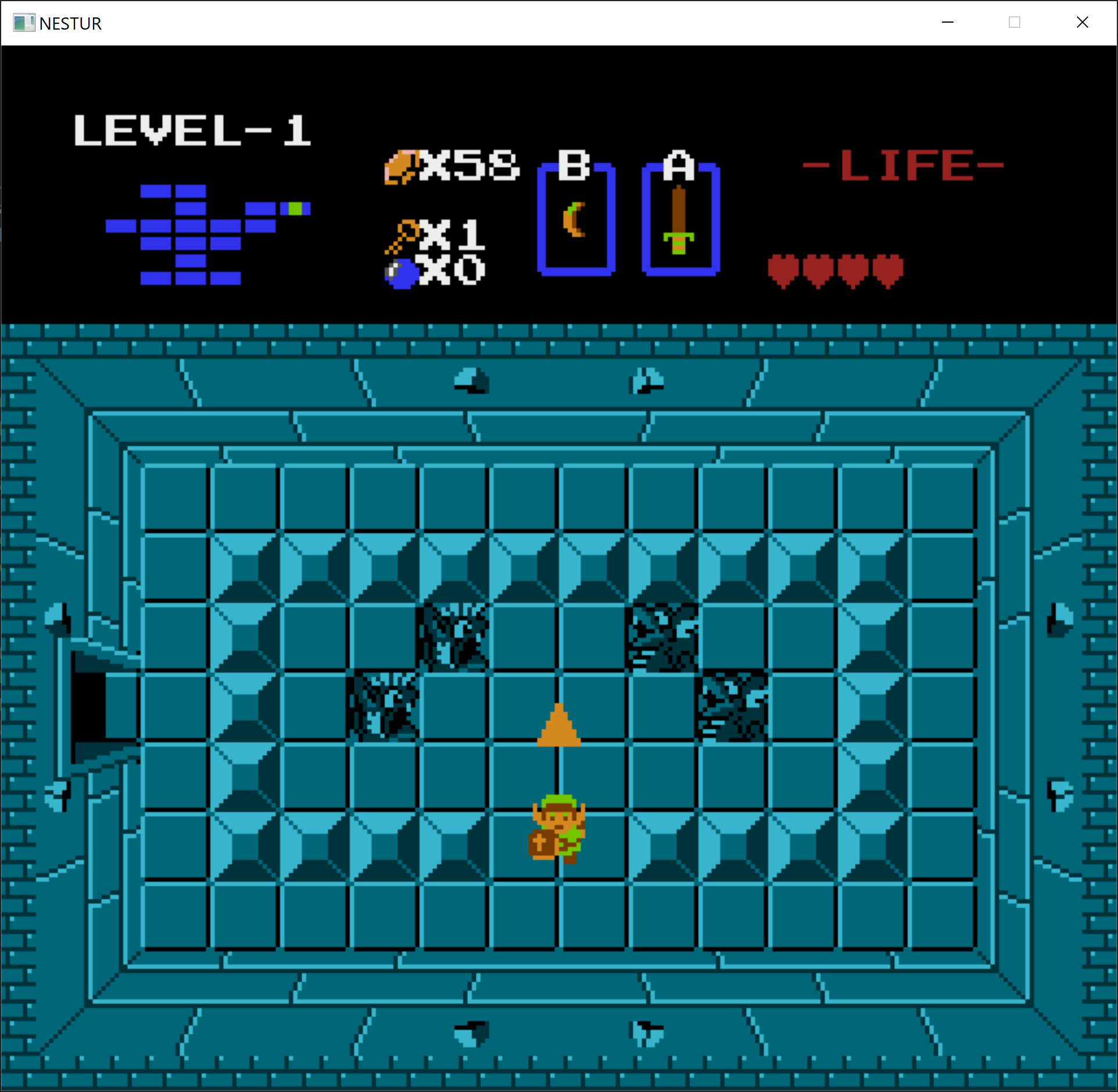

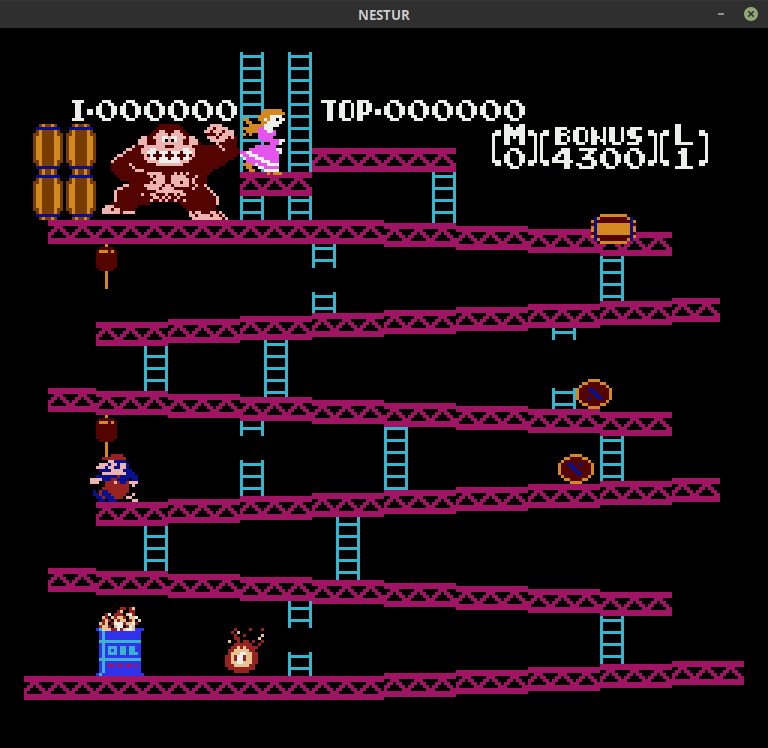
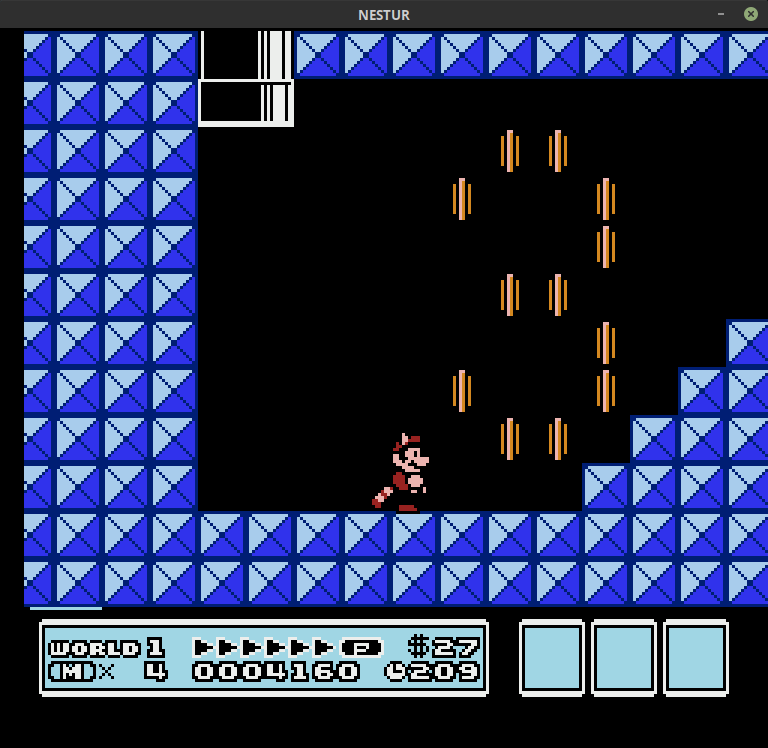
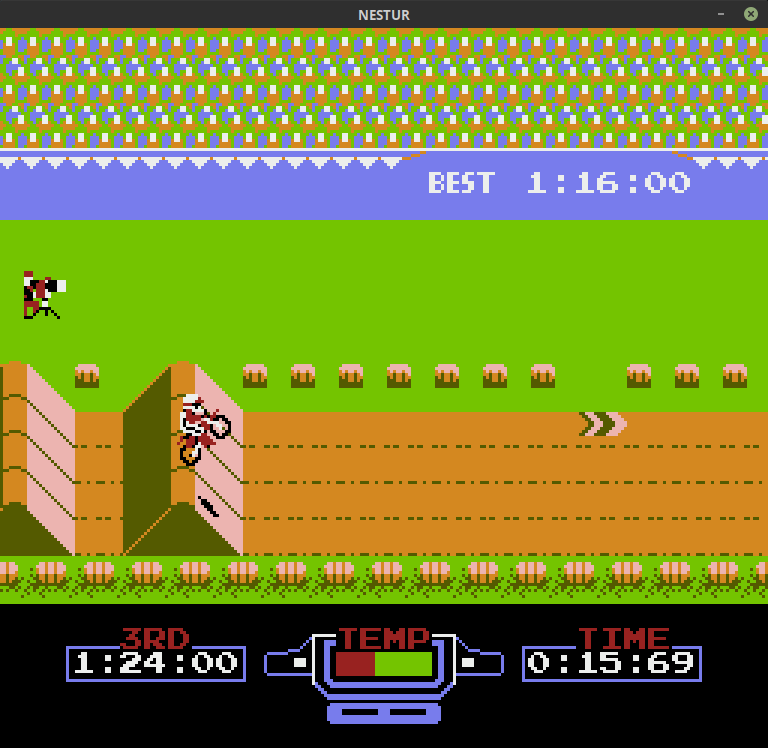
The code aims to follow the explanations from the NES dev wiki where possible, especially in the PPU, and the comments quote from it often. Thanks to everyone who contributes to that wiki/forum, and to Michael Fogleman's NES and Scott Ferguson's Fergulator for getting me unstuck at several points.
Controls
 Button  |   Key
___________________
|   A    |    D   |
|   B    |    F   |
| Start  |  Enter |
| Select | R-Shift|
|   Up   |   Up   |
|  Down  |  Down  |
|  Left  |  Left  |
|  Right |  Right |
-------------------

F2: reset console
F5: save game state
F9: load most recent save state
If the game is called mygame.nes, the save state files will be called mygame-#.dat. To load any previous save state, drag and drop a .dat file onto the window.
Use
Double-click or run the executable from a terminal by itself to launch with instructions. Then click Ok and drag a (iNES/.nes) ROM file onto the window. Or, drag and drop a ROM file onto the executable to run it directly, or use the path to the ROM file as the first argument to the terminal command.
If the game uses battery-backed RAM (if it can save data when the console is turned off), a save file like rom_filename.sav will be created in the same folder as the ROM when the program is exited. When Nestur is run again, it will look for a file matching the ROM name, with a .sav extension instead of .nes.
Compilation
- Install Rust
- Have a C compiler
- Linux:
sudo apt install build-essential - Mac: XCode
- Windows: install the Visual Studio Build Tools (or Visual Studio with the "Desktop development with C++" workload).
- Linux:
- Install CMake
cd nestur/ && cargo build --release(be sure to build/run with the release flag or it will run very slowly)- The
nesturexecutable ornestur.exewill be innestur/target/release.
To do
-
support other controllers?
-
more mappers?
-
better save file organization?
Known problem games
- None currently, please report any issues
Please also check out Cloaker and Flying Carpet!
more like this
TachiSnap
TachiSnap — Pixel Snapper for animation pixel artists. Rust + WebAssembly client-side tool for cleaning up AI-generated…
bit_gossip
Pathfinding library for calculating all node pairs' shortest paths in an unweighted undirected graph.