DailyWallpaperHub
多源壁纸聚合平台 · 自动归档 Bing + Unsplash 精选壁纸 · AI 视觉故事生成 · 企业微信推送 · GitHub Pages 在线画廊
Python★ 50
Configurable, modern theme for the GRUB bootloader, containing backgrounds, icons, fonts and styling
 stuarthayhurst
git clone https://github.com/stuarthayhurst/argon-grub-theme.gitstuarthayhurst/argon-grub-themesudo ./install.sh [OPTIONS]| Options: | Description: |
|---|---|
| -h , --help | Show a help page |
| -i , --install | Install the grub theme (root) |
| -u , --uninstall | Uninstall the grub theme (root) |
| -e , --boot | Install the grub theme into /boot/grub/themes |
| -p , --preview | Preview the grub theme (works with other options, non-root) |
| -b , --background | Choose a background image (must be a .png, or bundled with the project) - Leave blank to view available backgrounds |
| -c , --custom | Use a solid colour as a background (HTML value, must be quoted) |
| -r , --resolution | Select the display resolution - Leave blank to view available resolutions |
| --icons | Choose whether to use coloured or colourless icons |
| -f , --font | Specify which font to use (file) - Leave blank to view available fonts |
| -fc, --fontcolour | Use a specific font colour (HTML (must be quoted) and SVG 1.0 colours supported) - Use the format: -fc "textcolour,selectedcolour" or -fc "textcolour,selectedcolour,helpcolour" |
| -fs, --fontsize | Use a specific font size |
| -l , --bold | Force font to be bold |
| -hl, --help-label | Add a help label to the bottom of the theme - Use -fc to set its colour |
[--install + --background / --uninstall / --preview]
make clean should be run, to erase cached assetsInstall the theme for a 4k display, using the Night wallpaper:
sudo ./install.sh --install --resolution 4k --background NightInstall the theme for a 4k display, using the Night wallpaper and a font size of 32:
sudo ./install.sh --install --resolution 4k --background Night --fontsize 32Install the theme for an unknown resolution, using the Crystals wallpaper:
sudo ./install.sh --install --resolution custom --background CrystalsInstall the theme for a custom resolution (1024x720), using a solid magenta wallpaper:
sudo ./install.sh --install --resolution 1024x720 --custom "#ff00ff"Preview the theme with a fontsize of 32, a white font colour, black selected font colour and white timer colour:
./install.sh -p -b Crystals -fs 32 -fc "white,#000000,white"Preview the theme with a different font:
./install.sh -p -b Crystals -f Terminus.ttfInstall the theme into /boot/grub/themes:
sudo ./install.sh -i -e -b NightUninstall the theme:
sudo ./install.sh -uPreview is compressed, the backgrounds are higher quality
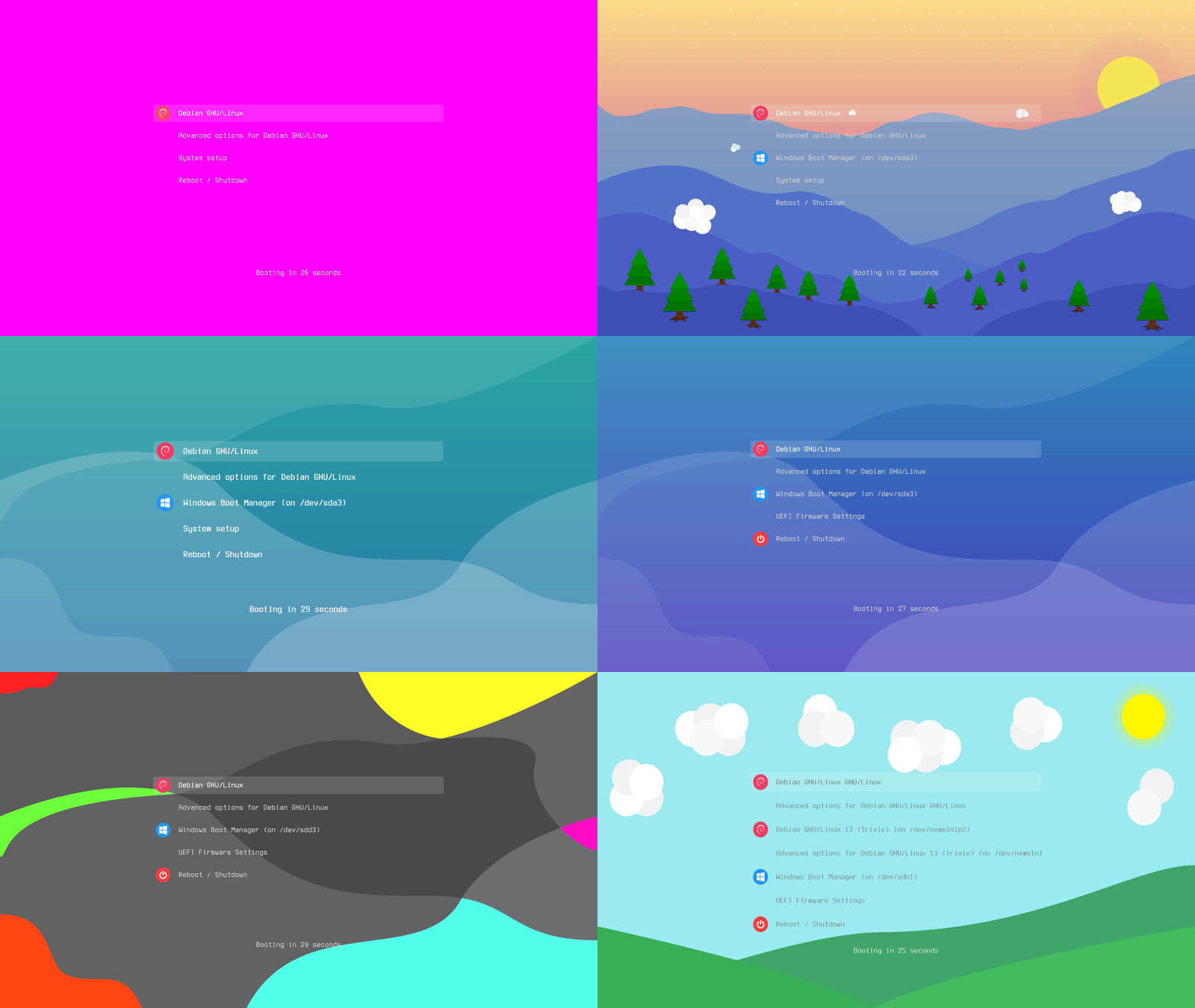
make - Used for the build systemimagemagick / convert - Used to generate backgrounds with custom coloursinkscape - Used to generate pngs from svgs (Used by make generate-all)
inkscape is needed if the fontsize used isn't 16, 24 or 32optipng is present, generated icons will be losslessly compressedpython3 - Used when generating icons, or when using a custom fontsizeoptipng - Used to losslessly compress pngs (Used by make compress-backgrounds, make generate-gif, make generate-icons and make generate-select)grub2-theme-preview - Used to preview themes (Used by --preview)git clone https://github.com/stuarthayhurst/argon-grub-theme.git
git pullmake cleanpython3 -m venv .venvsource .venv/bin/activatepip3 install grub2-theme-preview./install.sh --preview --background Crystals.png --resolution 4k./install.sh -r to list available resolutions, and ./install.sh -r [RESOLUTION] to use one./install.sh -r custom and a custom background--background [filename.png] and --resolution [YOUR_RESOLUTION]
1920x1080 -> 1080p, 2560x1440 -> 2k, 3840x2160 -> 4k)1920x1200, 2240x1400, 3840x2400)[YOUR_RESOLUTION] with your resolution and [THEME] with the theme--background
--resolution [YOUR_RESOLUTION] --custom "[COLOUR_CODE]"--resolution 1920x1080 --custom "#ff00ff" to use a magenta 1080p backgroundassets/svg/icons/
assets/svg/icons/linuxmint.svg would be linuxmint/boot/grub/grub.cfg:
menuentry 'Linux Mint 18.3 Cinnamon 64-bit' --class ubuntu --class gnu-linux --class gnumenuentry 'Linux Mint 18.3 Cinnamon 64-bit' --class linuxmint --class ubuntu --class gnu-linux --class gnu32x32 .svg of the icon into assets/svg/icons/
assets/svg/icons-colourlessinkscape, python3 and optipng are installedmake generate-icons -j$(nproc).svg, place 32x32, 48x48 and 64x64 versions of the icon in the corresponding directories in assets/icons/--fontsize is used, the custom icon won't be used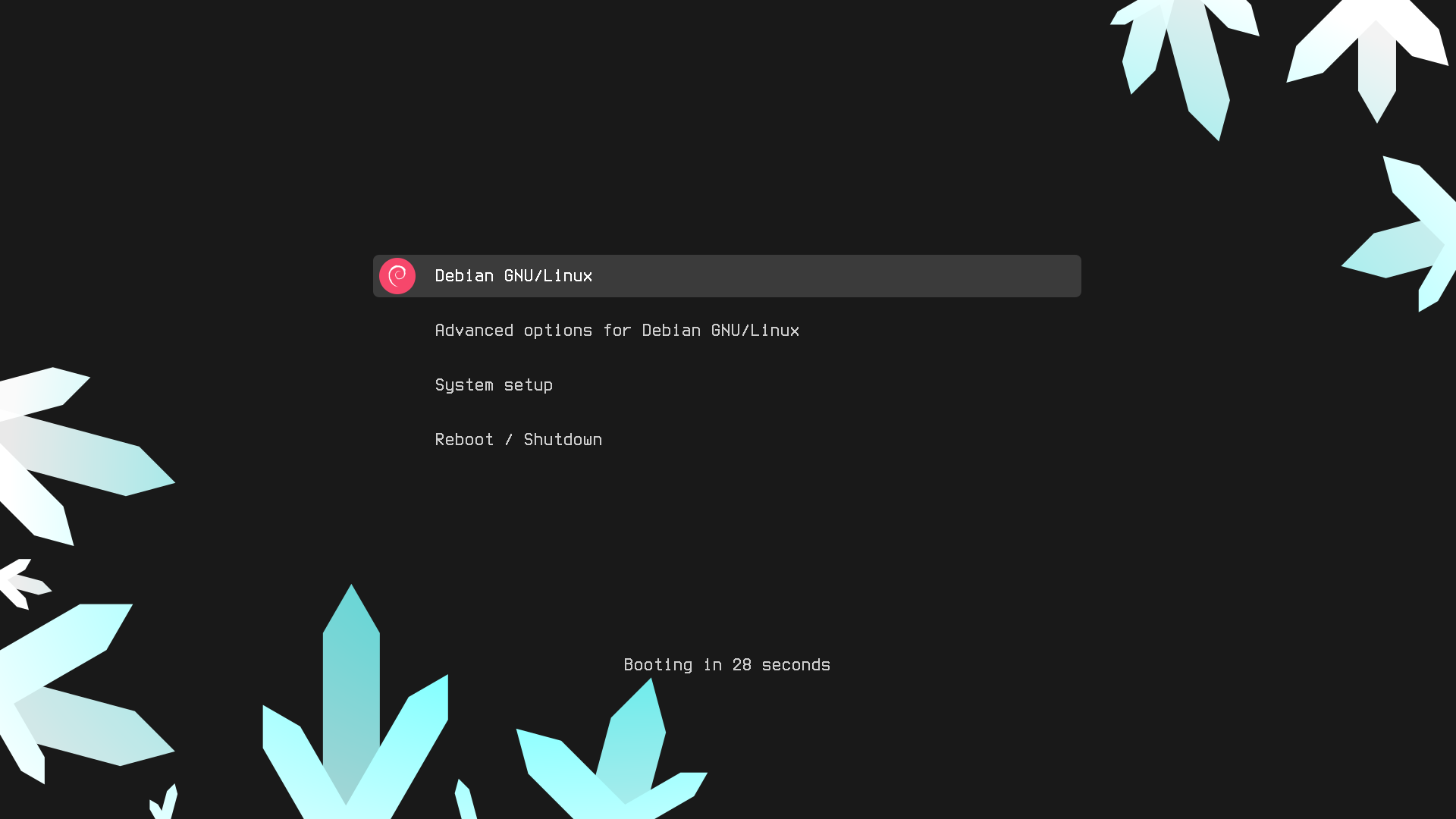
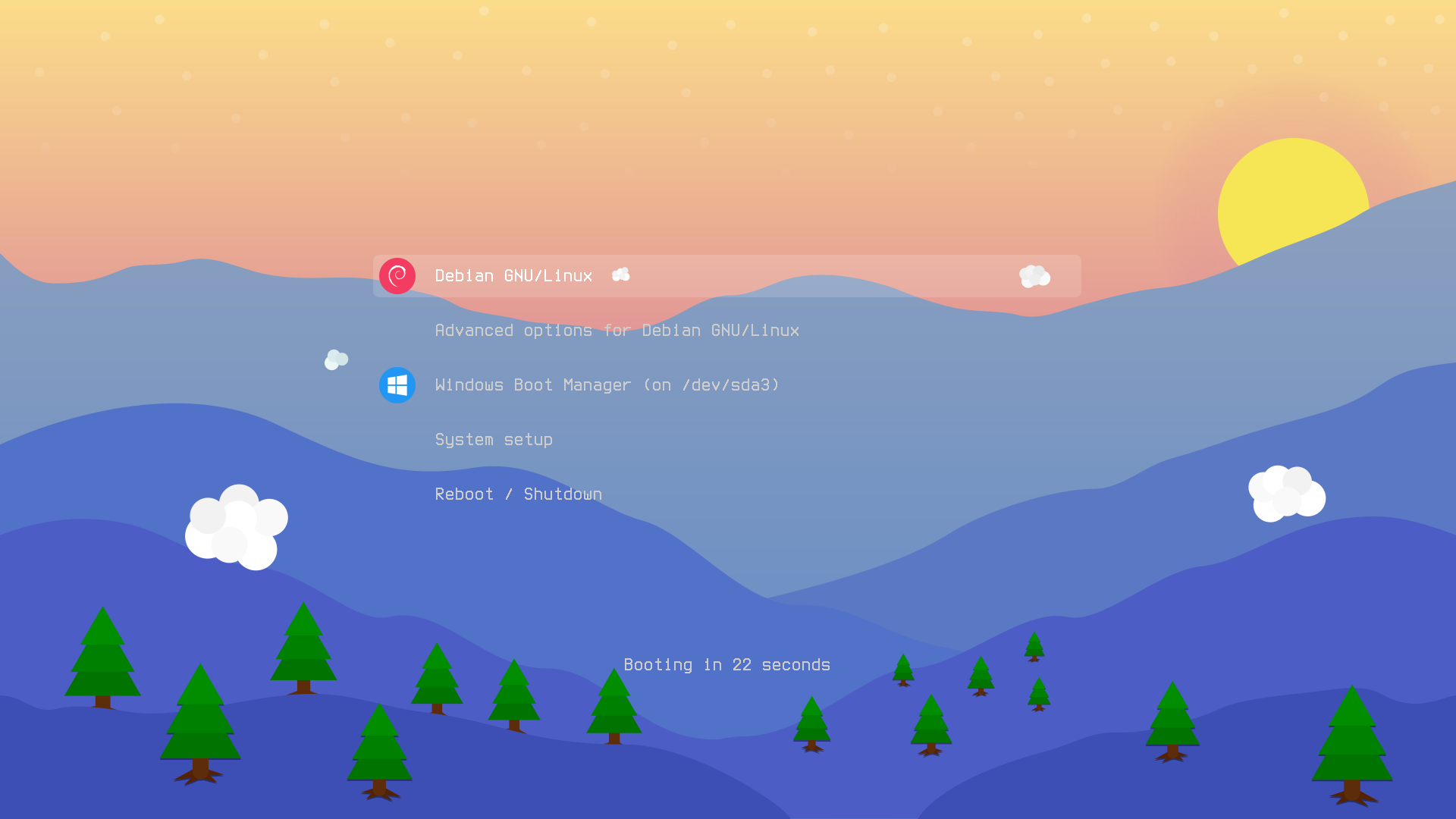
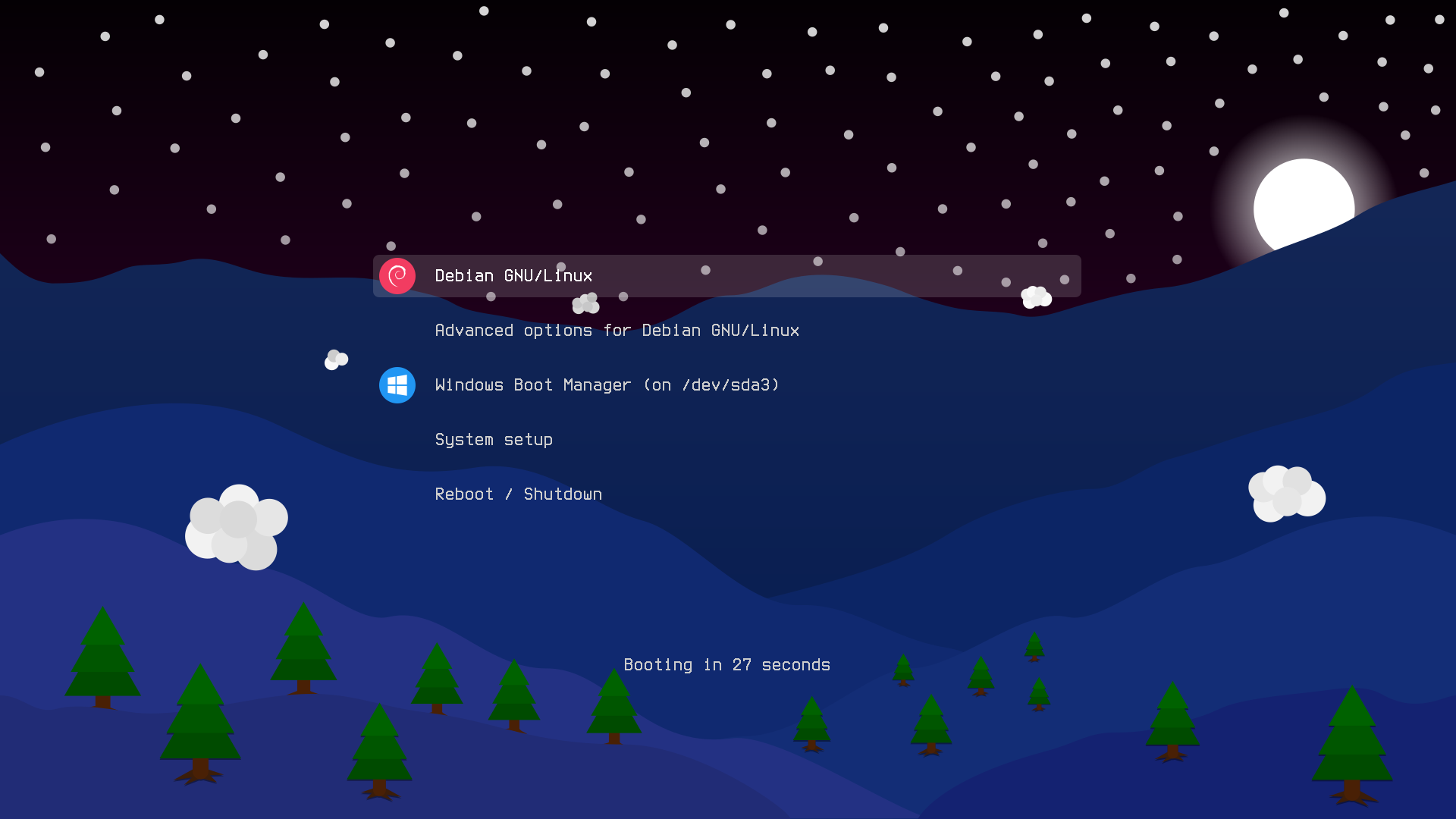
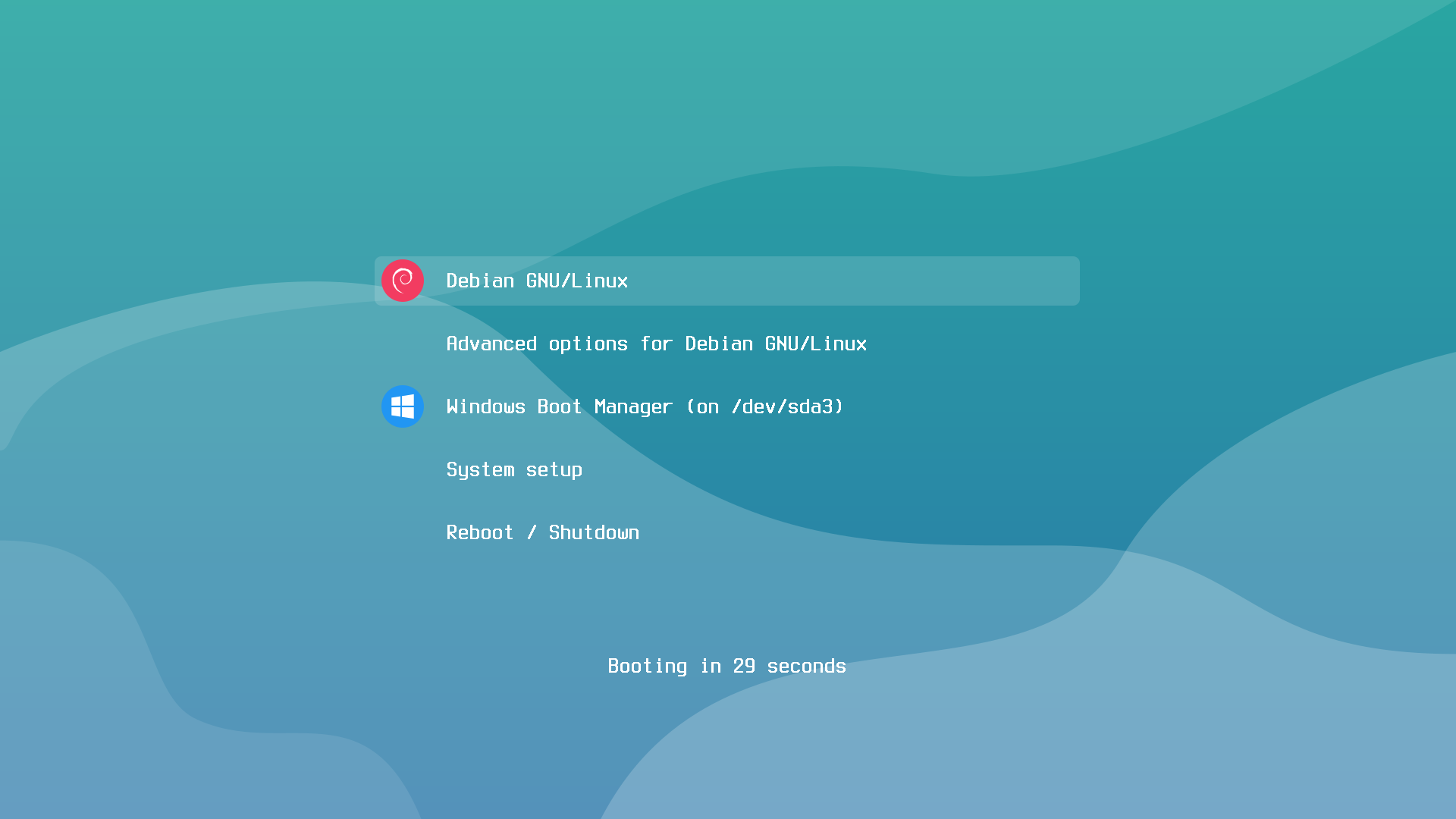
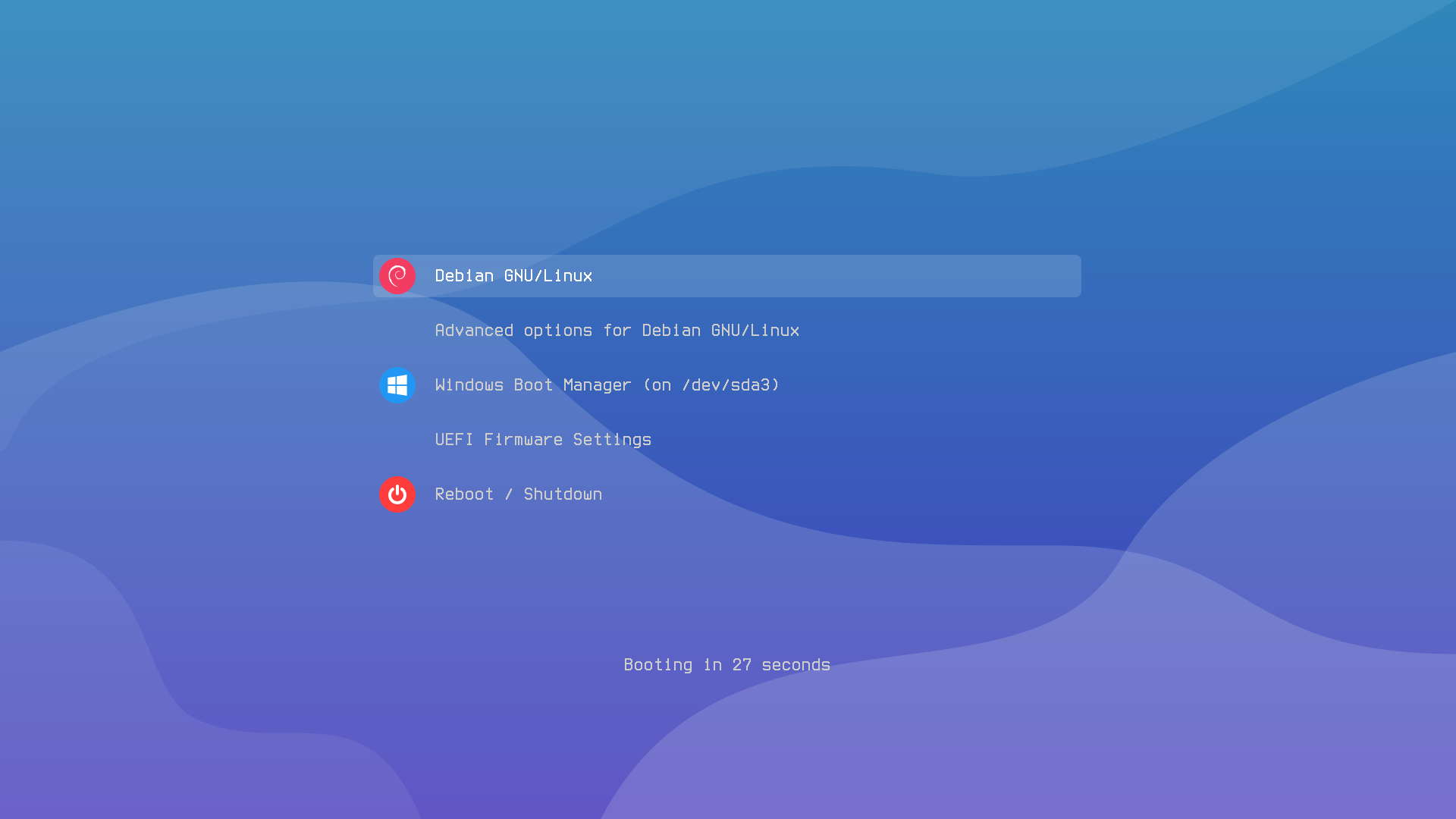
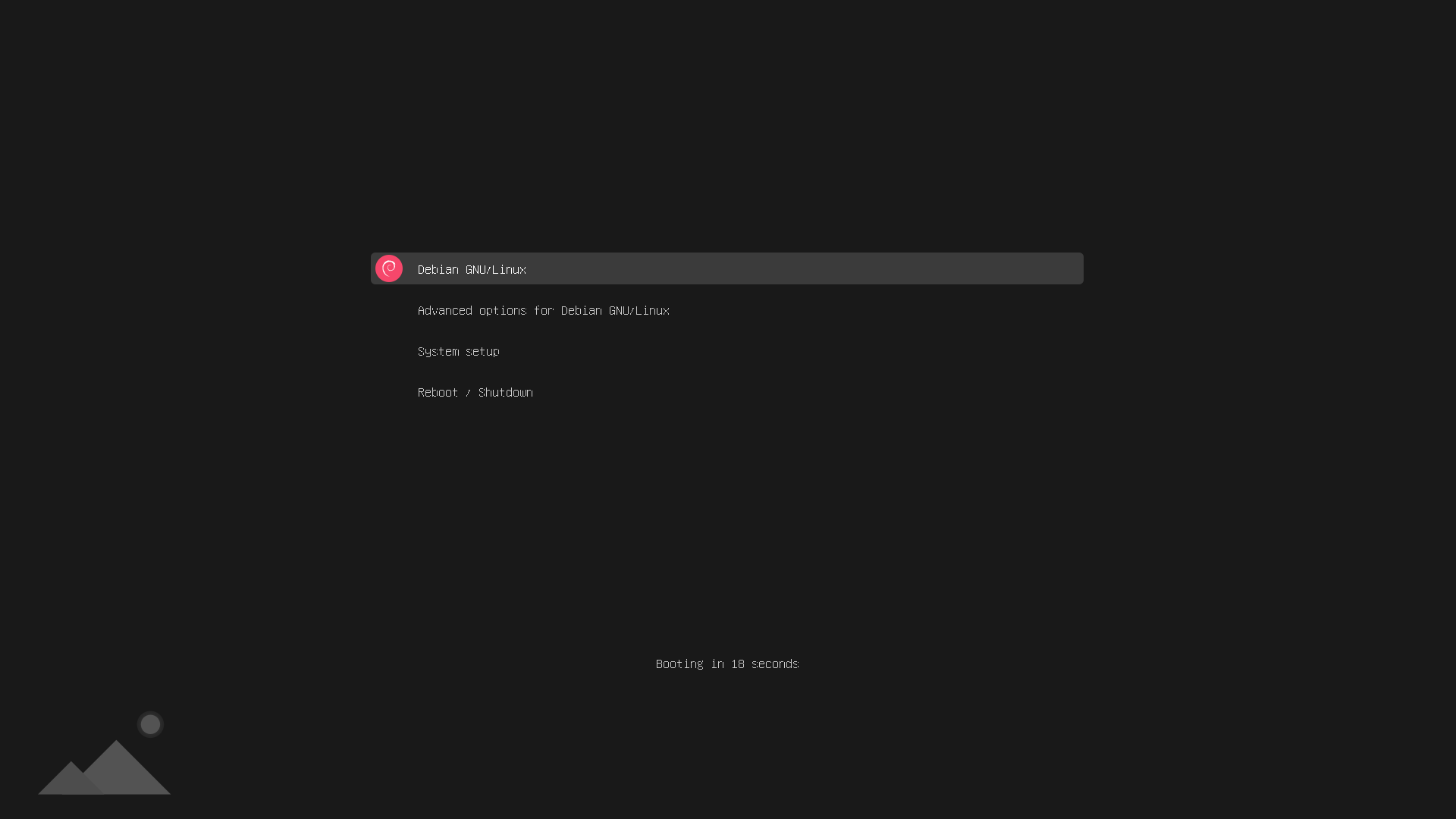
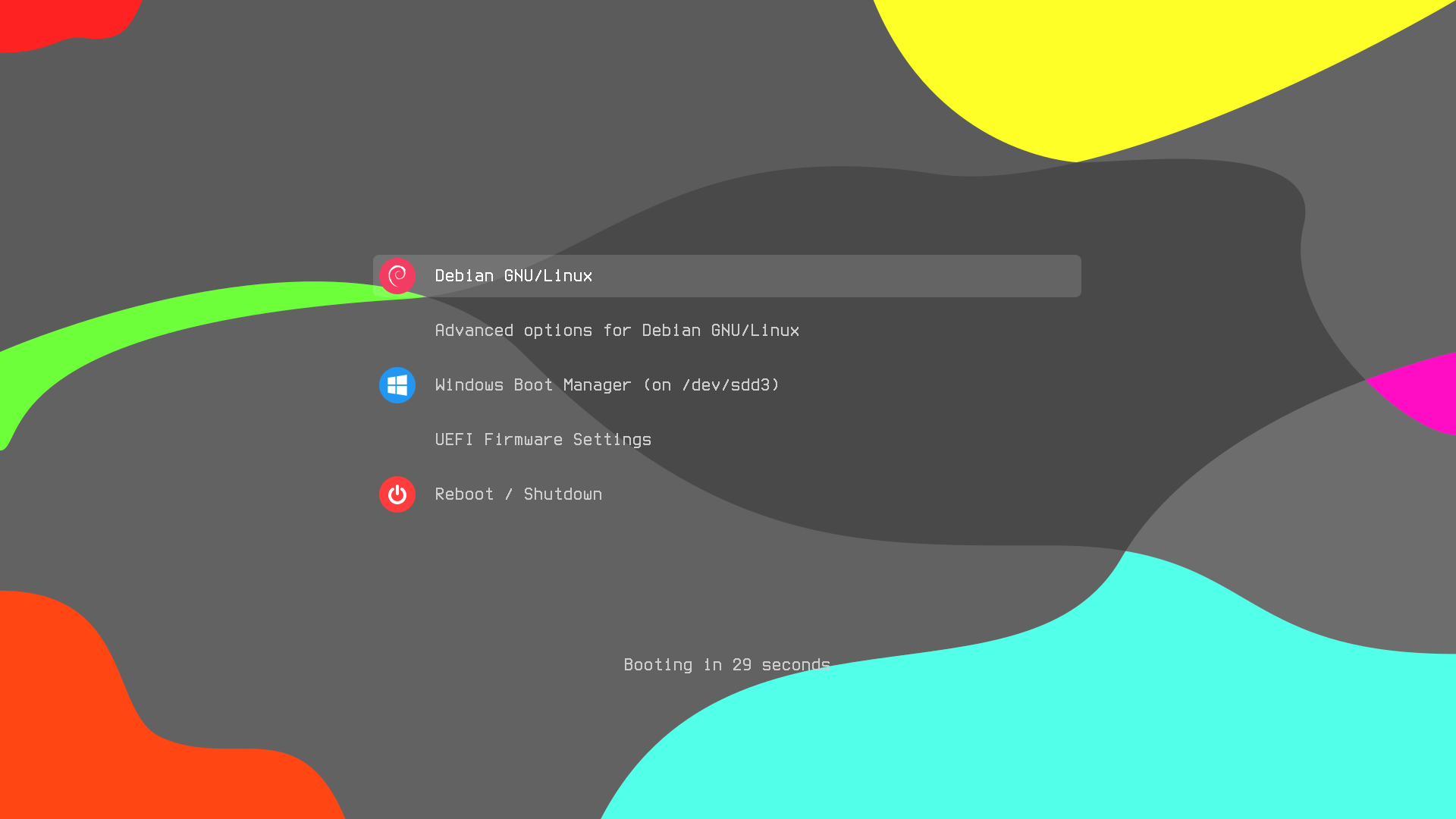
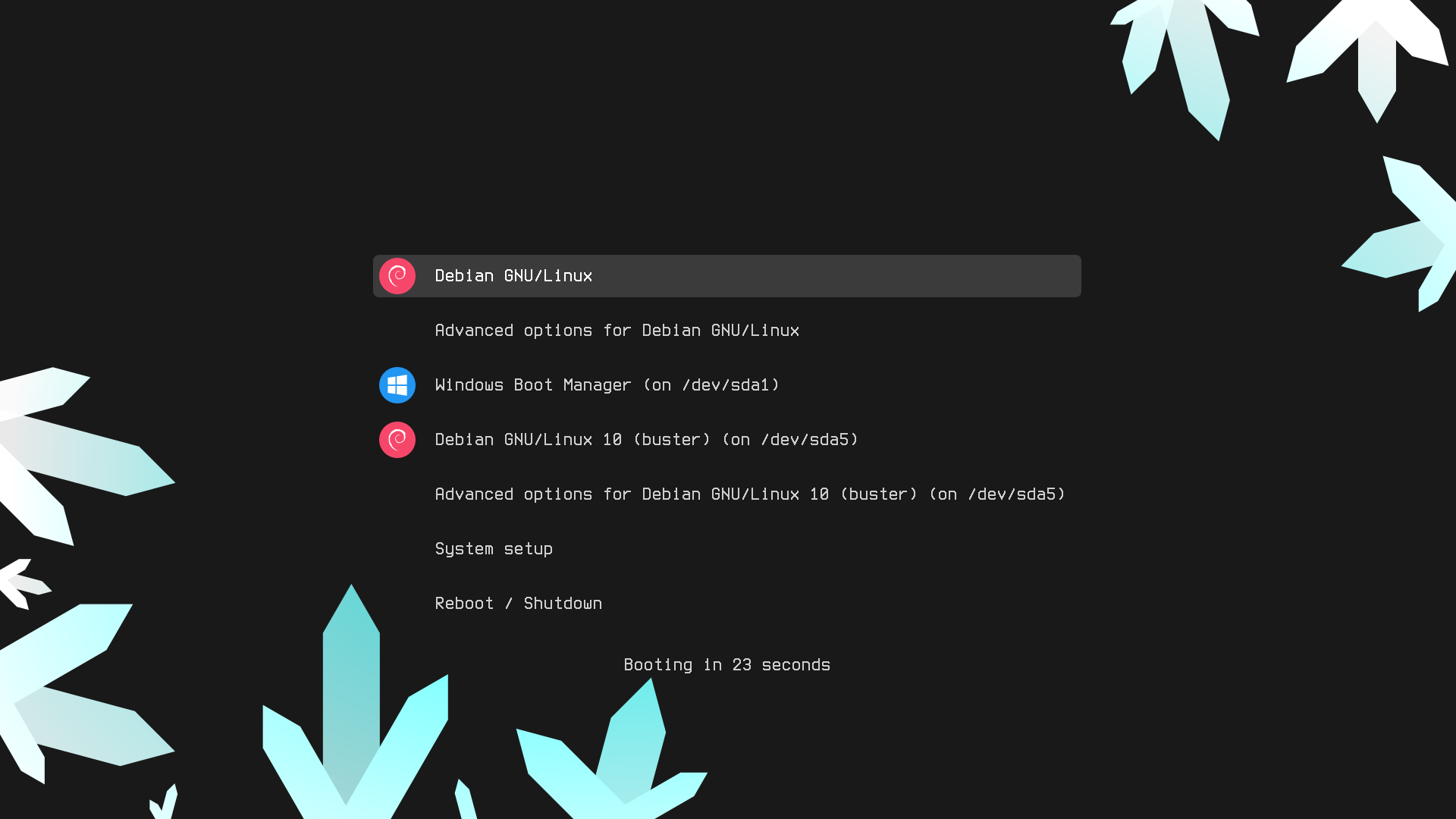
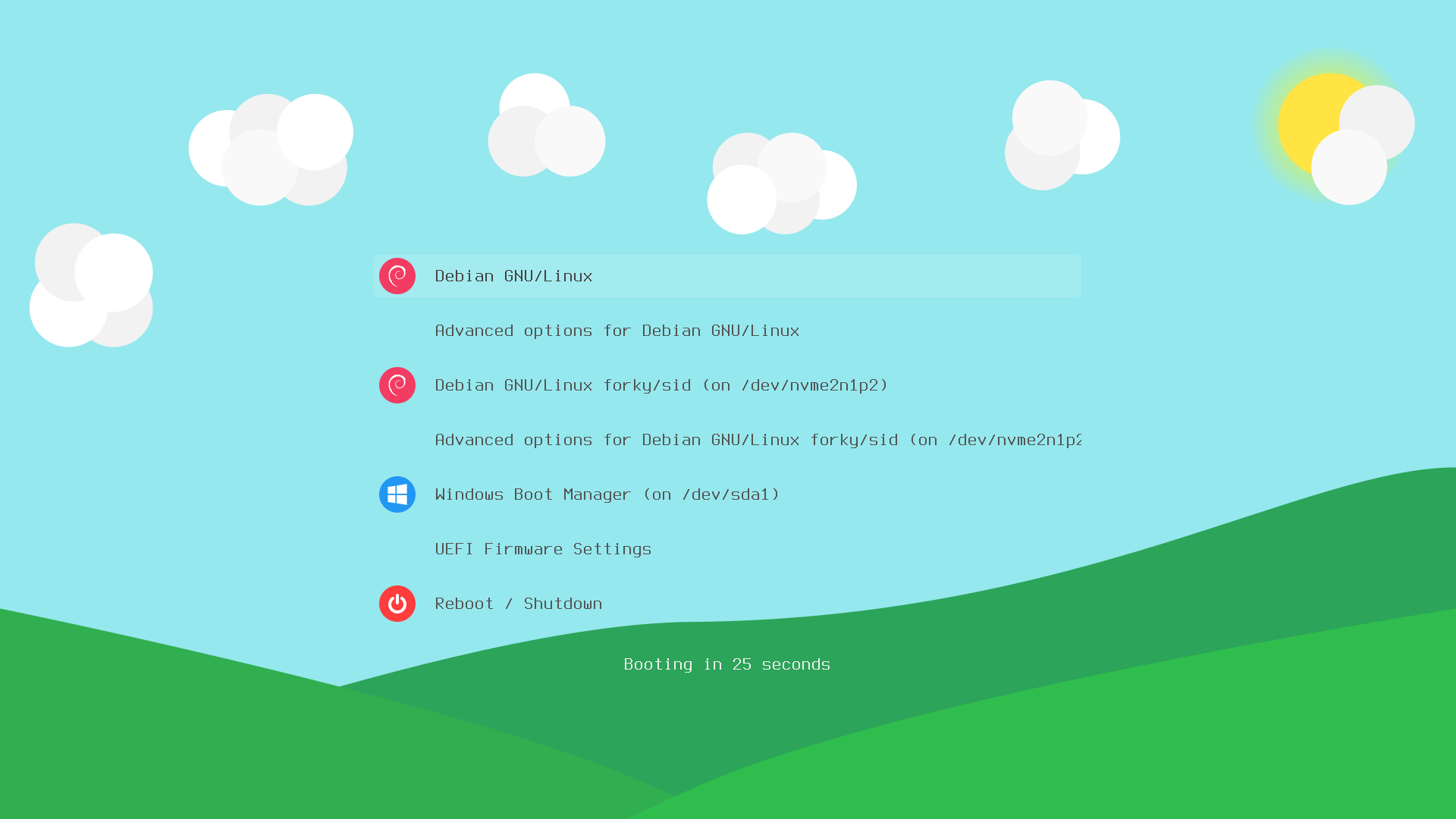
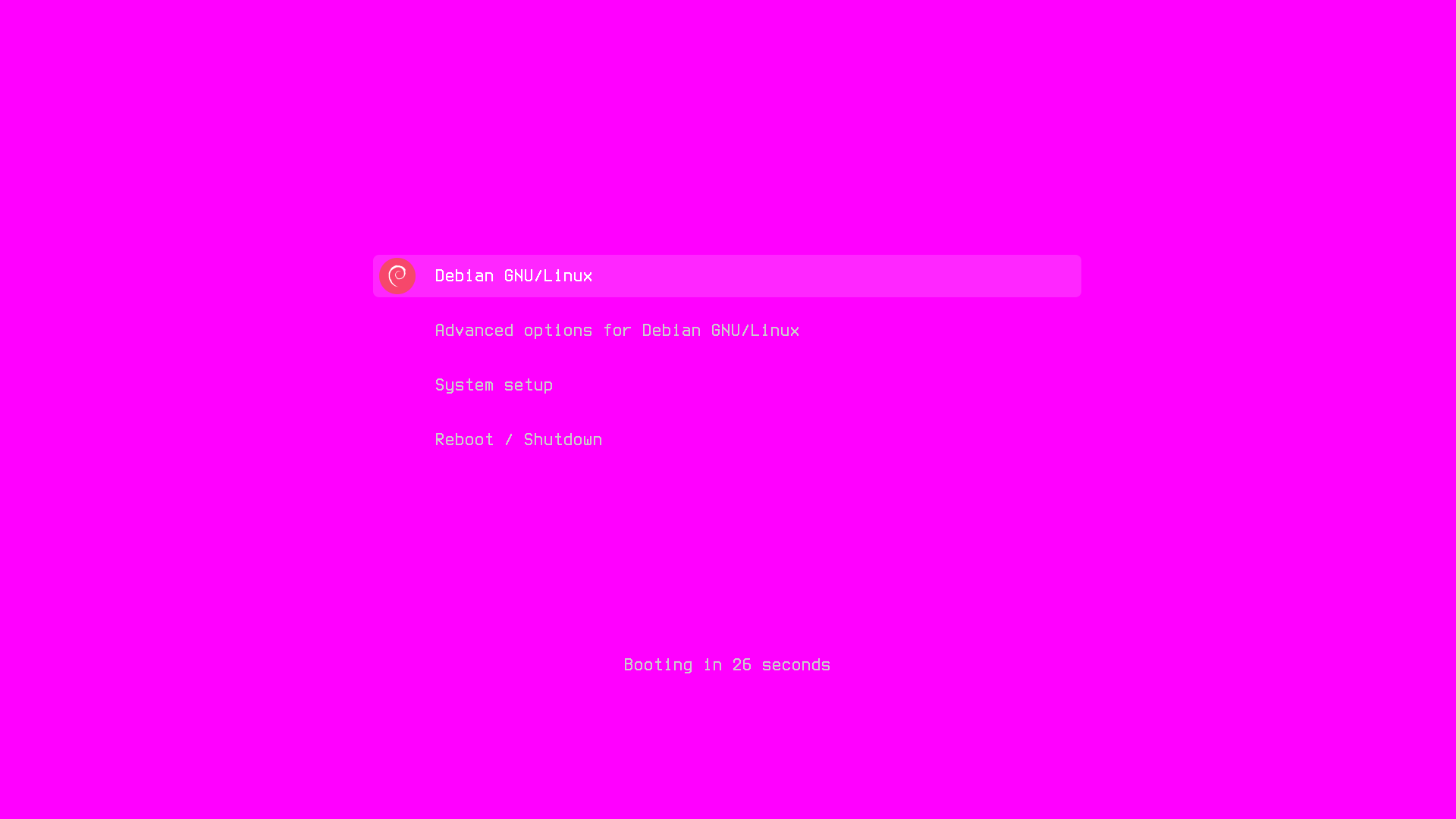
-j[Core count]make clean - Remove assets generated at build timemake full-clean - Remove all generated assetsmake generate-all - Generate all assetsmake compress-backgrounds - Compress backgrounds losslesslymake full-cleanmake generate-allmake compress-backgroundsfonts/Terminus-License.txtfonts/Unifont-License.txtmore like this
多源壁纸聚合平台 · 自动归档 Bing + Unsplash 精选壁纸 · AI 视觉故事生成 · 企业微信推送 · GitHub Pages 在线画廊
A Light theme for both KDE and GTK based distros, pleasant to the eyes and perfect for your daily workload.
search projects, people, and tags