ForwardWidgets
Widgets for Douban and Trakt watchlists plus personalized recommendations, live TV streaming including PlutoTV, Yatu ra…
JavaScript★ 247
Invite others to grab times on your calendar. Choose a date. Make appointments as easy as it gets.
 thunderbird
Invite others to grab times on your calendar. Choose a date. Make appointments as easy as it gets.
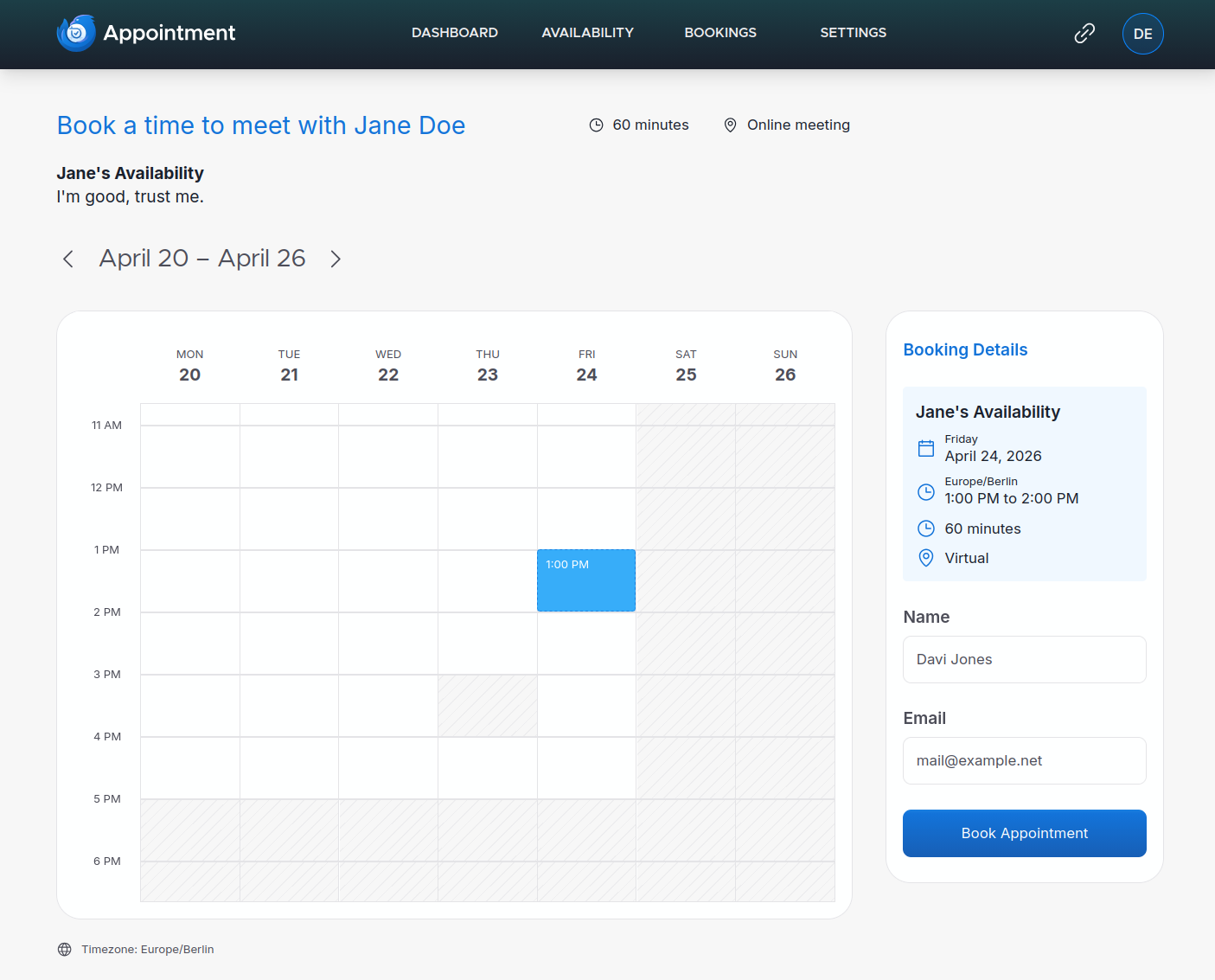
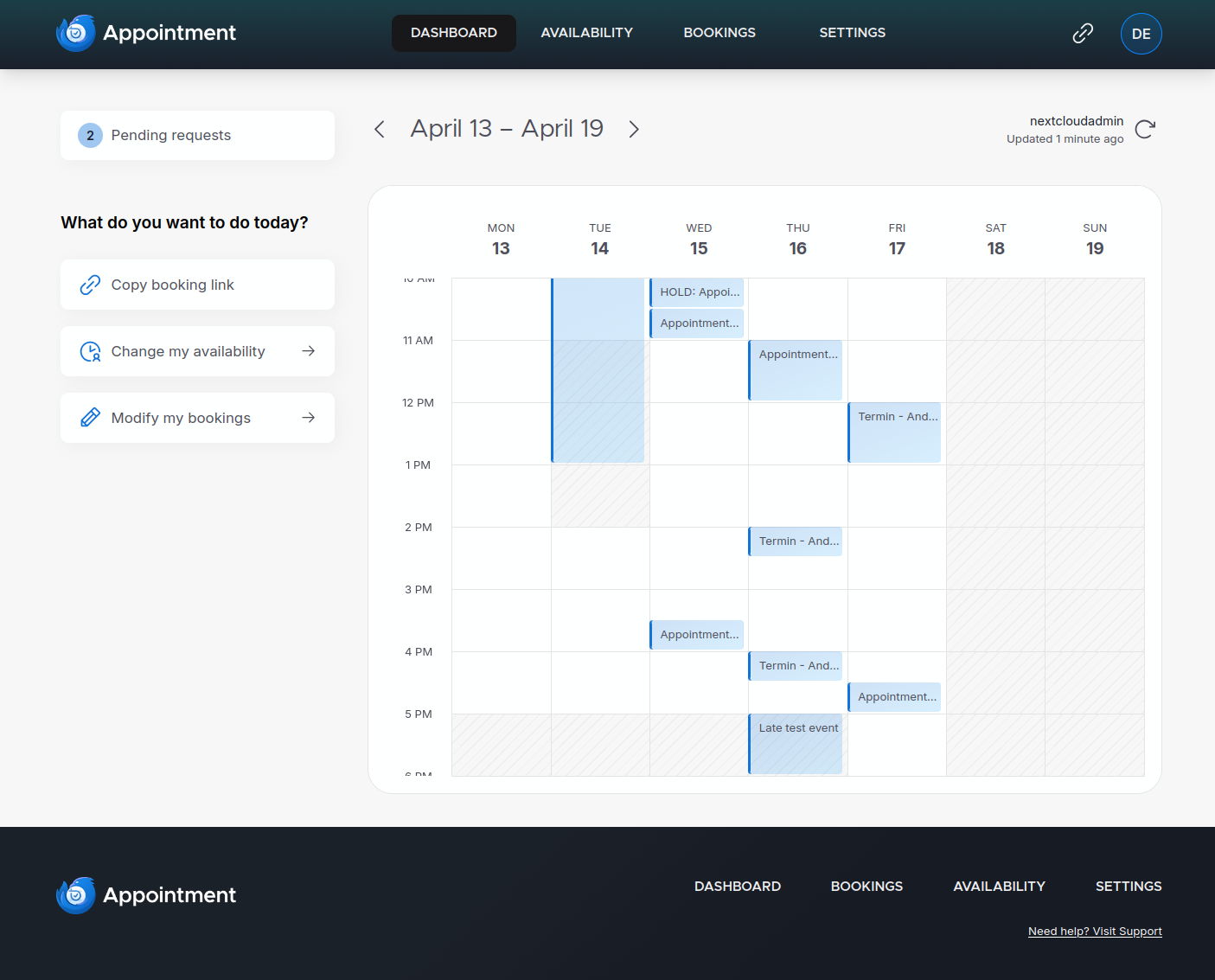
The bookers page for attendees and the dashboard for subscribers:
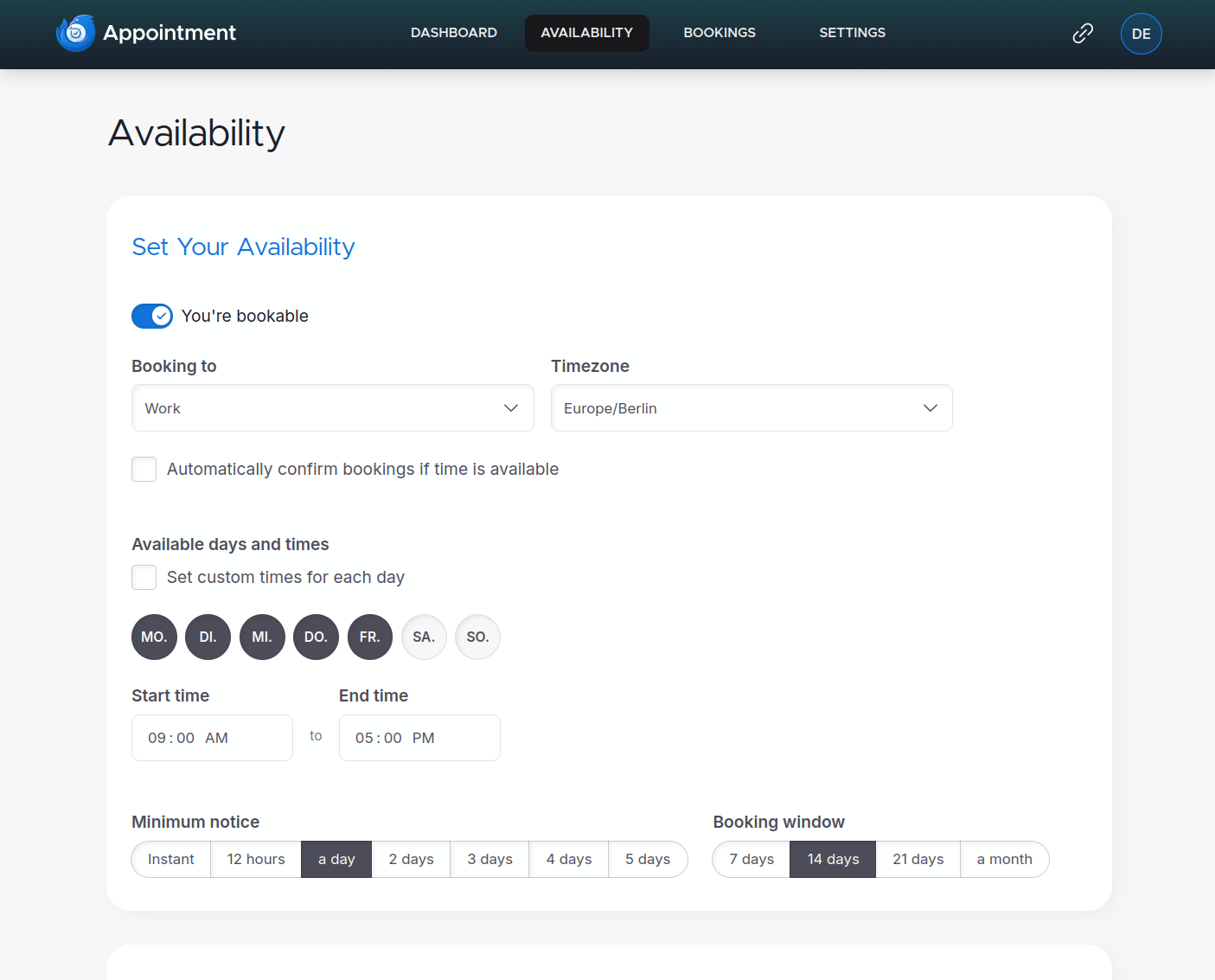
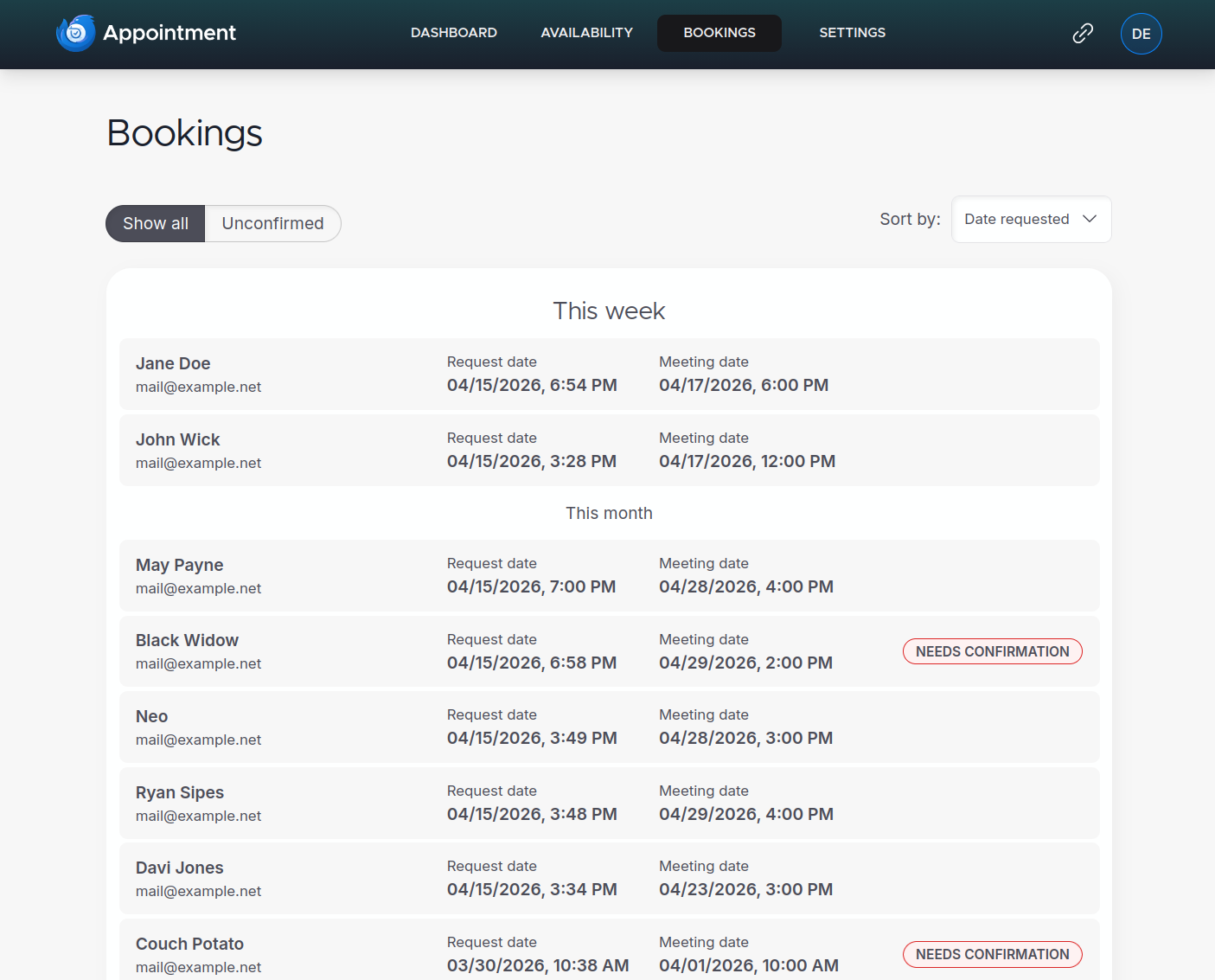
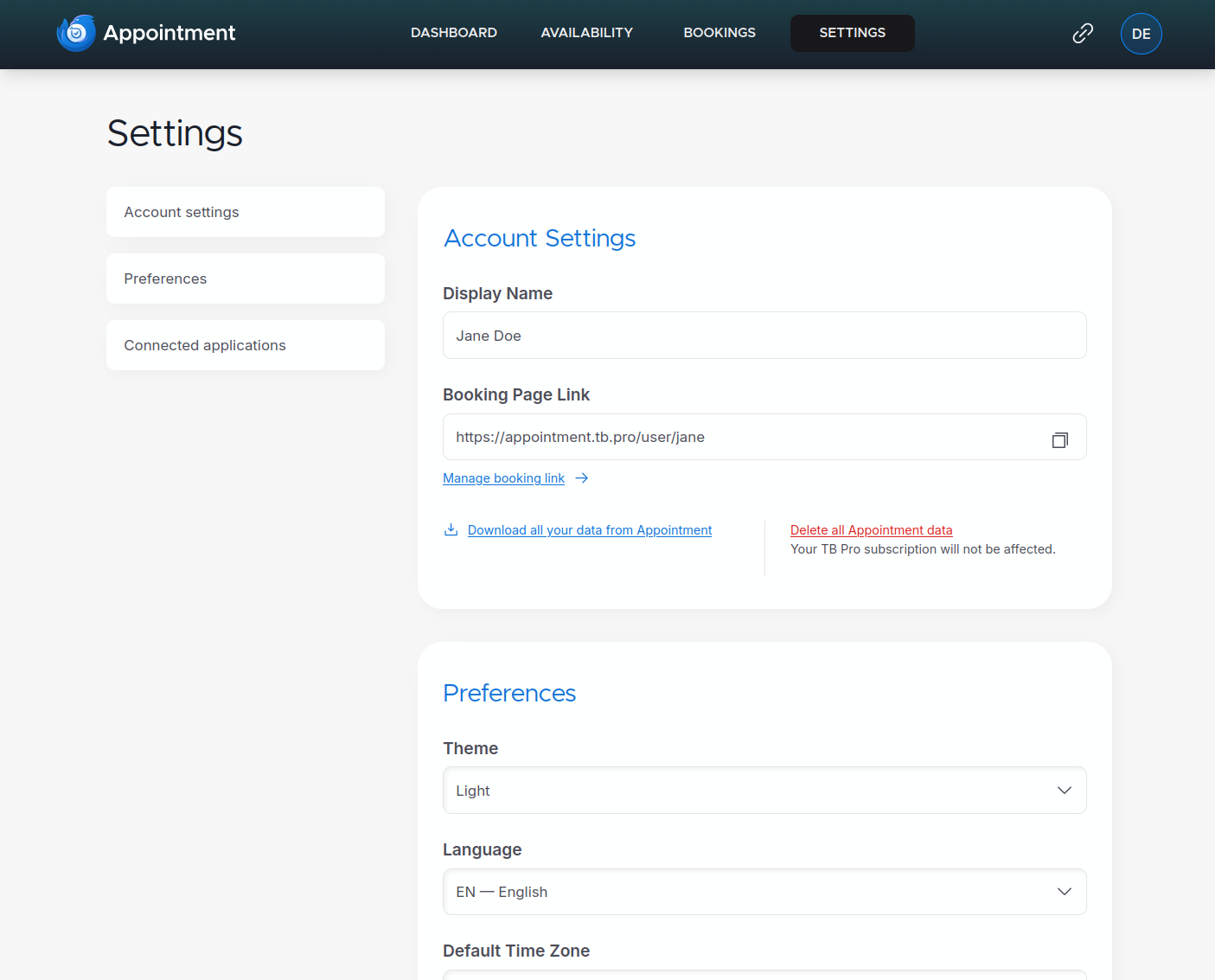
Availability setup, managing bookings and general settings:
If you'd like to give feedback or need support, please see our Topicbox.
Using Docker is the recommended and for now the only supported method of building and developing Thunderbird Appointment. A detailed technical documentation of the application architecture can be found in the docs folder (still work-in-progress).
Get the application files and create your .env files from the examples:
git clone https://github.com/thunderbird/appointment
cd appointment
cp backend/.env.example backend/.env
cp frontend/.env.example frontend/.env
Make sure, that the backend/.env file contains APP_ALLOW_FIRST_TIME_REGISTER=True. This will enable the creation of your first admin user. If you want to be able to access admin-only pages, add your account's email address to the APP_ADMIN_ALLOW_LIST env variable.
Build and run the service in docker:
docker-compose up -d --build
This will create and start 5 different containers (backend, frontend, postgres, redis and mailpit).
localhost:5435 with username: password set to tba: abcd%efghCheck if all containers are running. On first-run the database will initialize, and a first time setup command will be triggered (going forward database migrations will automatically run on docker-compose up). Check if the database contains tables, e.g. the subscriber table (still empty at this point).
Appointment includes simple password-based authentication. This is meant for developing and testing Appointment, but can also be used when self-hosting the app.
When you access the frontend the first time, you will see a first-time-user login form. Enter the email address you configured in your allow list (see Step 2 in the installation process above) and a password. This login will create the first user (also called 'subscriber' in Appointment) granting you access to the application. Any login attempts with other email addresses after that will check against existing credentials.
Note
For Thunderbird Services, we use our own OIDC provider Thunderbird Accounts. If you're starting fresh with Thunderbird Accounts, please review the documentations setting it up.
Contributions are very welcome. Please lint/format code before creating PRs.
Check out the project's respective readmes:
This project uses Fluent for localization. Files are located in their respective l10n/<locale>/*.ftl.
When changes are merged to main, a new release is cut, and the changes are deployed to Appointment Staging.
After you've checked staging and it's ready to push to production, edit the release entry, and press the 'Publish release' button.
more like this
Widgets for Douban and Trakt watchlists plus personalized recommendations, live TV streaming including PlutoTV, Yatu ra…
A lightweight, simplified, RedNotebook-inspired journal/diary app. Built with Electron. Makes dated text files.
View and plan your life in an online calendar by visually by seeing it from days to decades
A simple DIY library to generate your own custom Calendar View using RecyclerView, written in Kotlin
search projects, people, and tags