tobira.nvim
Open the next door in your Vim journey — personalized command discovery based on your actual usage
Lua★ 51
Starter templates for Obsidian
 tuan3w
git clone https://github.com/tuan3w/obsidian-template.gittuan3w/obsidian-templateNote: This template is no longer actively maintained. Things are changing — I now believe Claude Code is all you need. Obsidian's file over app philosophy works great for AI agents like Claude Code. Your notes are just files, and agents can read, write, and reason over them directly. In my vault, I built custom agents and skills using claudian — a Claude Code plugin for Obsidian vaults. If you're interested in this direction, explore that.
Check out for my new vault, simpler and better. https://github.com/tuan3w/obsidian-vault-agent.
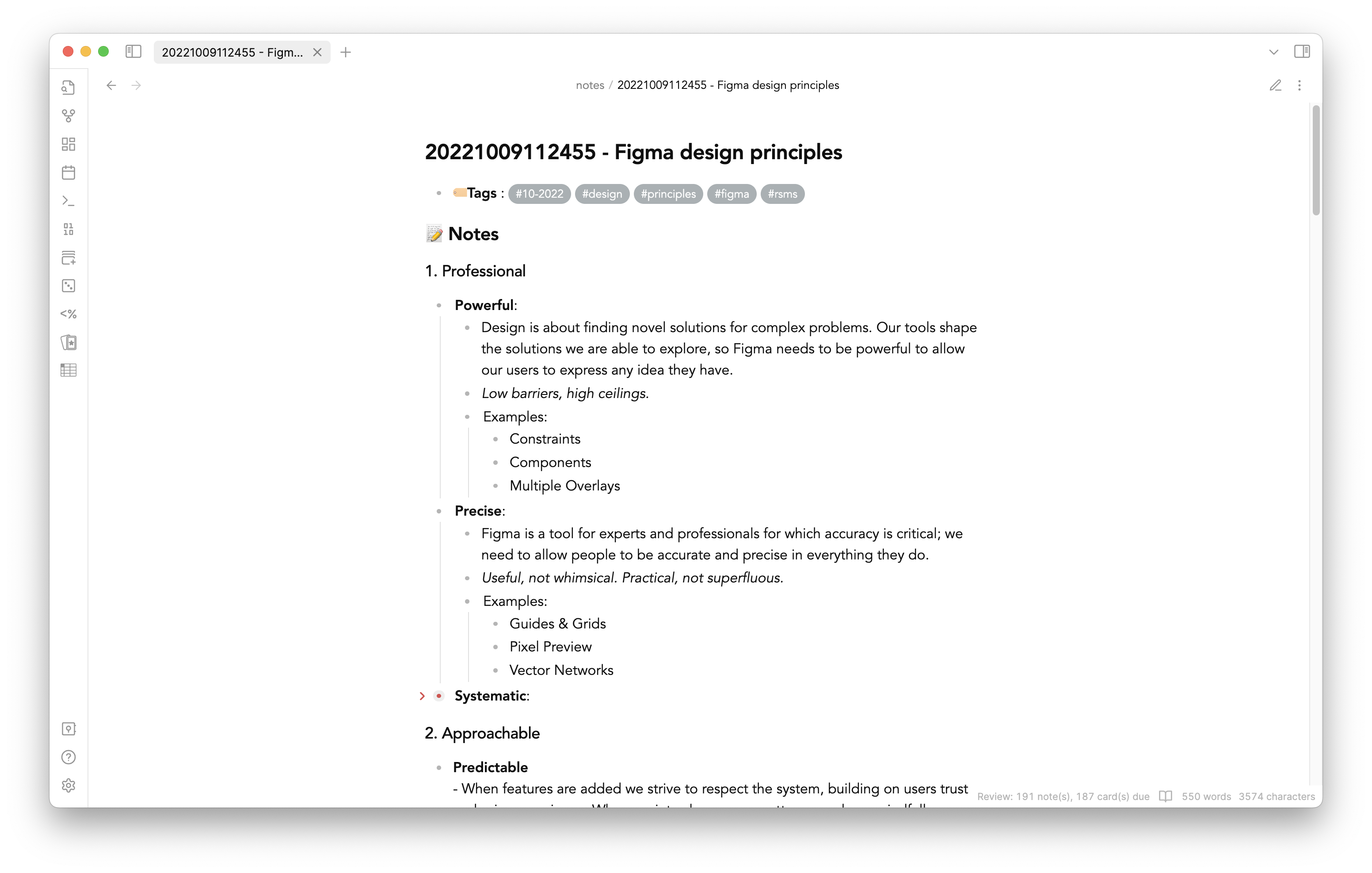
I started new note-taking method after reading an interesting post about Zettelkasten method in Hacker News. For many years, I was struggling about how to organizing my reading list as well as what I learned. I tried many tools & approaches like using Pocket, using browser bookmark, Medium, Trello, Twitter likes,... Nothing has worked. I kept forgetting about what I has read. Our memory isn't reliable as we might think. Building Second Brain idea has changed the way I learn. Obsidian is my favorite tool to build it. I keep changing how I get the most out of Obsidian.
I would love to share my templates with others, who are interested in learning and want to organizing your learning process better.
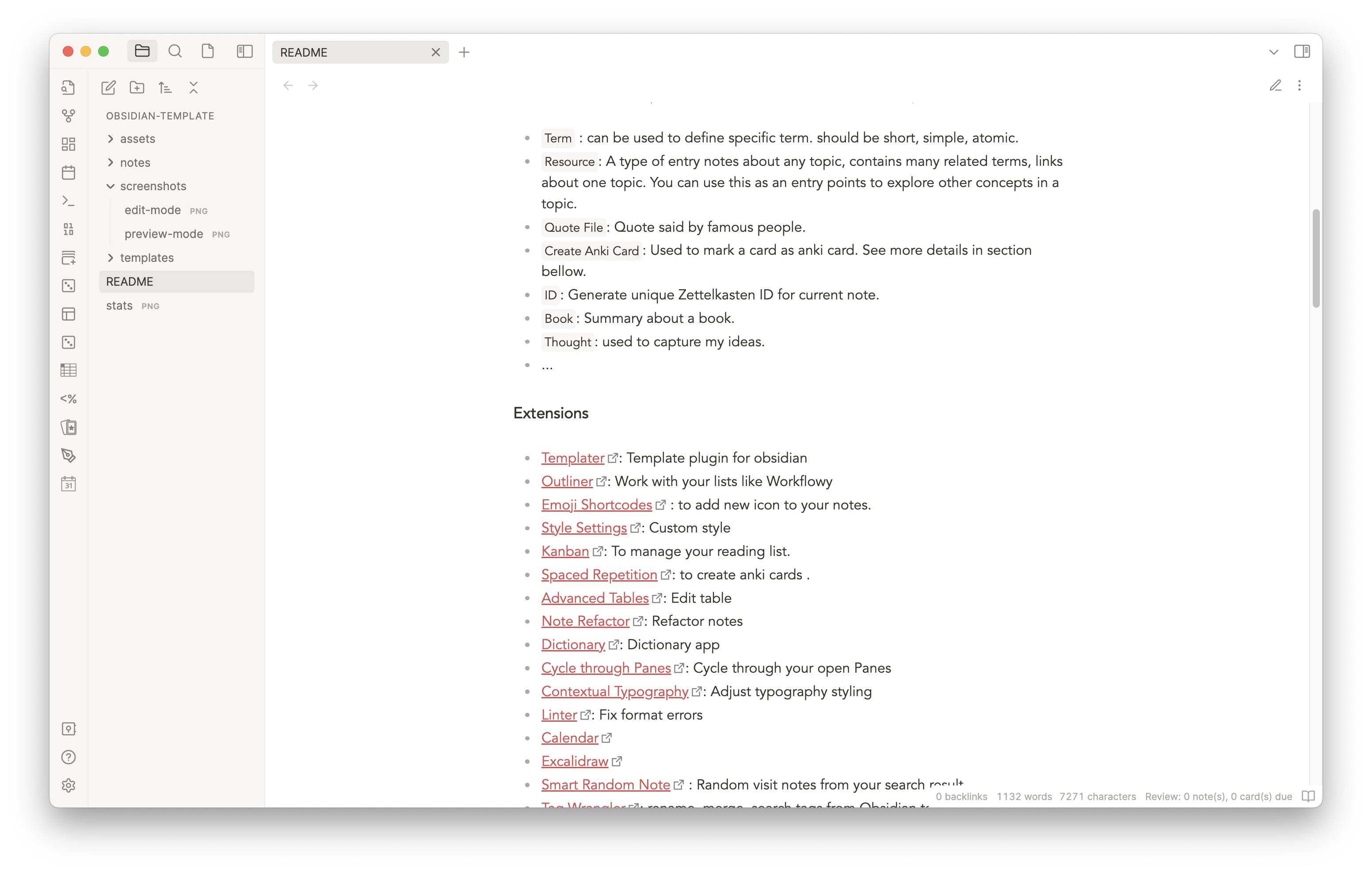
There are various templates I often use that you can find in templates folder.
Term : can be used to define specific term. should be short, simple, atomic.Resource: A type of entry notes about any topic, contains many related terms, links about one topic. You can use this as an entry points to explore other concepts in a topic.Quote File: Quote said by famous people.Create Anki Card: Used to mark a card as anki card. See more details in section bellow.ID: Generate unique Zettelkasten ID for current note.Book: Summary about a book.Thought: used to capture my ideas.Ctrl+N and pick a template by using hot key Ctrl+Ttodo tag in the front matter.Ctrl+Tab to view a random note from your search result.review tag and remove it as soon as you think it's good enough. To visit a note that need to be reviewed, enter Ctrl+R or exec command Spaced Repetition: Open a note for review.(Resource) Topic name(Kanban) Books(Book) product[ ](#anki-card) as separator because it's invisible in preview mode. To add separator, just use template Create Anki Card to insert the separator after the first heading of the note. By default, Term card is an anki card.I use a number of hot keys to make quick actions. You can see them in Hotkeys section in the setting.
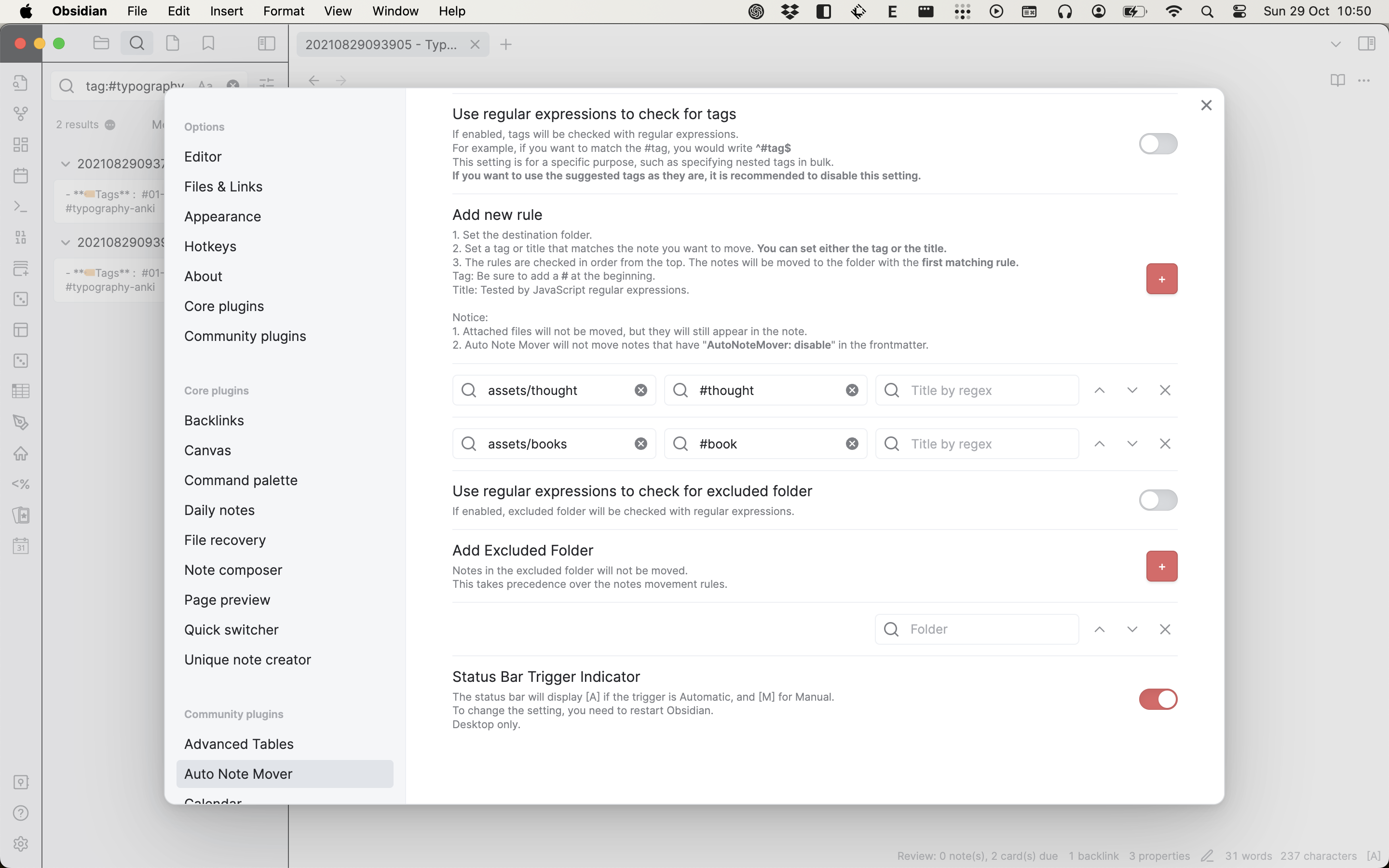
I use Auto Note Mover to auto organize my notes. It's really helpful when you have a lot of notes. Just add tag to your note and it will be moved to the folder you specify
in the plugin settings.
I use DataView plugin to create automatic list. For example, you can use DataView to gather all your ideas in one place. See example. However, the downside of this approach is that the all the links won't be displayed in graph view. So you might consider manual linking if you need that.
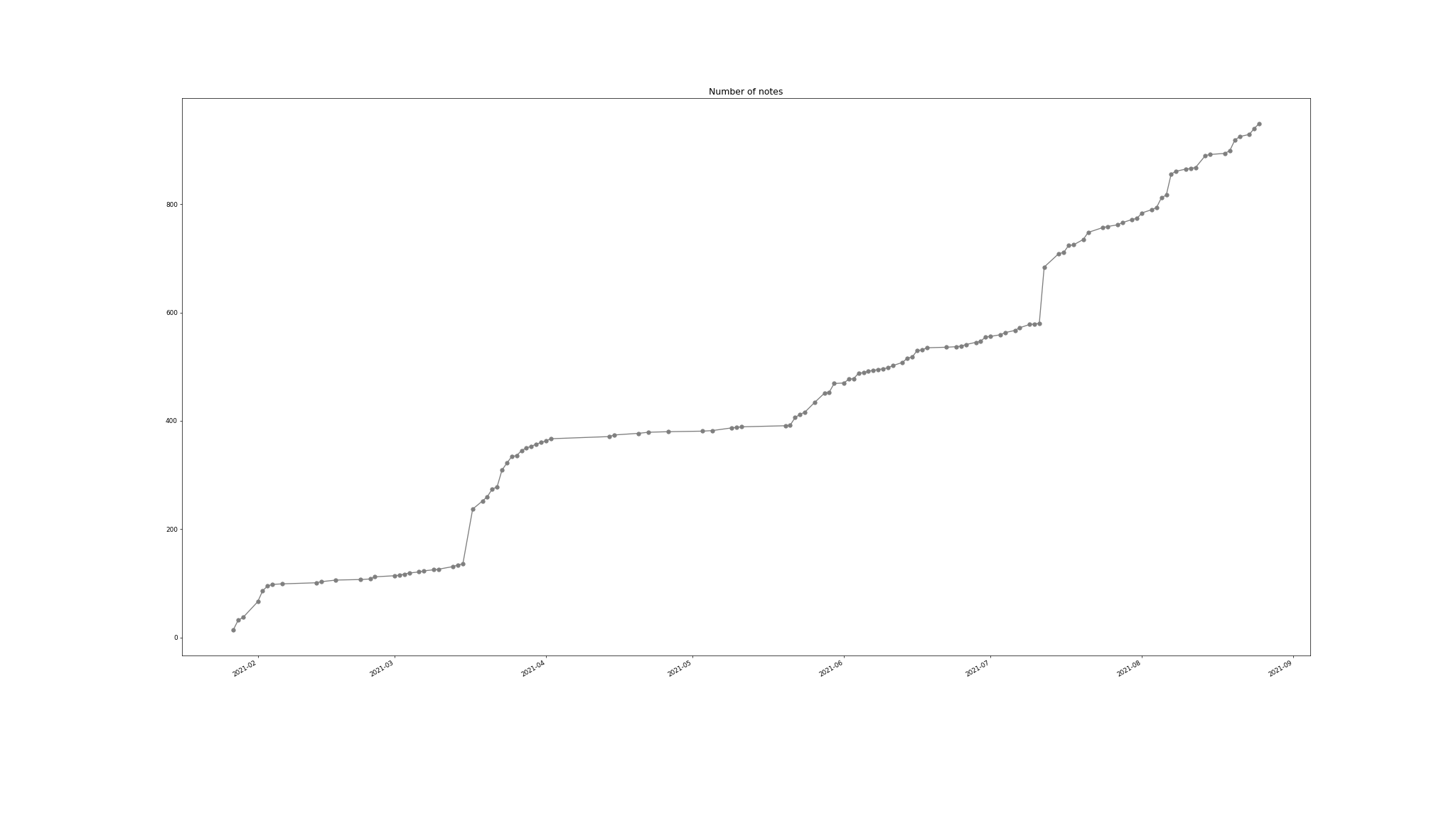
I also provide some script to update your reading stats (how many notes you have taken over time). Everytime you want to update git, just run command:
$ ./update your message without quote here
It will add all the new notes, update note stats, generate a picture of your progress and create new commit with your message. Your stats will look like this:
You may have many documents that you want to read, but not have time to review them yet. You can use Khoj to search and chat with your documents. For example, when I want to read a paper, I will create a note with the paper attached inside the note.
This plugin will automatically fetches the webpage to extract link titles when they're pasted, creating a markdown link with the correct title set.
This plugin will convert to image to webp to save space.
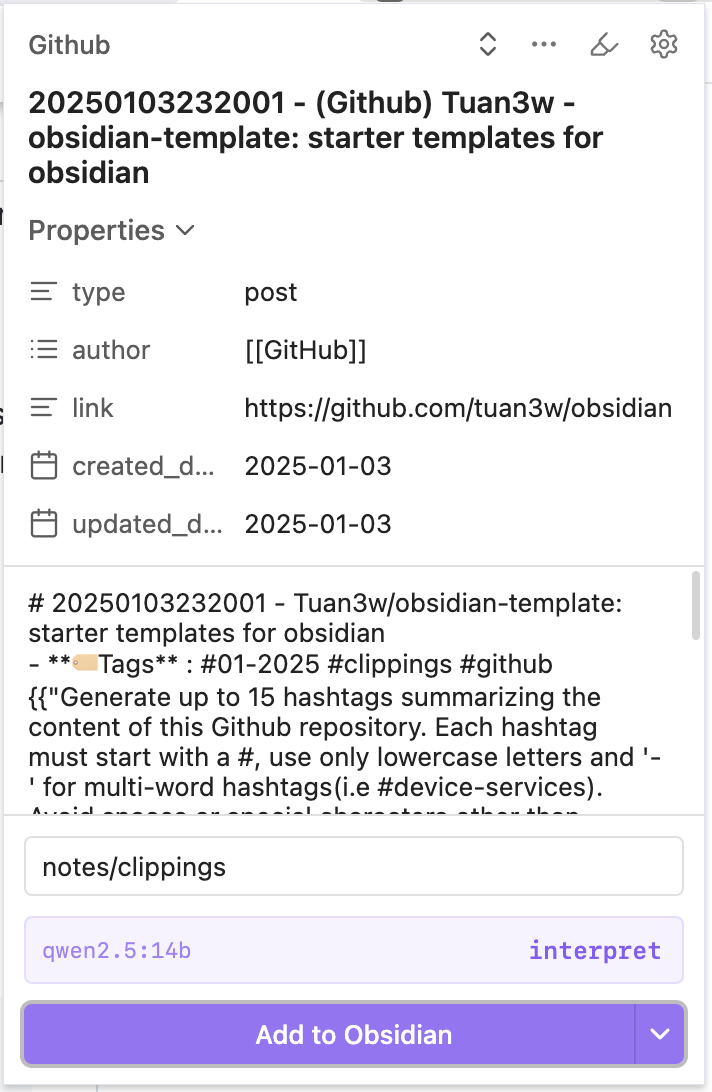
I use several templates to capture web content that I find potentially valuable for later review. These templates are available in the web-clipper folder.
You can import these templates through the Obsidian Web Clipper extension settings. Additionally, you can leverage your preferred LLMs to automatically summarize content and generate relevant hashtags.
If you wanted to know more about Zettelkasten method, I recommend book How to Take Smart Notes: One Simple Technique to Boost Writing, Learning and Thinking – for Students, Academics and Nonfiction Book Writers as a good start.
Happy learning :).
more like this
Open the next door in your Vim journey — personalized command discovery based on your actual usage
MTT File Manager is a Rust-based Windows file manager with tabbed navigation, rich media previews, deep system integrat…
search projects, people, and tags