vim-codelf
(Neo)Vim plugin for searching variable names
 voldikss
git clone https://github.com/voldikss/vim-codelf.gitvoldikss/vim-codelfvim-codelf

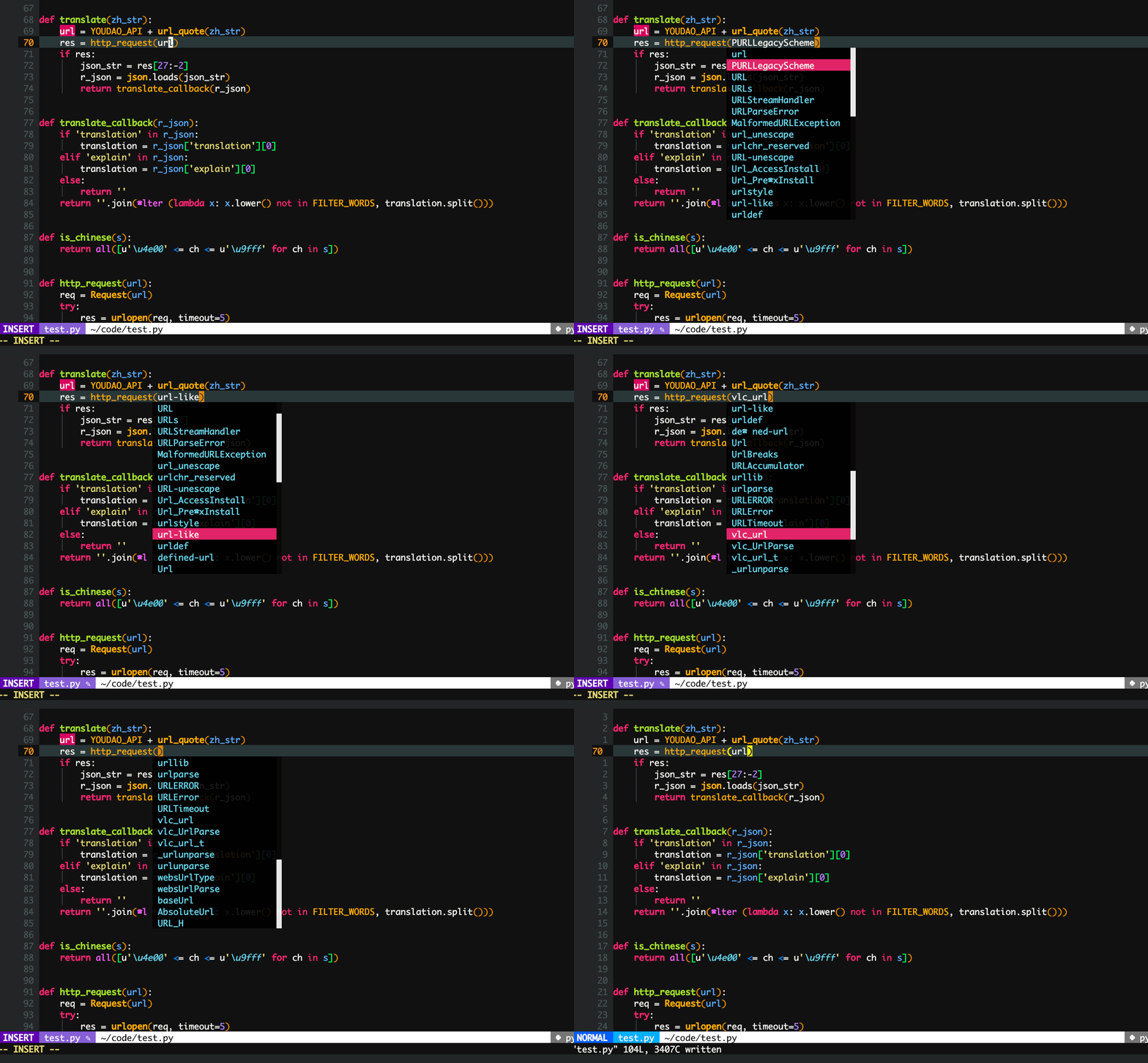
(Neo)Vim plugin for searching useful variable names from CODELF

Install
Plug 'voldikss/vim-codelf'
Keymap
" Example key mappings configuration
inoremap <silent> <F9> <C-R>=codelf#start()<CR>
nnoremap <silent> <F9> :call codelf#start()<CR>
Configuration
g:codelf_enable_popup_menu
If set v:true, the available variable names will displayed in popup menu, which behaviors just like code completion.
Otherwise, they will be displayed in cmdline, prompting the user to select one(like :z=) to replace the word under the cursor.
g:codelf_proxy_url
e.g. let g:codelf_proxy_url=http://127.0.0.1:1081
Commands
:Codelf [word]
Query the word from codelf, return the variable name.
:CodelfOpenBrowser [word]
Go to CODELF for the word. If no word, use the word under the cursor. vim-browser-search supplies the same function.
Statusline
g:codelf_status
Q&As
-
How to stop it from displaying after triggering a codelf query?
If the cursor was moved to another place, the callback function will be disabled.
-
Will it frozen my Vim?
If your (Neo)Vim has
jobfeature, this plugin won't stop your behavior. Otherwise, yes(and this plugin is not recommended in that case).
more like this