agentlytics
Comprehensive analytics dashboard for AI coding agents — Cursor, Windsurf, Claude Code, VS Code Copilot, Zed, Antigravi…
JavaScript★ 555
Restful Admin Dashboard Based on Vue and Boostrap 4
 wxs77577
git clone https://github.com/wxs77577/rest-admin.gitwxs77577/rest-adminAn Powerful Admin Dashboard based on Boostrap-Vue.
Demo: http://rest-admin.genyii.com/ admin admin
Please support me on https://afdian.net/@johnny if you like it. 如果觉得有用请在爱发电上赞助我:https://afdian.net/@johnny
| - | - |
|---|---|
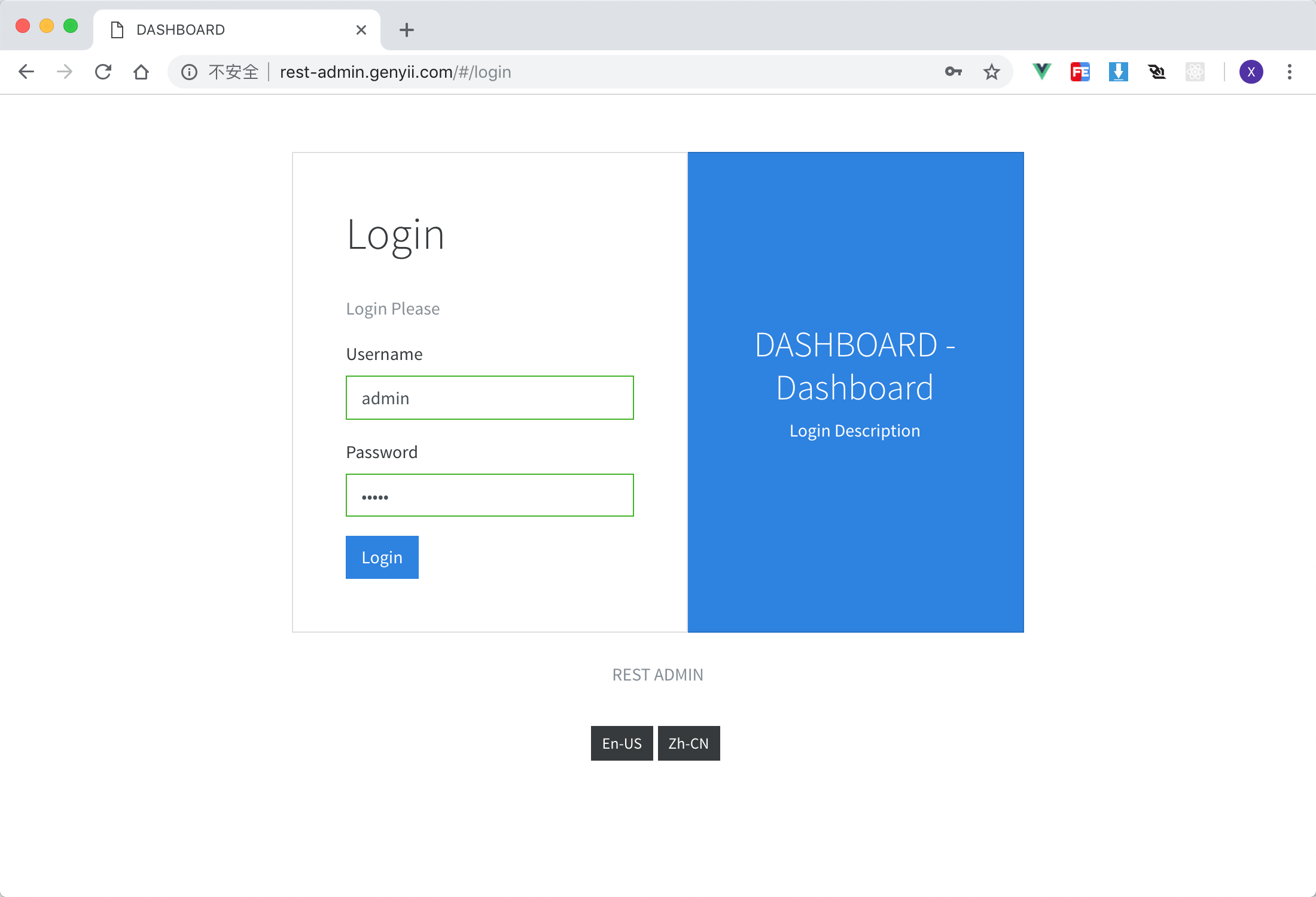 Login Page Login Page |
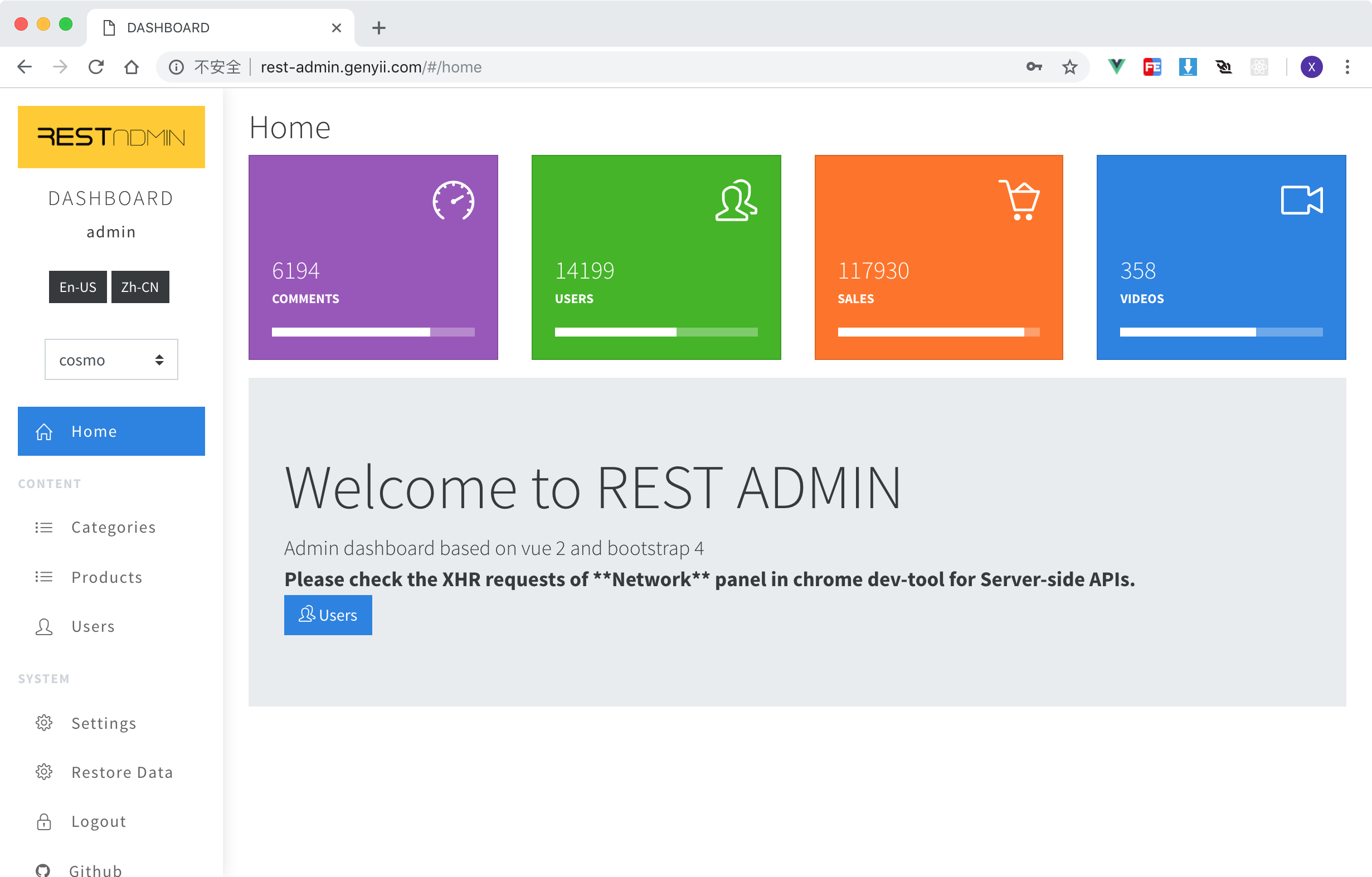 Home page Home page |
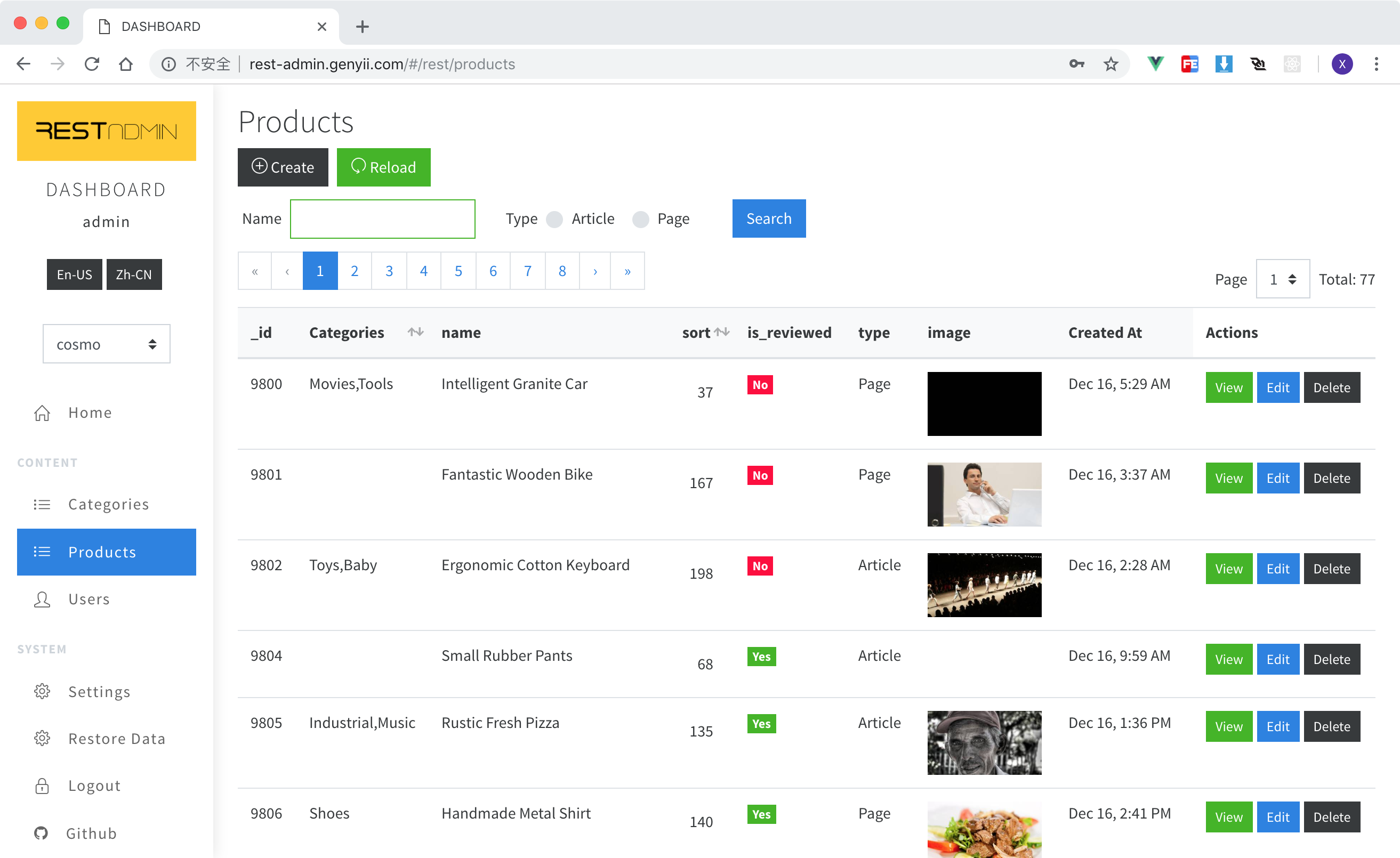 Data Table for posts Data Table for posts |
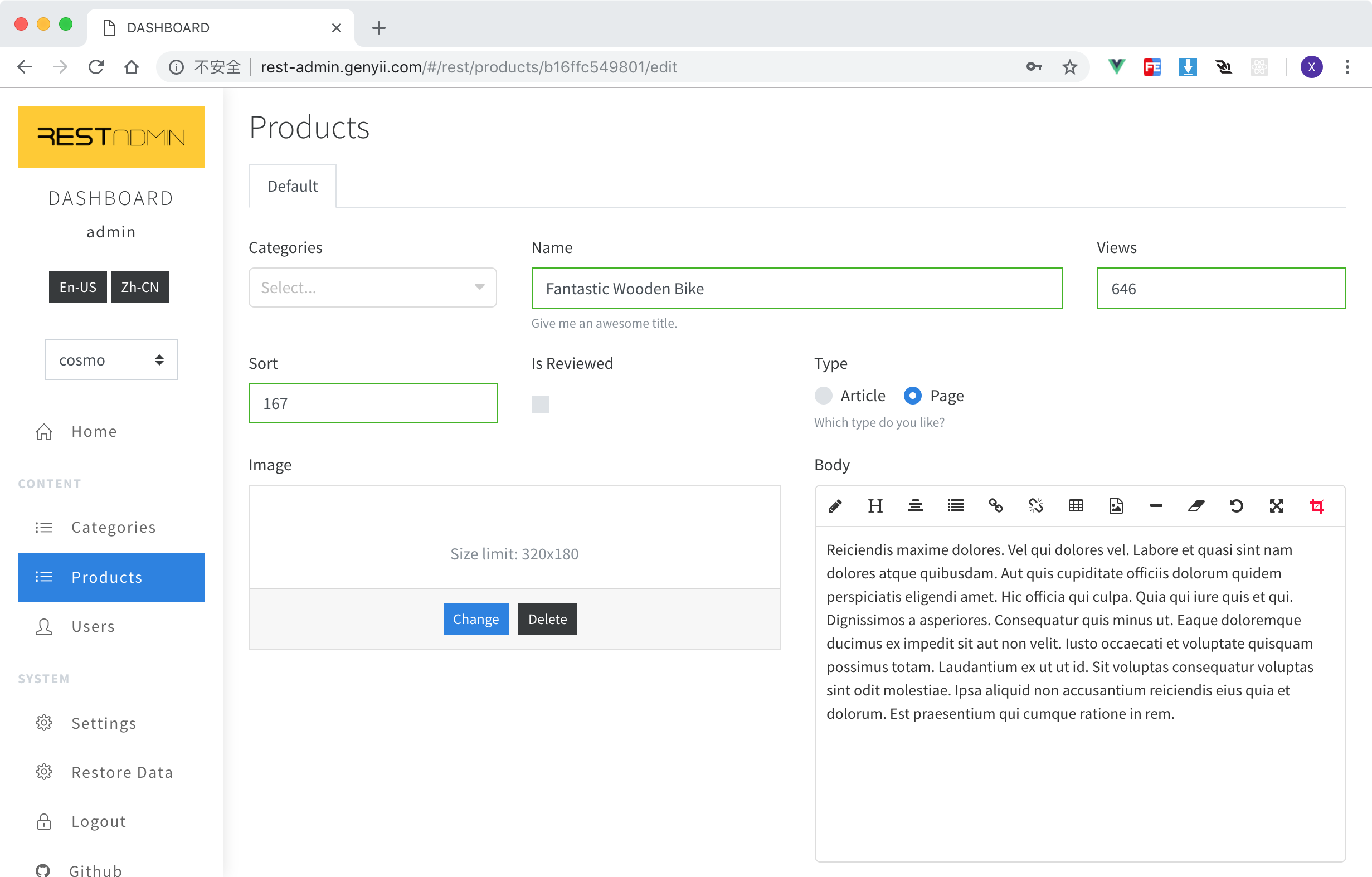 Data Form for post Data Form for post |
 Wechat Group (Search Wechat Wechat Group (Search Wechat johnny77577 to join in) |
 Free Videos Free Videos |
git clone git@github.com:wxs77577/rest-admin.git
cd rest-admin
code . # open with vscode [optional]
npm i # or cnpm i

# start with local test api server
npm run test-api # start test api server
npm run serve # start rest admin client
The default username and password of test-api is
adminandadmin
API_URI=http://localhost:5555/admin/api/ npm run build
Then just copy /dist/admin folder to the anywhere.
There is a built-in restful api based on
expressfor test.
Used in listing tables and editing forms Default PRIMARY_KEY field is
_id, feel free to change it in/src/config.json
Example:
{
  "_id": { "label": "ID" },
  "title": { "label": "Title" },
  "type": {
    "label": "Type",
    "type": "select",
    "options": [
      { "text": "Vue", "value": "vue" },
      { "text": "React", "value": "react" },
      { "text": "Angular", "value": "angular" }
    ]
  },
  "body": { "type": "html", "group": "Detail" },
  "steps": {
    "type": "array",
    "group": "Steps",
    "fields": {
      "name": { "label": "Name" },
      "date": { "label": "date" }
    }
  },

  "_actions": {
    // define table view, it's optional.
    "buttons": {
      // define buttons as `false` to hide in actions colum
      "delete": false,
      "edit": false
    },
    "toolbar": {
      // define actions in top toolbar table view
      "extra": [
        // add extra buttons
        { "to": "/form?uri=vouchers/generate", "label": "Generate Vouchers" } //properties of `<b-button>`
      ]
    }
  }
}
label Title for displaycols column width, total is 12.input_cols column width of input control.group title for tabs in create/edit formstype Field type, accepted values and additional properties for some fields.
select raw html <select> tag from b-select of bootstrap-vue
options e.g. [{ "text": "Label", "value": "1" }]select2 vue-select, like select2 in jQuery
options e.g. [{ "text": "Label", "value": "1" }]tree vue-treeselect
options use text and value instead label and id e.g. [{ "text": "Label", "value": "1", "children": [ { "text": "Item1", "value": "2" } ] }]date vue2-datepicker supports date rangeswitch A iOS-liked switch componenthtml An WYSIWYG html editor from vue-html5-editorarray Array values
fields child fields definationis_table display as a table ?radiolist
options e.g. [{ "text": "Label", "value": "1" }]checkboxlist
options e.g. [{ "text": "Label", "value": "1" }]checkboxfile File uploader
limit define file limit options of size in byets, e.g. { size: 1000000 }image Image file uploader with preview.
limit define file limit options of width height and size in byets, e.g. { "width": 320, "height": 180, size: 1000000 }audio like image
limit define file limit options of size in byets, e.g. { size: 1000000 }video like image
limit define file limit options of size in byets, e.g. { size: 1000000 }textareanumbertextrequiredTips: check
/api/index.js:p
Example Base Api Url: http://localhost:8088/admin/api
/site (url: http://localhost:8088/admin/api/site)Get config data of site
{
  "name": "Site Name",
  "logo": "http://.../logo.png",
  "locale": "en-US", //or zh-CN
  "locale_switcher": false, //hide locale switcher
  "menu": [
    {
      "name": "Home",
      "url": "/",
      "icon": "fa fa-home"
      // for home page
    },
    {
      "name": "Content",
      "title": true
      // display as a delimiter
    },
    {
      "name": "Posts",
      "url": "/rest/posts",
      "icon": "fa fa-list"
      // url format of resource list: /rest/:resourceName
    },
    {
      "name": "Config",
      "url": "/form?uri=site/settings",
      "icon": "fa fa-cogs"
      // a custom form.
    },
    {
      "name": "Logout",
      "url": "/login",
      "icon": "fa fa-lock"
      // for logout
    }
  ]
}
/loginFor admin user login
{
  "username": "admin",
  "password": "admin"
}
{
  "user": {
    "username": "admin",
    ...
  },
  "token": "1o2u3h4oi2u3h4jkashdflsda"
}
or with validation errors
must response
422http status.
{
  "name": "HttpException",
  "message": [{ "field": "password", "message": "Incorrect password." }]
}
/:resourceFetch all records of a resource.
:resource means any resource name. e.g. /users, /posts...
{
  "total": 80,
  "perPage": 10,
  "page": 1,
  "data": [
    {...},
    {...},
    {...},
  ]
}
/:resource/gridFetch grid view config of a resource.
:resource means any resource name. e.g. /users/grid, /posts/grid...
{
  "searchModel": {},
  "searchFields": {
    render a searching form
    ...see Fields Definition...
  },
  "fields": {
    render a table view
    ...see Fields Definition...
  }
}
/:resource/formFetch editing form config of a resource.
:resource means any resource name. e.g. /users/form, /posts/form...
{
  "model": {},
  "fields": {
    render a editing form
    ...see Fields Definition...
  }
}
/:resourcecreate a resource
{
  "_id": "12341234",
  "title": "The New Title",
  ...
}
{
  "_id": "12341234",
  "title": "The New Title",
  ...
}
/:resource/:idupdate a resource
{
  "_id": "12341234",
  "title": "The New Title",
  ...
}
{
  "_id": "12341234",
  "title": "The New Title",
  ...
}
/:resource/:iddelete a resource
{
  "success": true
}
/:resourcedelete all
{
  "success": true
}
To render a custom form, you need to define a
menuitem in/siteapi, or add anextrabutton of toolbar in/:resource/grid.
There are two apis for a custom form:
/site/settings{
"title": "Form Title",
"fields": {
...see Fields Definition...
}
}
/site/settings{
"success": true,
"message": "Well done!", //[optional] will show after form submited.
"redirect": "/" //[optional] auto redirect after form submited, default is back to the last page.
}
Check vu-i18n for detailed documentation.
REST-ADMIN gives built-in support for en-US and zh-CN, you can change translation files in /src/i18n/*.json.
more like this
Comprehensive analytics dashboard for AI coding agents — Cursor, Windsurf, Claude Code, VS Code Copilot, Zed, Antigravi…
an efficient and user friendly OTA server equipped with a powerful WEB UI, designed to effortlessly manage both your ES…
PlexWatch is a Discord bot that provides a real-time dashboard for your Plex media server, featuring active stream moni…
search projects, people, and tags