moxon-frame-generator
simple generator for 3D-printed frames for a moxon rectangle antenna
OpenSCAD★ 50
Self-hosted asset management for 3D printing files, slicer metadata, and printer workflows.
 xiao-villamor
git clone https://github.com/xiao-villamor/PrintStash.gitxiao-villamor/PrintStash
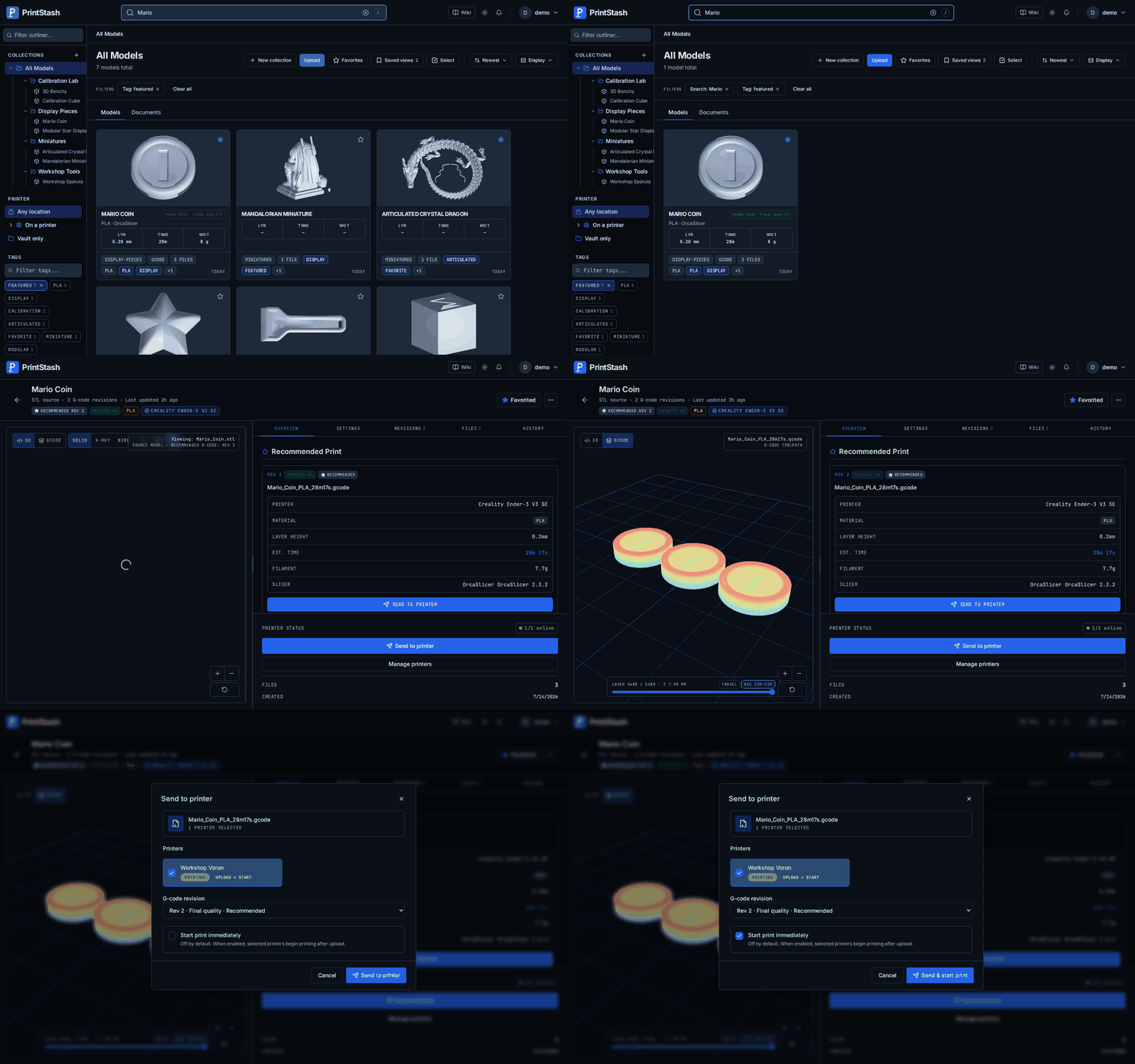
PrintStash is a local-first web app for STL, 3MF, OBJ, and G-code libraries. Upload manually or let OrcaSlicer push new G-code after every slice, then find files by model name, collection, tags, slicer metadata, material, printer, and print history.

Quick Start · Features · Comparison · Wiki / Docs · Limitations · Security
PrintStash is an early open-source, self-hosted project. The current release is usable for local libraries and Moonraker/Klipper workflows, with Docker Compose as the primary install path. SQLite plus local disk is the default; Postgres and S3/R2-compatible storage are optional.
Hardware reports, parser fixtures, install notes, docs fixes, and UX feedback are welcome in Discussions or issues.
Ingest and organize
.zip archives, with per-file selection on extraction.Shared volumes (mirror a folder or NAS)
Preview and inspect
G-code revisions
known_good, needs_test, failed, or archived; exactly one
revision is recommended at a time.Printer workflows
Statistics and cost insights
Users, access, and administration
Backups, portability, and customization
Warning
Run PrintStash only on a trusted self-hosted network. Do not expose it
directly to the public internet. If you need remote access, put it behind a
reverse proxy with TLS and your own authentication, and change
VAULT_JWT_SECRET from its placeholder default first.
See Security.
Requirements: Docker and Docker Compose. Prebuilt images are published for
linux/amd64 and linux/arm64 (Raspberry Pi 4/5, ARM NAS, Apple-silicon VMs).
On ARM, STEP/STP files upload and store but don't get a 3D preview — see
Known Limitations.
A modest host is enough. As a starting point:
| Resource | Minimum | Comfortable |
|---|---|---|
| RAM | 1 GB | 2 GB+ |
| CPU | 1 core | 2+ cores |
| Disk | ~1 GB for images | + room for your library |
SQLite + local disk is the default; thumbnailing large meshes is the most memory-hungry step, so give it 2 GB if you upload big STLs. Storage grows with your library — the files themselves dominate, the database stays small.
The default docker-compose.yml pulls prebuilt images from GHCR — no build step.
git clone https://github.com/xiao-villamor/PrintStash.git
cd PrintStash

cp .env.example .env
# Edit .env and set a strong, random value for VAULT_JWT_SECRET,
# e.g. `openssl rand -hex 32`.

docker compose up -d
For a hardened production setup (API kept internal, frontend bound to localhost behind your own TLS reverse proxy), use the production compose instead:
docker compose -f docker-compose.prod.yml up -d
To build the images from source instead of pulling (contributors), layer the
build overlay: docker compose -f docker-compose.yml -f docker-compose.build.yml up -d --build.
Pin a version for reproducible deploys. The compose files read
PRINTSTASH_VERSION (the image tag); set it in .env and bump it to upgrade:
echo "PRINTSTASH_VERSION=0.9.0" >> .env # pin latest shipped release; omit to track latest
By default the compose files track latest. Pin PRINTSTASH_VERSION when you
want deliberate upgrades. See Upgrading.
Open:
| Service | URL |
|---|---|
| Web UI | http://localhost:3000 |
| API docs | http://localhost:8000/docs |
| Health check | http://localhost:8000/api/v1/health |
On first launch, the web UI creates the first admin account. There is no default username or password.
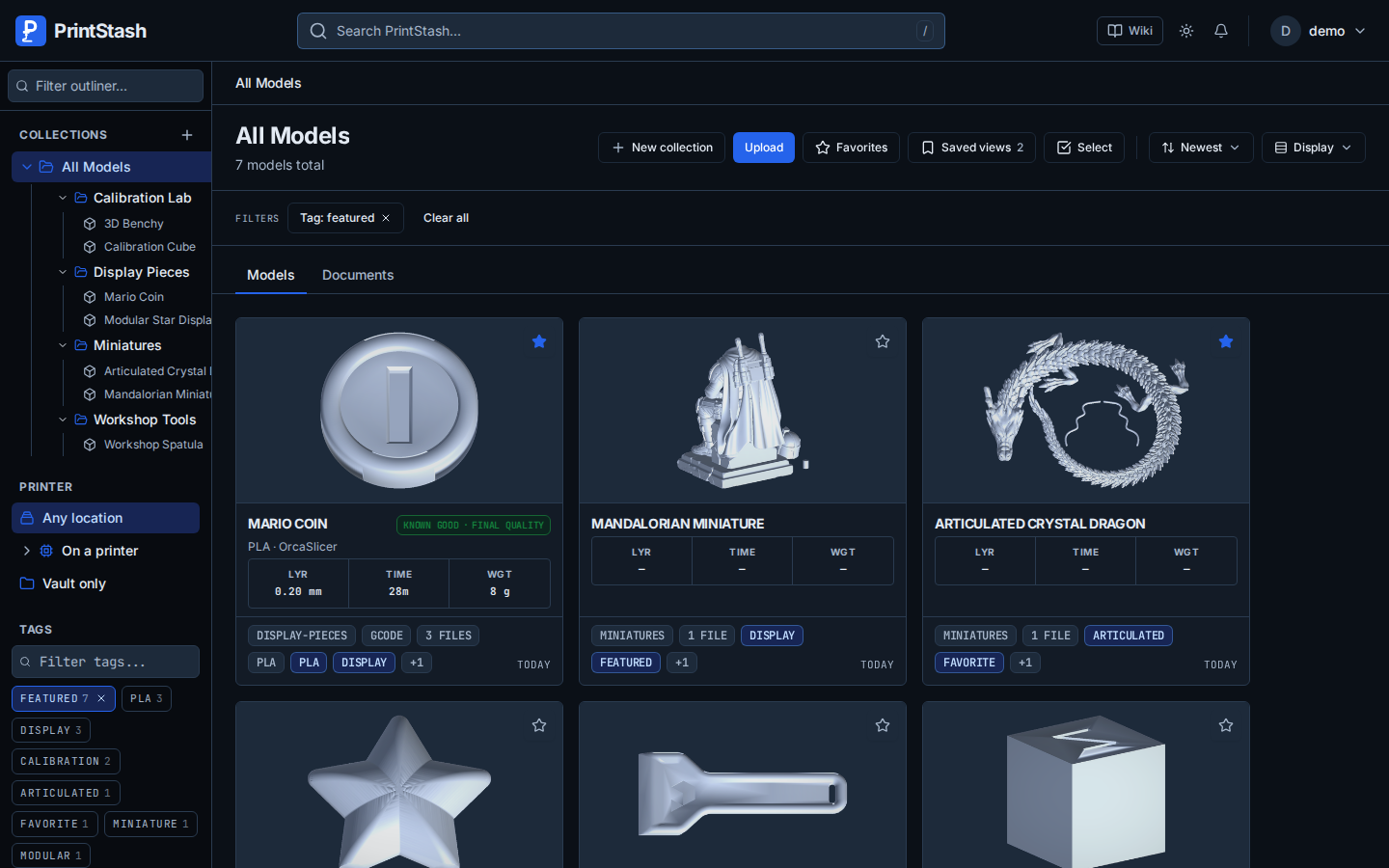
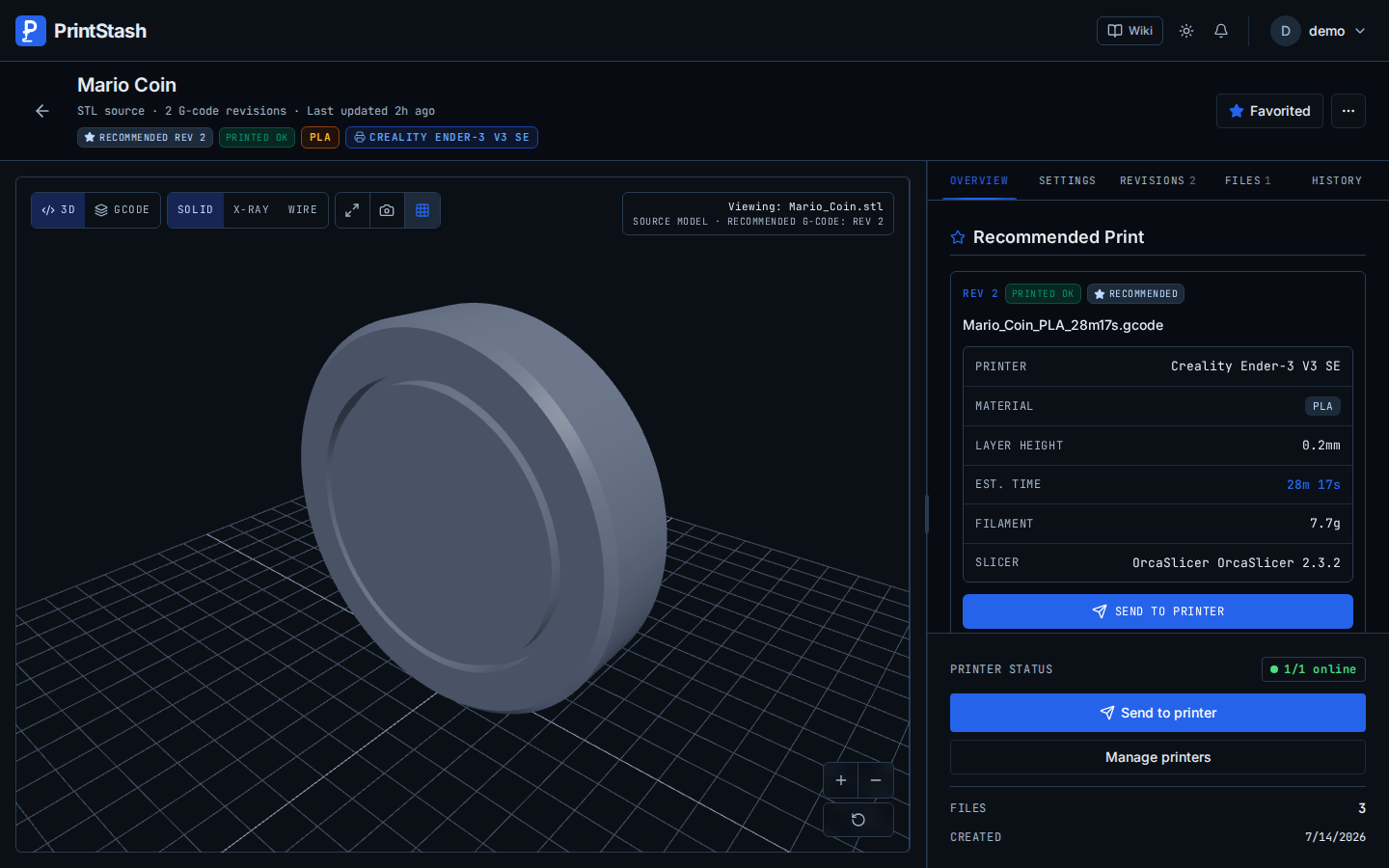
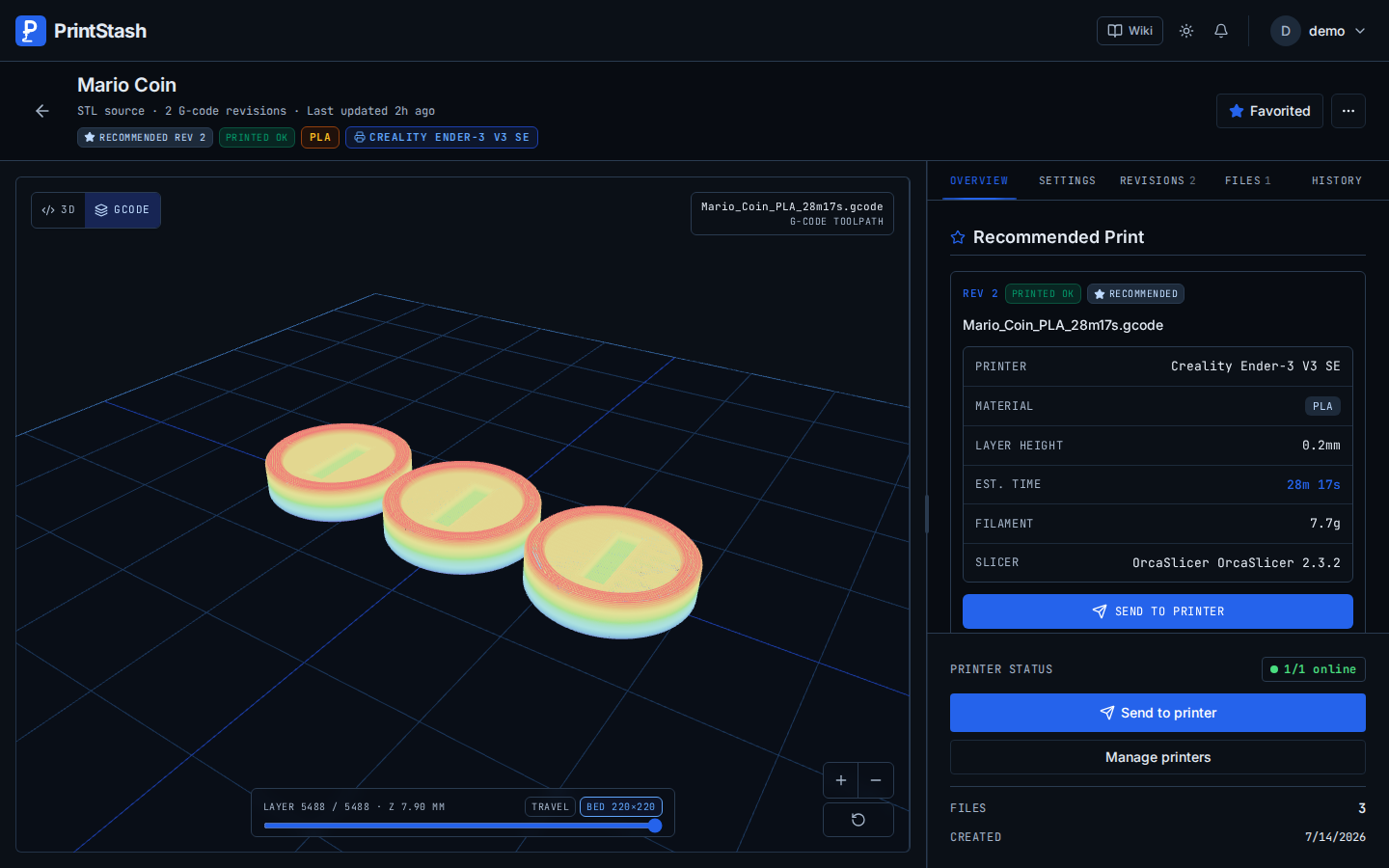
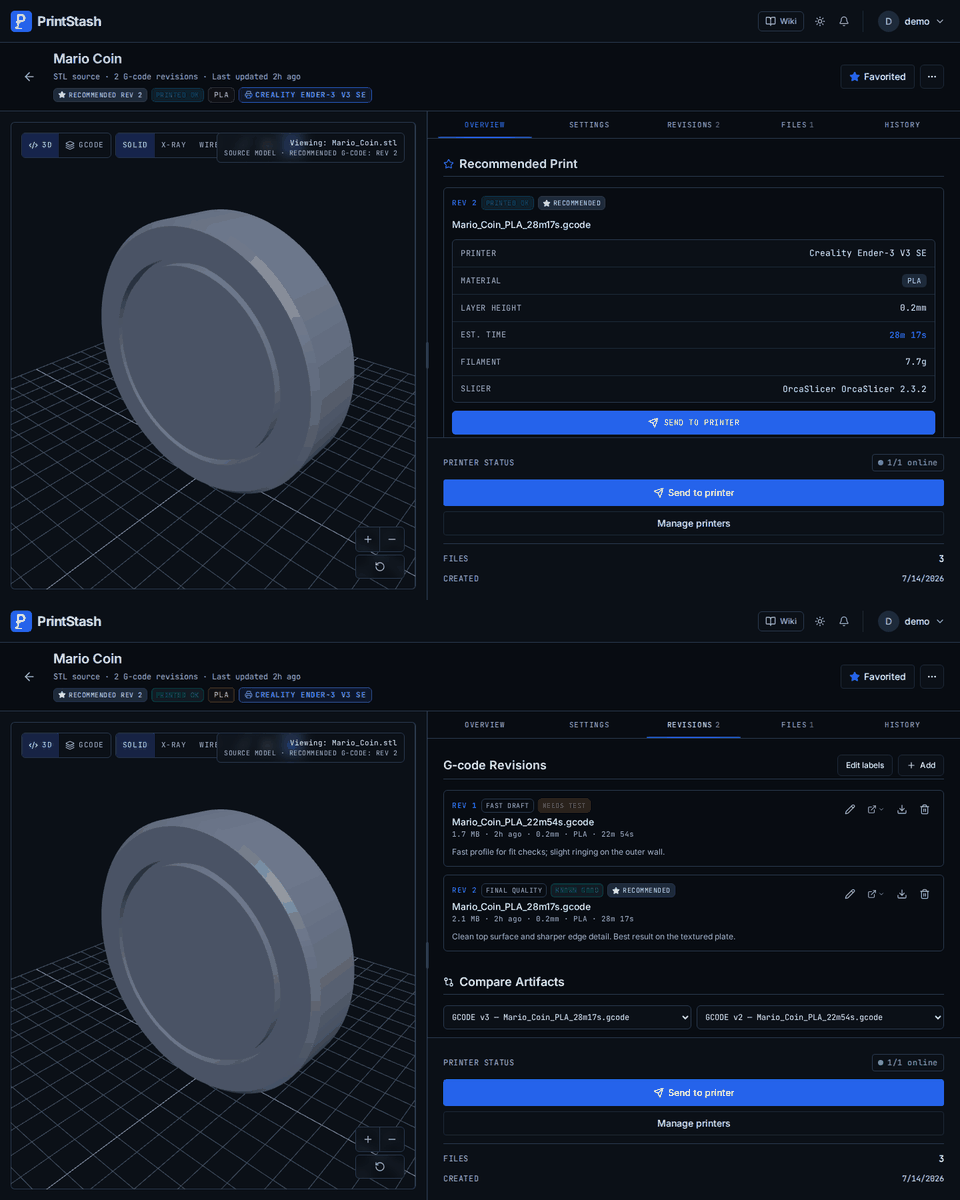
| Vault overview | Model detail | G-code toolpaths |
|---|---|---|
 |
 |
 |
| Artifact comparison | Live printer | Statistics |
|---|---|---|
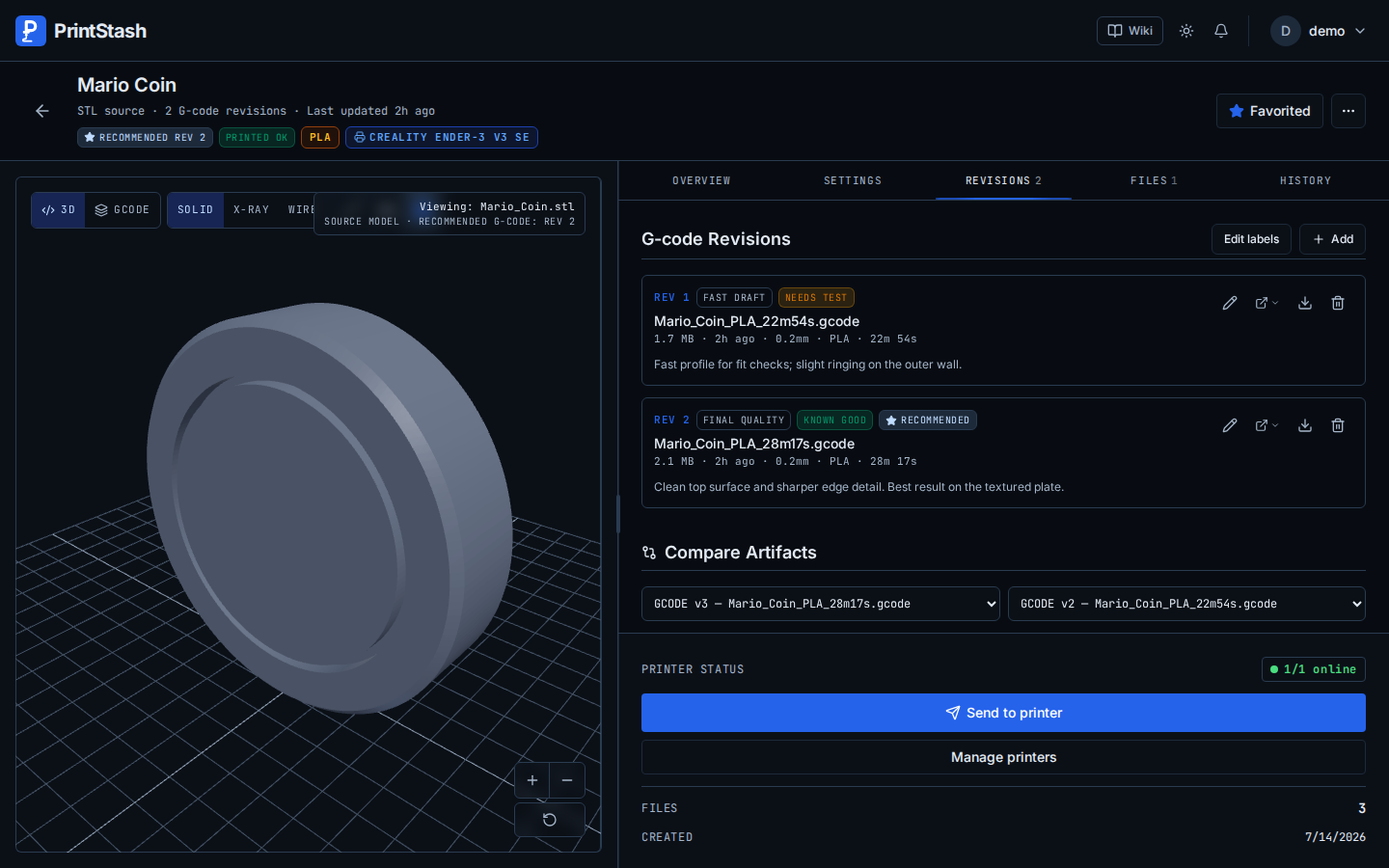 |
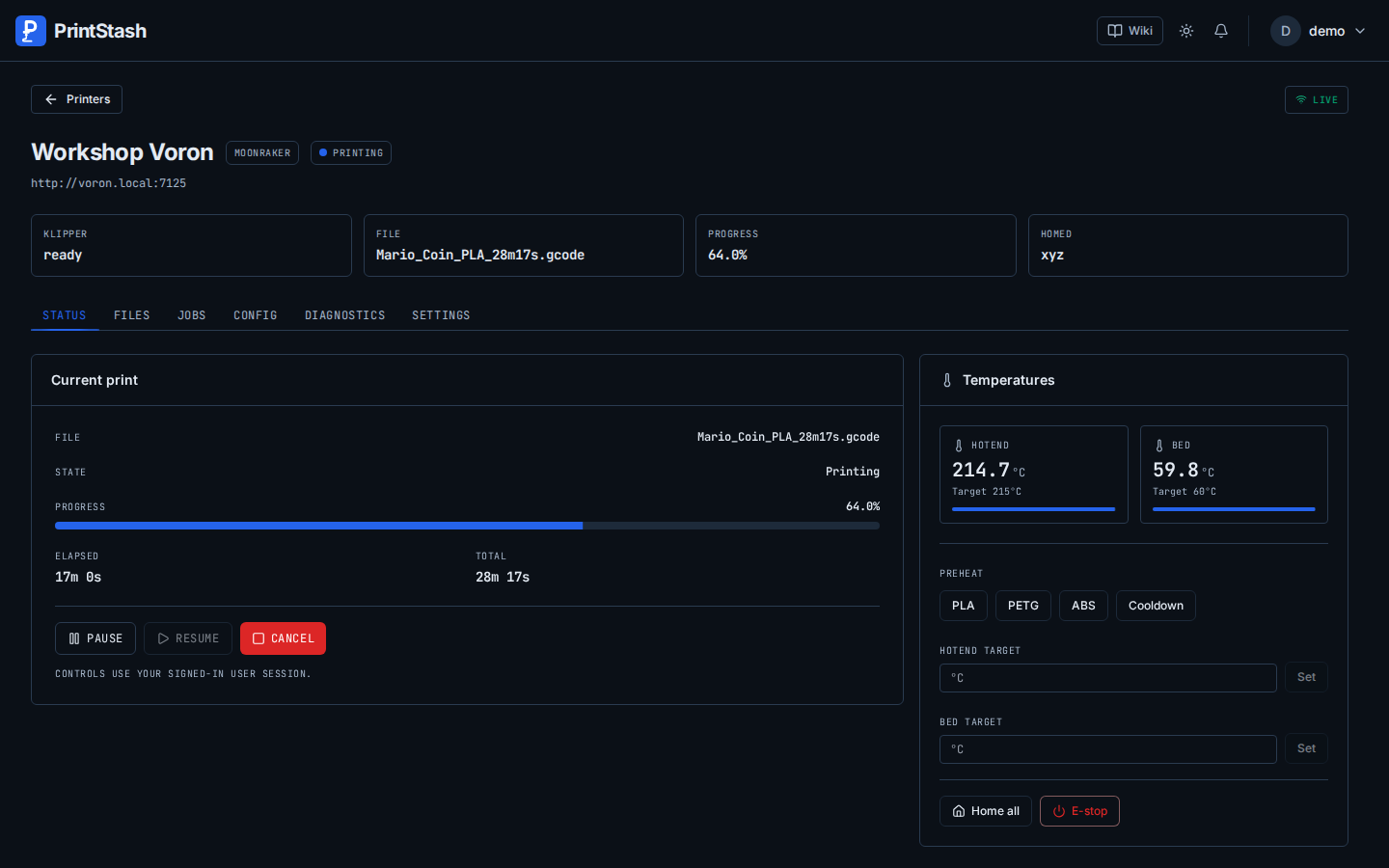 |
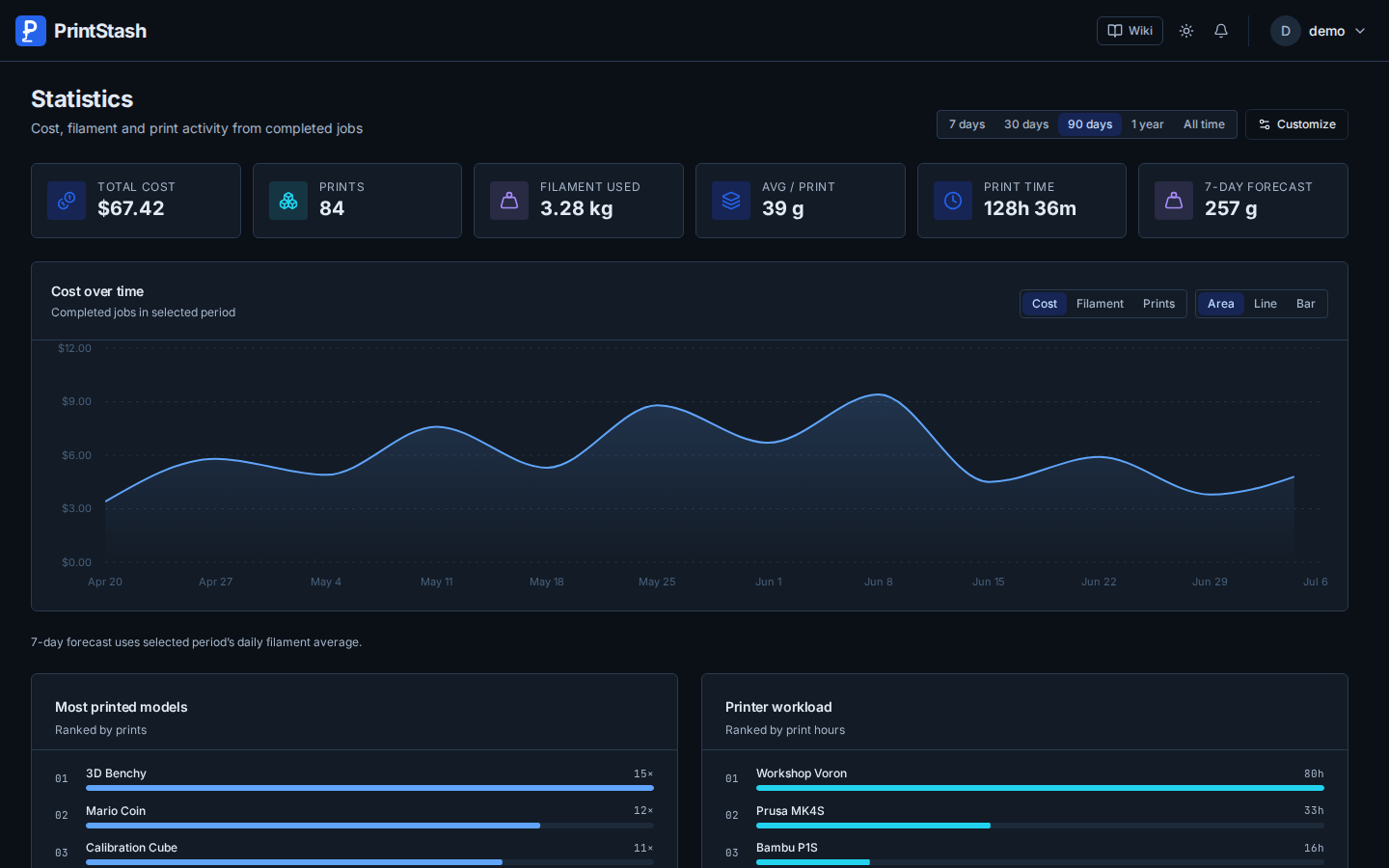 |
| Organize several models | Compare G-code revisions |
|---|---|
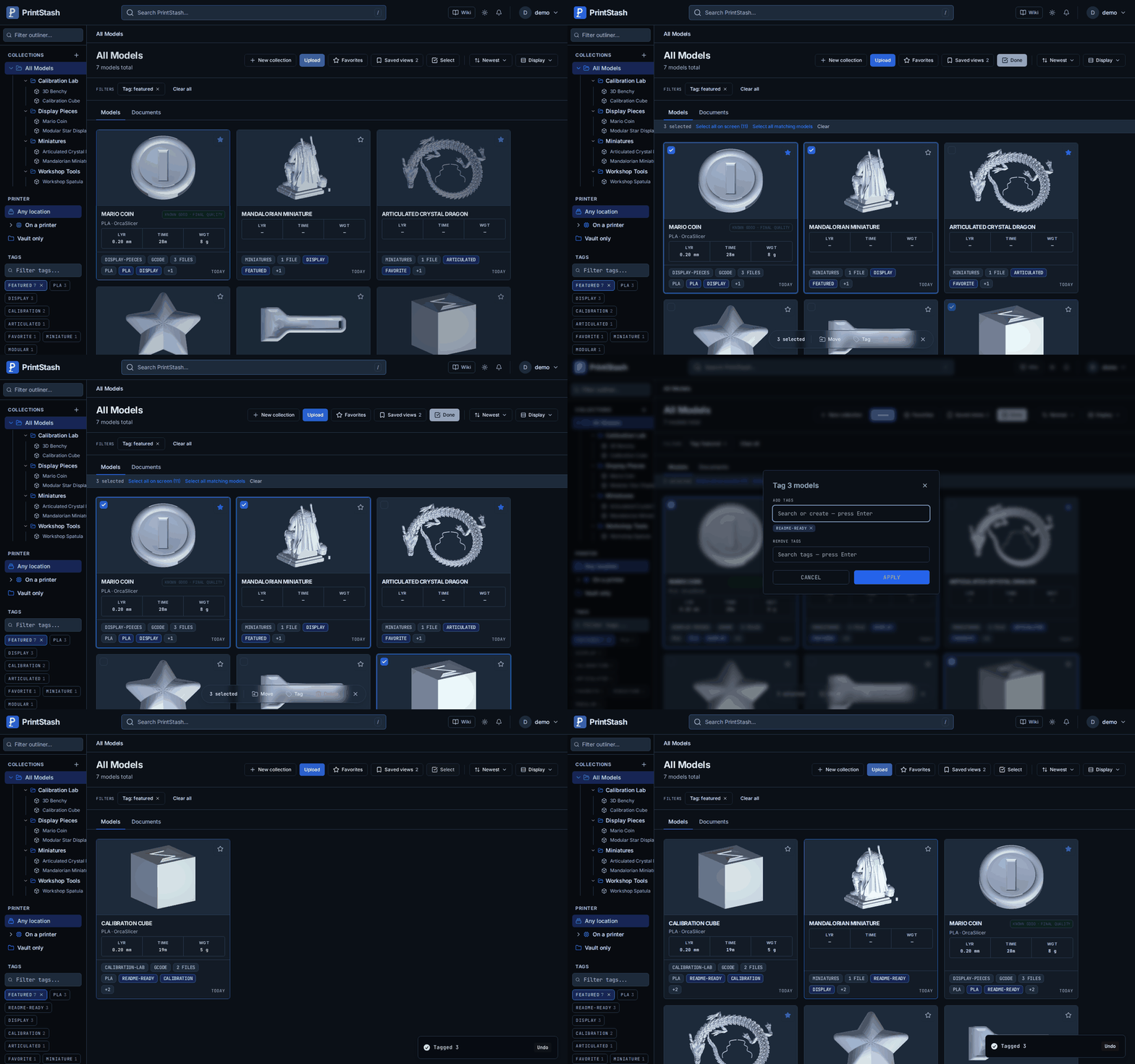 |
 |
PrintStash is a beta self-hosted release. It is useful today, but it is deliberately not a full manufacturing platform. Set expectations accordingly:
linux/amd64 and linux/arm64, but
the OpenCASCADE tessellation dependency ships no Linux ARM wheel, so on ARM
STEP/STP files upload and store without a generated 3D preview. All other file
types and features are identical across architectures.Full detail — including non-goals — lives in docs/known-limitations.md.
Bug reports, hardware notes, docs fixes, and small PRs are welcome. Start with CONTRIBUTING.md. Good first contributions include printer reports, parser fixtures, install notes, and small UI workflow improvements.
Not sure where to start? See community starter issues or open a discussion.
Read SECURITY.md before reporting vulnerabilities.
PrintStash is designed for trusted self-hosted networks; do not expose it
directly to the public internet without a reverse proxy, TLS, and your own
access controls. The production compose (docker-compose.prod.yml) binds only
the frontend to 127.0.0.1; copy-pasteable Caddy / Traefik / nginx examples are
in Reverse proxy with TLS.
PrintStash is licensed under the GNU AGPL-3.0.
more like this
simple generator for 3D-printed frames for a moxon rectangle antenna
GPX 轨迹转 3D 可打印地形模型 | Hiking trail to 3D printable terrain | Electron + Vue。 一款面向户外爱好者与 3D 打印玩家的 Web 工具。将 GPX 徒步/骑行轨迹一键转…
search projects, people, and tags