DailyWallpaperHub
多源壁纸聚合平台 · 自动归档 Bing + Unsplash 精选壁纸 · AI 视觉故事生成 · 企业微信推送 · GitHub Pages 在线画廊
Python★ 50
Gnome-Shell wallpaper changing extension with multiple profile support
 BigE
BigEgit clone https://github.com/BigE/desk-changer.gitBigE/desk-changerDeskChanger is a gnome-shell wallpaper slideshow extension with multiple profile support. The extension allows you to switch profiles on the fly without reloading the extension. The service runner will also stay running when the lock screen is active, allowing wallpaper changes to still happen at specific times or intervals.
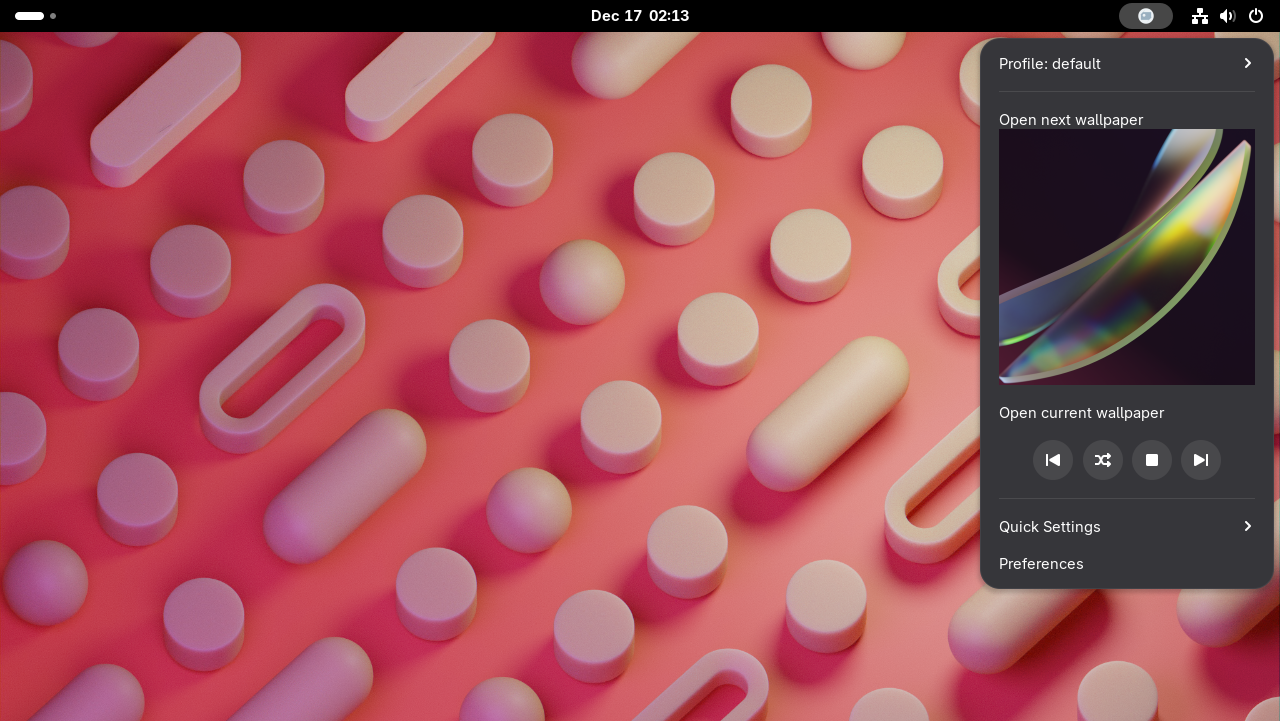
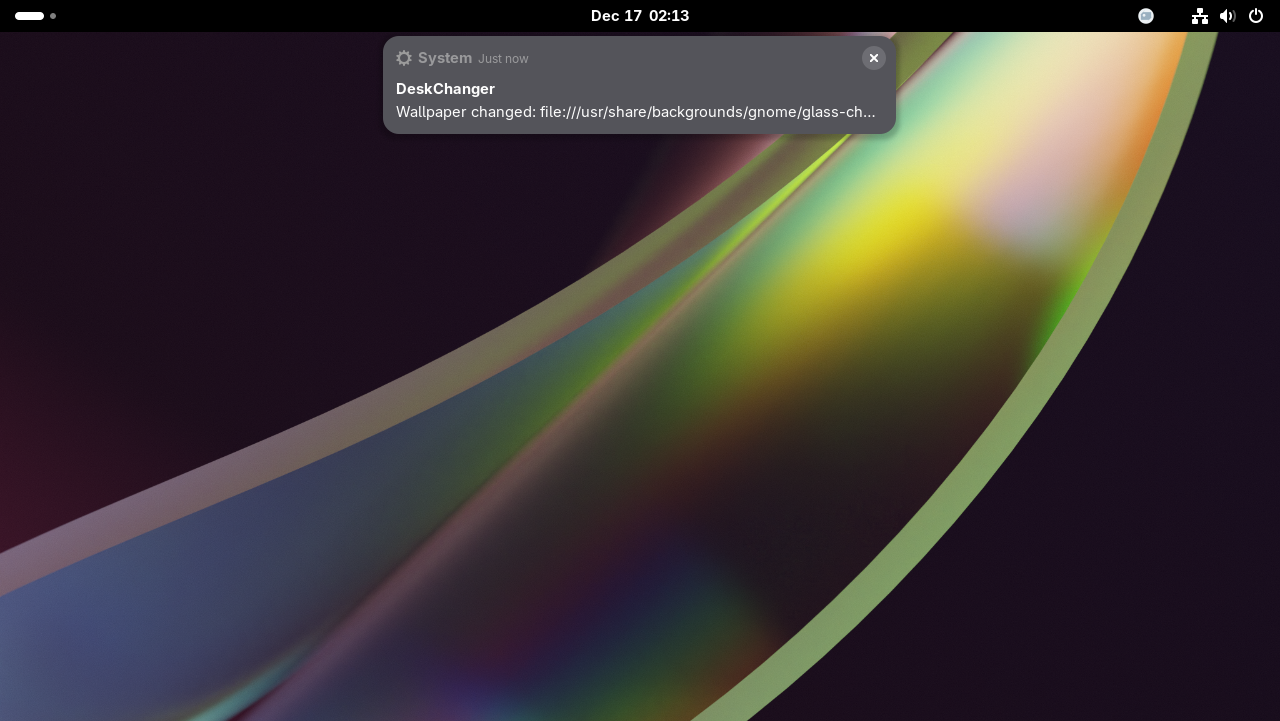
The requirements are for the most recent version of the plugin. Previous releases support older versions of gnome-shell.
gnome-extensions app for installing the zipDownload a release zip file from the releases page which will be named
desk-changer@eric.gach.gmail.com-version-##.zip Do NOT download the Source Code archives as they contain source
code and not the compiled files that are ready to install. Once the file is downloaded, you can use gnome-extensions
app to install the zip.
gnome-extensions install ~/Downloads/desk-changer@eric.gach.gmail.com-version-##.zip
Once the install completes, restart gnome-shell and enable the extension. Use the preferences to add more profiles and
wallpapers. The default profile provided by the extension will recursively load the /usr/share/backgrounds folder with
rotation enabled for every 30 minutes.
To fully remove the extension you can use gnome-extensions with the uninstall option. You do not have to have a copy
of the ZIP file to run this command.
gnome-extensions uninstall desk-changer@eric.gach.gmail.com
This should completely remove the extension and the icon from your gnome-shell panel if the extension was enabled.
The daemon is now part of the extension itself and has no command line interface. The only interface available to the daemon now is the DBus interface.
IMPORTANT - The DBUS Interface has changed since version 36 of the extension
The DBUS Interface name was previously org.gnome.Shell.Extensions.DeskChanger.Daemon since it ran as an external
program separate from the extension. Now everything is part of the extension and there is not an external daemon. This
is reflected in the new name of the service org.gnome.Shell.Extensions.DeskChanger.Service
The DBus interface is available for interaction with the service itself. The interface exposes most of the service runner as well as read only properties for pulling information from the service and current profile. There are also signals available for specific events within the service.
Name: org.gnome.Shell.Extensions.DeskChanger.Service
Path: /org/gnome/Shell/Extensions/DeskChanger/Service
Load(String profile) Loads the specified profile and respective locationsNext() Switches to the next wallpaper, returns the uriPrev() Switches to the previous wallpaper, returns the uriRestart() Automatically issues a Stop/Start, service must be runningStart() Enables automatic rotation and makes the service availableStop() Disables automatic rotation and makes the service unavailable for
use.To view the settings in dconf-editor, just use the GSETTINGS_SCHEMA_DIR= environment variable to open dconf-editor
with the extensions schema available to the editor.
GSETTINGS_SCHEMA_DIR=~/.local/share/gnome-shell/extensions/desk-changer@eric.gach.gmail.com/schemas/ dconf-editor /org/gnome/shell/extensions/desk-changer
This should automatically navigate to /org/gnome/shell/extensions/desk-changer and you will see all of the available
settings for the extension.
more like this
多源壁纸聚合平台 · 自动归档 Bing + Unsplash 精选壁纸 · AI 视觉故事生成 · 企业微信推送 · GitHub Pages 在线画廊
search projects, people, and tags