dotfiles
🎨 Beautiful configs
 jakehamilton
Shell★ 112⑂ 3 forksupdated 4 years ago
git clone https://github.com/jakehamilton/dotfiles.gitjakehamilton/dotfilesREADME.mdfork it — it’s yours
PLUS ULTRA!
Screenshots
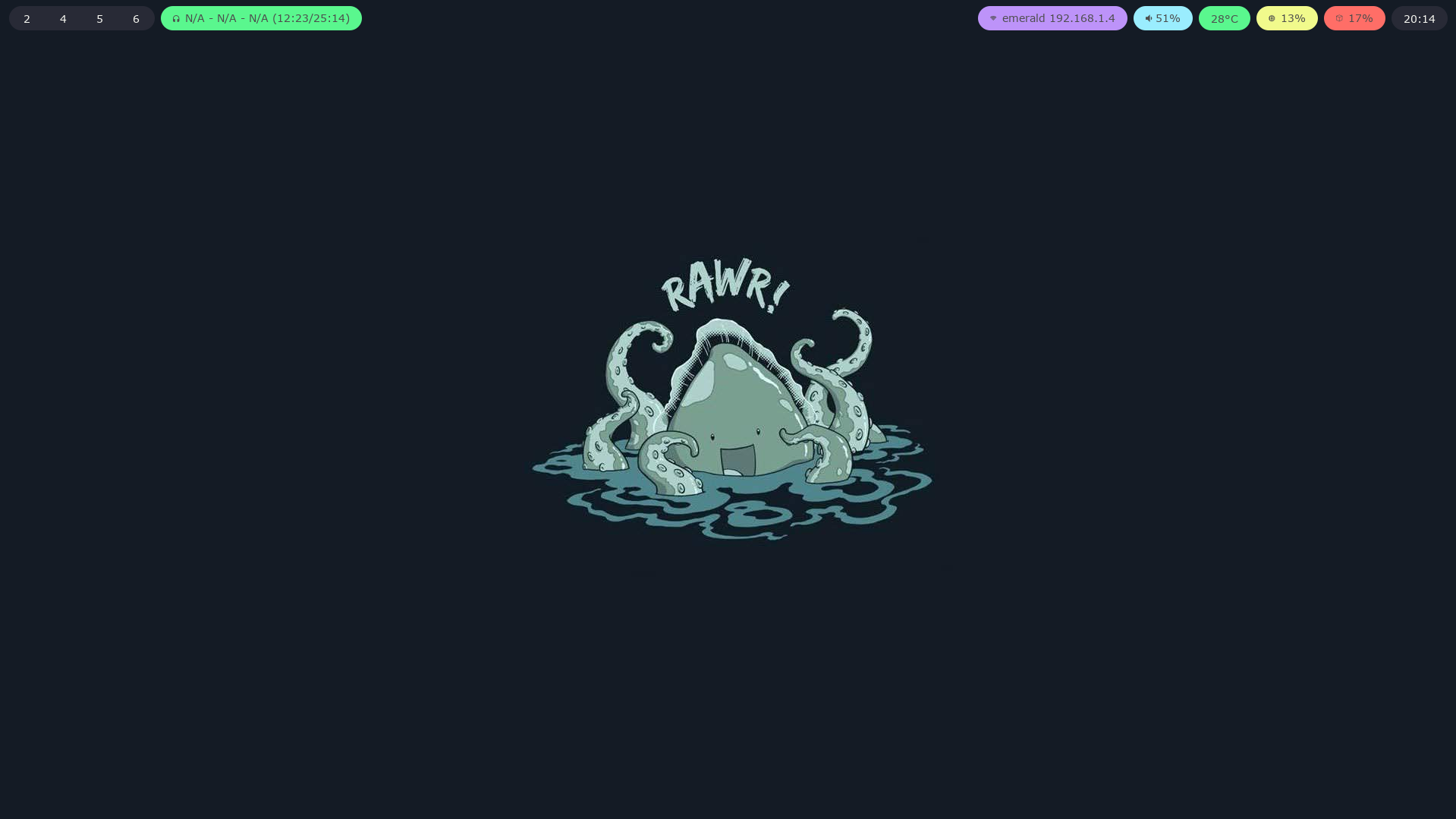
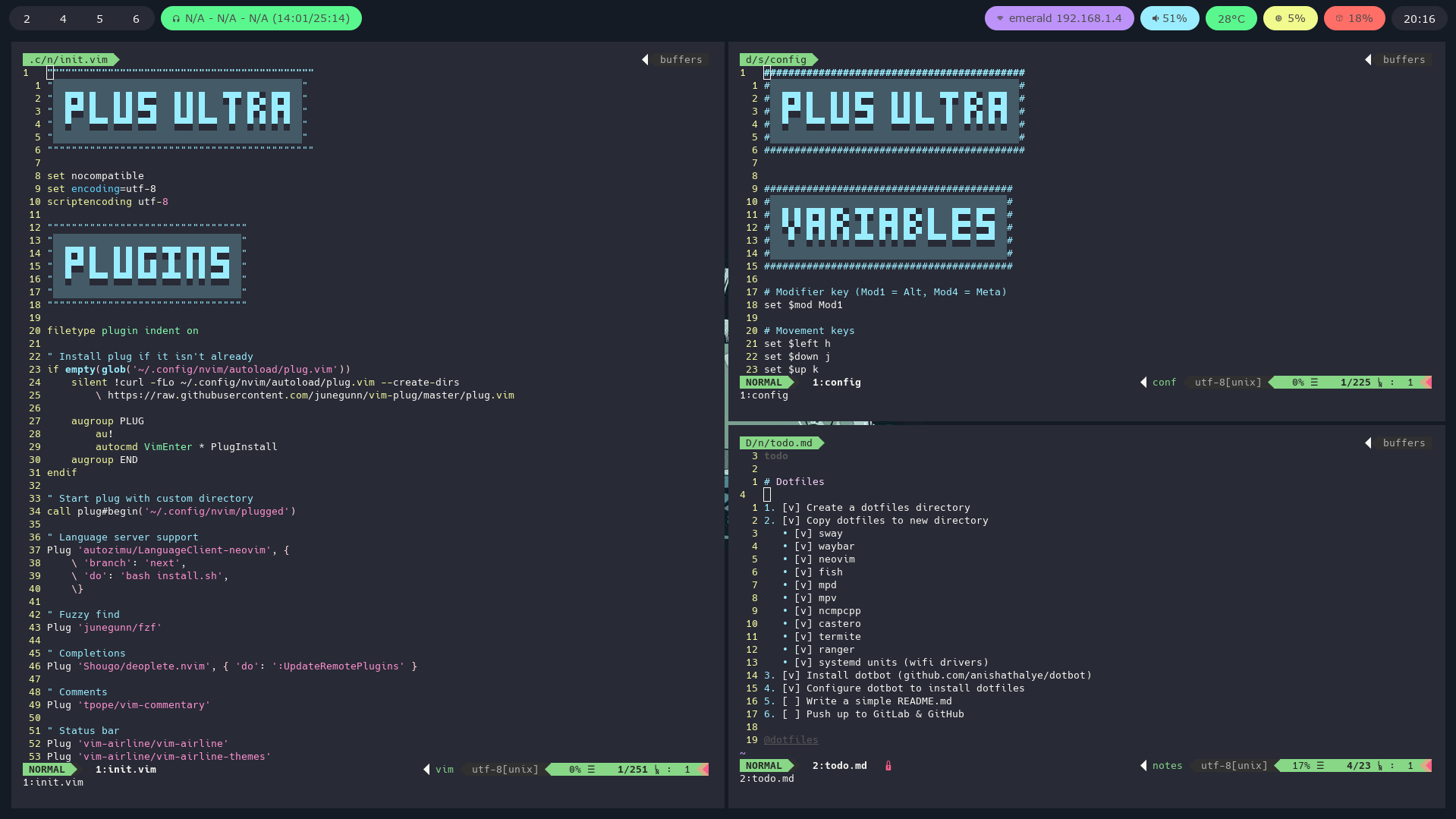
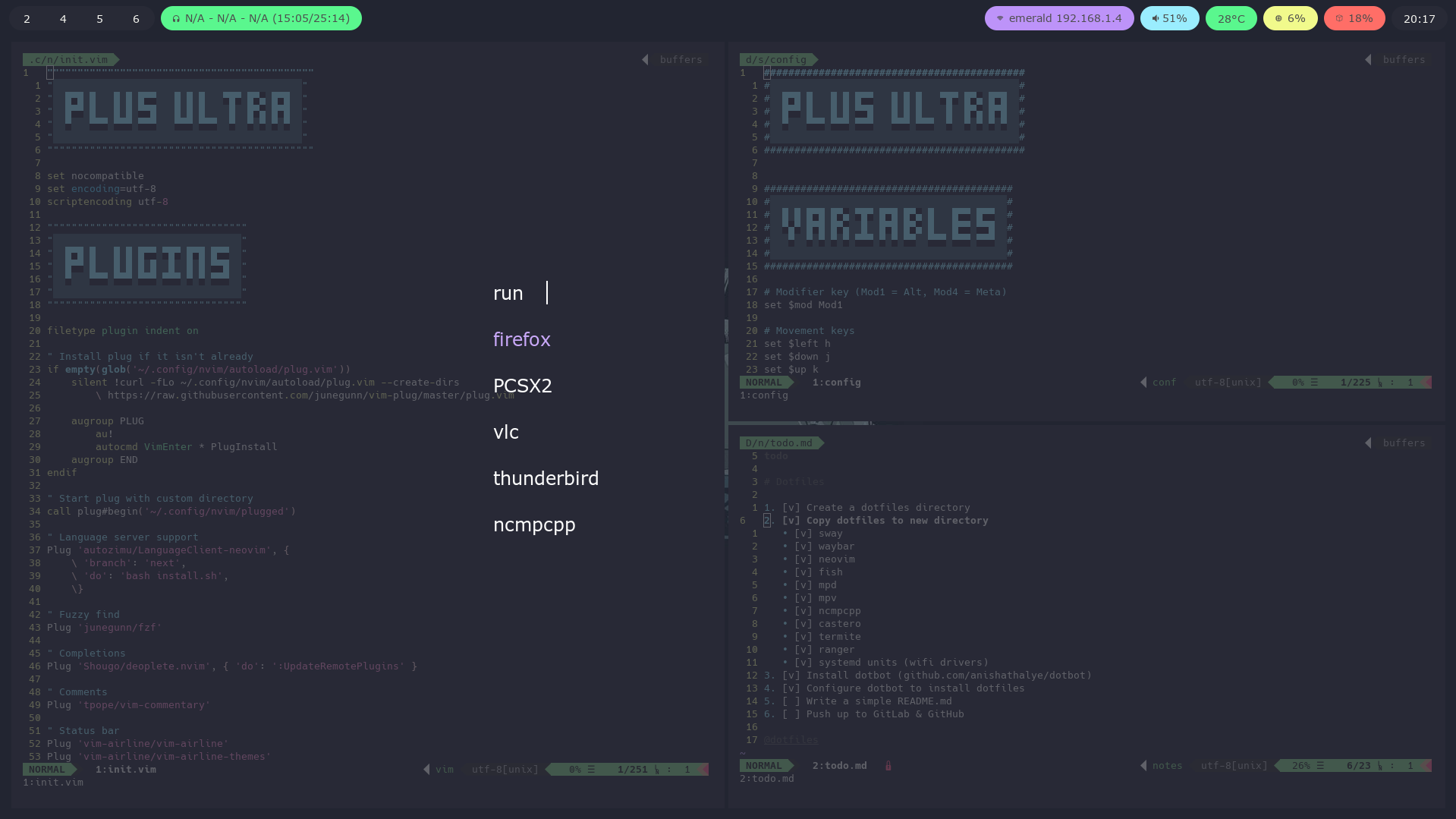
Install
To install these dotfiles, simply clone and then run dotbot.
git clone https://github.com/jakehamilton/dotfiles ~/dotfiles

cd ~/dotfiles

# `sudo` is required to install kernel module configuration
sudo ./install
You'll likely also want to grab the right fonts from Nerd Fonts.
Install (individually)
If you do not want all of these configuration files, you can install the ones you do want manually by either copying them or linking them to their destination.
Install (nix)
Support for nixos and nix-darwin is in the very early stages and isn't fully ready. However, if you want to try it out, you can currently setup your macOS system using nix-darwin.
- Follow the steps to install nix-darwin. If the installer fails, you may need to use an older installer:
 curl -L -o install-nix https://releases.nixos.org/nix/nix-2.3.16/install
 sh install-nix --darwin-use-unencrypted-nix-store-volume
- Enable flake support in your
~/.nixpkgs/darwin-configuration.nixfile. Alternatively, you can probably usenix-shell -p nixFlakesfor the next step.
# A minimal configuration for bootstrapping your system.
{ config, pkgs, ... }:

{
  environment.systemPackages =
    with pkgs;
    [
      vim
      curl
    ];

  # Auto upgrade nix package and the daemon service.
  services.nix-daemon.enable = true;
  nix = {
    package = pkgs.nixFlakes;
    extraOptions = ''
      experimental-features = nix-command flakes
    '';
  };

  # Create /etc/bashrc that loads the nix-darwin environment.
  programs.zsh.enable = true;  # default shell on catalina
  # programs.fish.enable = true;

  # Used for backwards compatibility, please read the changelog before changing.
  # $ darwin-rebuild changelog
  system.stateVersion = 4;
}
- Clone this repository.
git clone https://github.com/jakehamilton/dotfiles ~/dotfiles

cd ~/dotfiles
- Build and switch to your new system.
darwin-rebuild switch --flake .#machine-name

# For example, switch to the machine INTUL18ad4a5fb using:
darwin-rebuild switch --flake .#INTUL18ad4a5fb

# Or, if your hostname matches the machine name:
darwin-rebuild switch --flake .
Copying
For example, to install neovim configuration
mkdir -p ~/.config/nvim

cp ~/dotfiles/neovim/* ~/.config/nvim/
Linking
For example, to install neovim configuration
mkdir -p ~/.config/nvim

ln -s ~/dotfiles/neovim/init.vim ~/.config/nvim/init.vim
more like this
DailyWallpaperHub
多源壁纸聚合平台 · 自动归档 Bing + Unsplash 精选壁纸 · AI 视觉故事生成 · 企业微信推送 · GitHub Pages 在线画廊
Python★ 50
vim-dap
Vim/Neovim debugger plugin providing a terminal interface to the Debug Adapter Protocol
Vim Script★ 50