quickshell-config
A gentle Quickshell config for Hyprland — status bar, app launcher, notification daemon, and theme switcher with 206 th…
QML★ 57
buttery smooth parallax wallpaper daemon for wayland compositors
 sandwichfarm
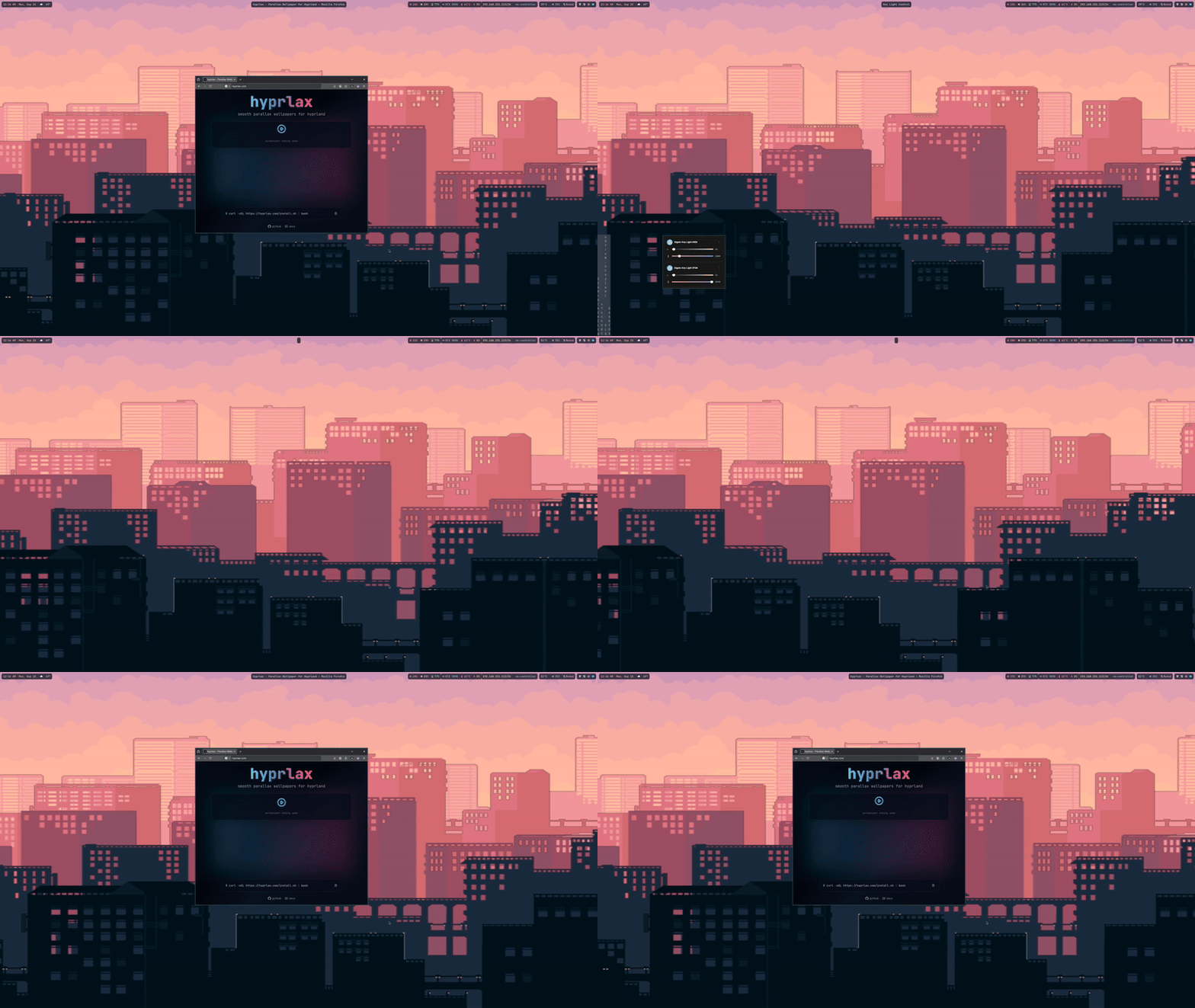
Dynamic parallax wallpaper engine with multi-compositor support for Linux.
| Compositor | Workspace Model | Special Features | Status |
|---|---|---|---|
| Hyprland | Linear workspaces | Full IPC, blur effects, animations | ✅ Full Support |
| Niri | Scrollable workspaces | Smooth scrolling | ⚡ Experimental |
| River | Tag-based system | Tag workspace model | ⚡ Experimental |
| Sway | i3-compatible workspaces | i3 IPC protocol | ⚡ Experimental |
| Generic Wayland | Basic workspaces | Any wlr-layer-shell compositor | ⚡ Experimental |
The easiest (but also least secure) method to install hyprlax is with the one-liner:
curl -sSL https://hyprlax.com/install.sh | bash
The next easiest (and more secure) method is to checkout the source and run the install script:
git clone https://github.com/sandwichfarm/hyprlax.git
cd hyprlax
./install.sh        # Interactive installation (prompts for location)
The installer will prompt you to choose between:
System-wide (/usr/local/bin) - RECOMMENDED
exec-once)User-specific (~/.local/bin)
exec-once commandsYou can also specify the location directly:
./install.sh --system./install.sh --userFull dependency list: installation guide
# Single wallpaper (auto-detects compositor)
hyprlax ~/Pictures/wallpaper.jpg

# Multi-layer parallax
hyprlax --layer background.jpg:0.3:1.0:expo:0:1.0:3.0 \
        --layer foreground.png:1.0:0.7

# Using TOML config
hyprlax --config ~/.config/hyprlax/hyprlax.toml

# Force specific compositor
HYPRLAX_COMPOSITOR=sway hyprlax ~/Pictures/wallpaper.jpg
-s, --shift - Pixels to shift per workspace (default: 150)-d, --duration - Animation duration in seconds (default: 1.0)-e, --easing - Animation curve: linear, sine, expo, elastic, etc.--input - Parallax inputs (e.g., workspace,cursor:0.3)-p, --platform - Platform backend: wayland or auto (default: auto)-C, --compositor - Compositor: hyprland, sway, generic, auto (default: auto)--layer - Add layer: image:shift:opacity[:blur]--config - Load from config fileFull documentation: Configuration Overview
Legacy .conf files are deprecated. Convert once to TOML for full feature support and better validation:
# Interactive (prompts):
hyprlax ctl convert-config ~/.config/hyprlax/parallax.conf ~/.config/hyprlax/hyprlax.toml

# Non-interactive:
hyprlax ctl convert-config ~/.config/hyprlax/parallax.conf ~/.config/hyprlax/hyprlax.toml --yes

# If you start hyprlax with a legacy path, it will warn and print a suggested convert command
hyprlax --config ~/.config/hyprlax/parallax.conf
Important: For
exec-oncecommands to work, hyprlax must be installed system-wide (/usr/local/bin). If installed to~/.local/bin, use the full path:~/.local/bin/hyprlax
Add to ~/.config/hypr/hyprland.conf:
exec-once = pkill hyprlax; hyprlax ~/Pictures/wallpaper.jpg

# If installed to ~/.local/bin:
# exec-once = pkill hyprlax; ~/.local/bin/hyprlax ~/Pictures/wallpaper.jpg
Add to ~/.config/sway/config or ~/.config/i3/config:
exec_always pkill hyprlax; hyprlax ~/Pictures/wallpaper.jpg
Add to your River init script:
riverctl spawn "pkill hyprlax; hyprlax ~/Pictures/wallpaper.jpg"
See Compatibility for specifics.
Control layers and settings at runtime using the integrated ctl subcommand:
Tip: add -j or --json after ctl to get JSON output for any command. For status and list, this enables server-side structured JSON; for others, the client returns a simple wrapper like { "ok": true/false, "output"|"error": ... }.
# Add a new layer
hyprlax ctl add /path/to/image.png 1.5 0.8 10

# Modify layer properties
# Note: x and y are UV pan offsets (normalized texture coordinates)
# Typical range is -0.10 .. 0.10 (1.00 = full texture width/height)
hyprlax ctl modify 1 opacity 0.5
hyprlax ctl modify 1 x 0.05
hyprlax ctl modify 1 y -0.02

# Remove a layer
hyprlax ctl remove 1

# List all layers
hyprlax ctl list

# Clear all layers
hyprlax ctl clear
# Change FPS (canonical key; alias `fps` also works)
hyprlax ctl set render.fps 120

# Change animation duration / easing (aliases: duration/easing)
hyprlax ctl set animation.duration 2.0
hyprlax ctl set animation.easing elastic

# Query current settings
hyprlax ctl get render.fps
hyprlax ctl get animation.duration

# Get daemon status
hyprlax ctl status
Full guide: IPC Overview and IPC Commands
Installation - Detailed installation instructions
Configuration - All configuration options
Environment Variables - ENV mapping and precedence
Compatibility - Compositor-specific features
Multi-Layer Parallax - Creating depth with layers
Animation - Easing functions and timing
Examples - Ready-to-run scenes
Performance - Optimization tips
Troubleshooting - Common issues and solutions
See CHANGELOG.md for a detailed list of changes in each release.
hyprlax uses a modular architecture with clear separation of concerns:
See Architecture Documentation for details.
hyprlax uses the Check framework for unit testing. Tests cover core functionality including animations, configuration parsing, IPC, shaders, and more.
# Run all tests
make test

# Run tests with memory leak detection
make memcheck

# Run individual test suites
./tests/test_blur
./tests/test_config
./tests/test_animation
# Run linter to check for issues
make lint

# Auto-fix formatting issues
make lint-fix

# Setup git hooks for automatic pre-commit checks
./scripts/setup-hooks.sh
Pull requests are welcome! Please read RELEASE.md for the release process.
See Development Guide for:
MIT
more like this
A gentle Quickshell config for Hyprland — status bar, app launcher, notification daemon, and theme switcher with 206 th…
New Dotfiles for my niri config, future updates will be there, just open an issue
search projects, people, and tags